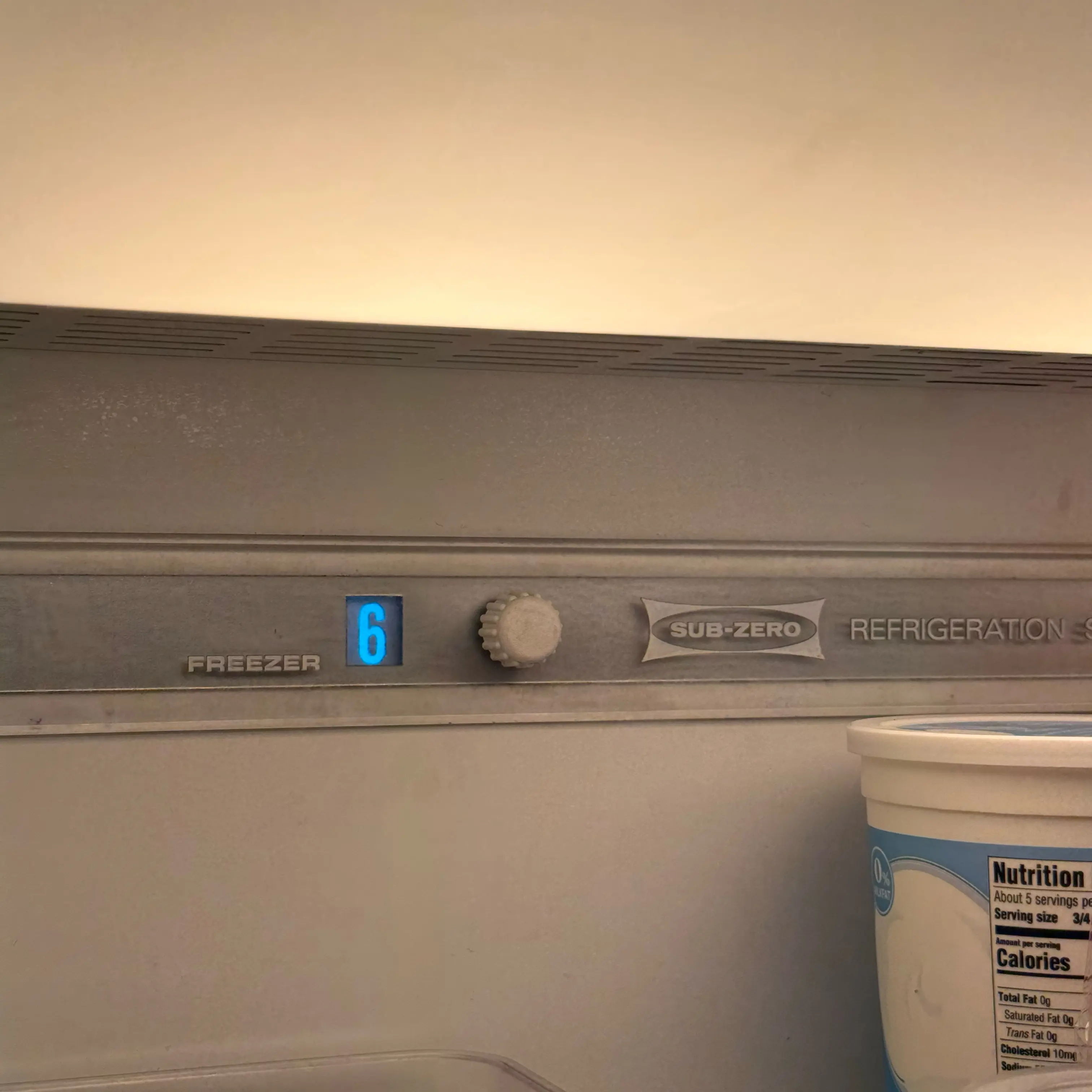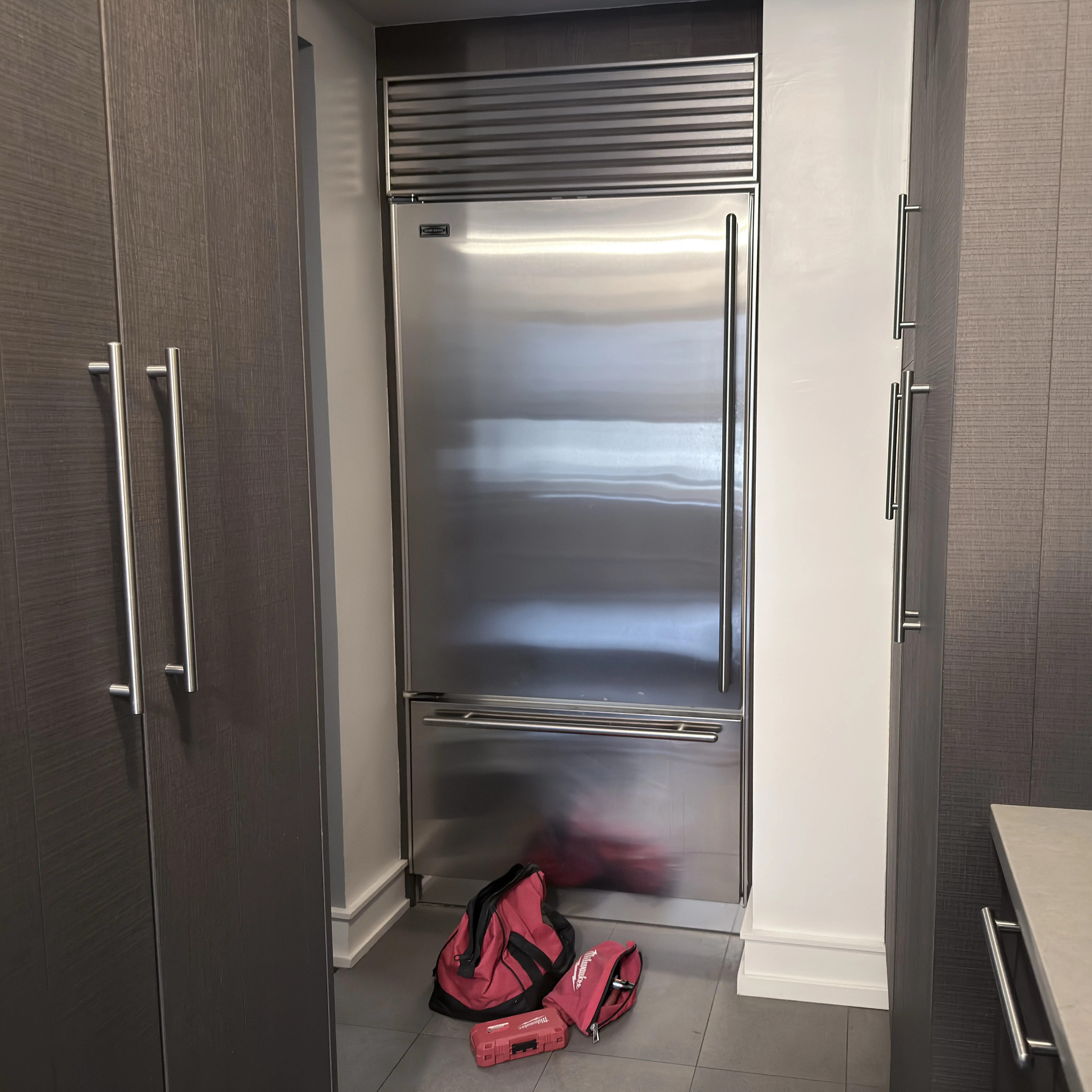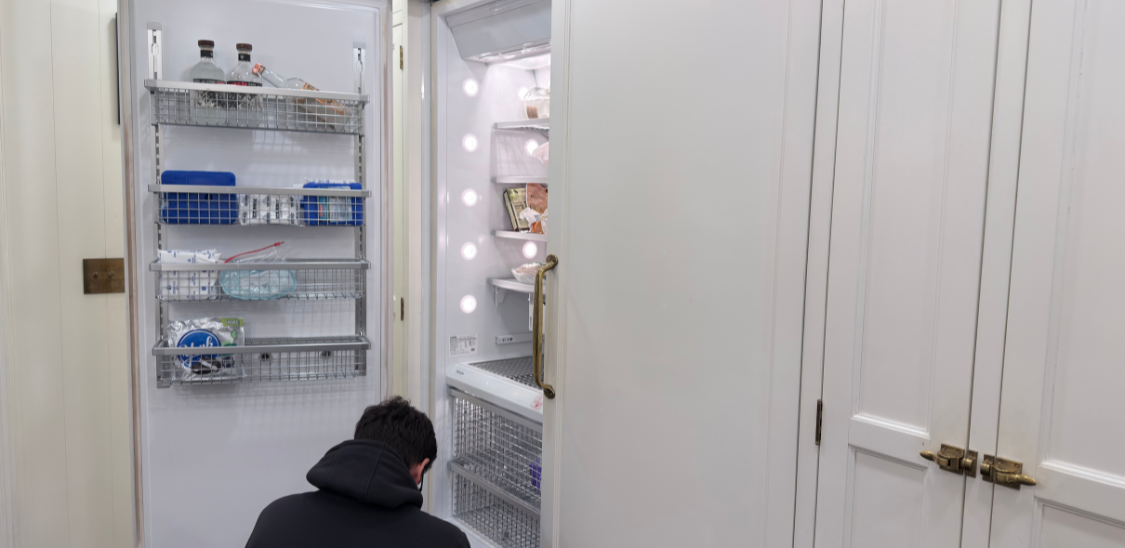


Measure the Thermador refrigerator and freezer temperatures instead of trusting the setpoint alone. Identify whether the refrigerator and freezer are compartments of one appliance or separate paired columns. A cold neighboring freezer does not prove that a refrigerator column is cooling. For a combined appliance, the exact E-Nr’s cooling layout determines how a warm fresh-food section and cold freezer should be interpreted; airflow, door sealing, frost, and fan distribution still need confirmation. If both are warming, diagnosis must assess each affected cooling system, its heat rejection, compressor command, control response, and sealed-system performance. Verify the mode, door closure, and visible vents. Protect food immediately if the refrigerator is above 40°F or the freezer is thawing.
What the temperature pattern points to
- Fresh-food section warm, freezer still cold: First identify whether these are compartments of one appliance or separate refrigerator and freezer columns. A cold freezer column does not establish cooling in its neighboring refrigerator column. For a combined appliance, diagnosis must confirm the exact E-Nr’s cooling layout before assuming cold air is shared. Check for blocked interior vents, a door that is not fully sealing, visible frost or condensation, and unusual fan noise. Diagnosis should separate air movement, door/panel sealing, any model-applicable damper or duct behavior, defrost, sensor response, and the warm unit’s own cooling performance.
- Both refrigerator and freezer are warm: Treat this as a broader cooling problem. Check the actual temperatures, whether the display and lights are on, whether a recent power event occurred, and whether the accessible grille area is blocked. Diagnosis should separate condenser airflow, compressor command, inverter/control behavior, and sealed-system performance.
- Display looks correct but food is warm: The setpoint is not the same thing as measured cabinet temperature. Put an appliance thermometer in the refrigerator and freezer, note the readings, and compare them with the control display after the doors stay closed.
- Alarm sounds after startup, door-open time, or a large load: Record the exact display wording and temperature. Silencing the alarm does not prove the cabinet has recovered.
- Frost, condensation, or ticking near the rear panel: Warm air may be entering, frost may be blocking airflow, or a fan may be contacting ice. Do not chip ice or remove frozen panels. Photograph the pattern before service.
- Lights and display work but cooling never starts: Controls have power, but that does not prove the compressor, fans, inverter, or control output is working. Record whether you hear fans, humming, clicking, or no compressor sound.
Confirm the real temperature before naming a cause
Use an appliance thermometer in the refrigerator and freezer. A Thermador display can show the selected setting while the food zone is still recovering, warming, or failing to reach temperature.
For food safety, treat 40°F as the key fresh-food threshold and 0°F as the freezer target. If the refrigerator has been above safe temperature and you do not know how long, protect the food first. Do not taste food to decide whether it is safe.
Recent events change the meaning of the symptom:
- Recently powered on or reset: The cabinet may need time to recover, but food should not be loaded until the compartment reaches the set temperature.
- Door left open or heavy warm load: Warm air and load heat can delay recovery. The question is whether the temperature starts moving back down with the doors closed.
- Temperature greatly different from the setting: A bounded off/on reset and recheck can be part of Thermador manual troubleshooting on some models. Repeated resets are not a repair.
- Warm again after recovery: A repeat warm-up after the doors stayed closed points away from normal recovery and toward diagnosis.
Thermador modes and controls that can confuse the symptom
Thermador controls vary by model, so the E-Nr/model number matters. A built-in French door unit, refrigerator column, freezer column, under-counter refrigerator, or Freedom panel-ready model may not show the same menu or alarm behavior.
Check these before assuming a failed part:
- Eco mode: On supported Thermador refrigerators, Eco mode can intentionally use a warmer refrigerator setting. That can make the cabinet feel different from a normal fresh-food setting.
- Vacation mode: On supported models, Vacation mode raises refrigerator temperature and food should not stay in that compartment while the mode is active.
- SuperCool or Super cooling: This can temporarily cool the refrigerator colder for a short period. If it helps briefly but the cabinet warms again, the temporary mode did not fix the cause.
- Sabbath mode: On supported models, Sabbath mode can disable alarms, audible signals, messages, and some functions. A quiet display does not prove the refrigerator is at safe temperature.
- Door alarm or high-temperature message: A door alarm points to door-open timing. A high-temperature message means the cabinet temperature history matters, even if the tone is muted.
If the mode is wrong, correct it and watch actual temperature recovery. If the mode is correct and the cabinet remains warm, move to visible checks and service-level diagnosis.
Built-in and panel-ready clues to check
Thermador built-in and panel-ready refrigerators can make a simple door or airflow issue harder to see from the front. The door may look closed while a panel edge, loaded shelf, drawer, gasket, hinge, or door-assist condition prevents a tight seal.
Safe visible checks:
- Make sure food, bins, drawers, or a custom panel are not keeping the door from closing.
- Look for gasket gaps, torn gasket areas, debris on the seal, or condensation around the door edge.
- Check whether the door pulls closed evenly and whether the alarm returns after normal use.
- Move food away from interior vents and rear air outlets.
- If the grille or condenser area is accessible without moving the built-in refrigerator, make sure it is not packed with dust or blocked by a toe-kick cover.
- Do not pull a built-in refrigerator from the cabinet, remove panels, or force a frozen cover as a homeowner step.
Door leakage and blocked airflow often show up as condensation, frost, uneven cooling, longer run time, or a fresh-food section that warms while the freezer still seems cold.
When visible checks are not enough
After setpoint, mode, door, loading, and accessible airflow checks, service should prove the failure instead of guessing parts.
A real Thermador refrigerator diagnosis should confirm:
- E-Nr/model number and exact configuration.
- Actual refrigerator and freezer temperatures, not only display settings.
- Alarm history, mode status, and recent power, door-open, load, or reset events.
- Door switch, gasket, panel fit, and built-in airflow path.
- Condenser airflow and heat rejection.
- Evaporator fan, condenser fan, and any blocked or iced airflow.
- Defrost behavior when frost returns or fan noise changes.
- Thermistor or sensor readings against measured temperatures.
- Control command, inverter/compressor response, and sealed-system performance where licensed service is required.
That order matters because a Thermador refrigerator can look like a compressor problem when the real issue is a door/panel leak, a fan not moving air, a blocked condenser path, a mode state, or a sensor/control mismatch.
When to stop troubleshooting and protect the food
Stop homeowner troubleshooting when:
- The refrigerator is above 40°F and perishable food safety is uncertain.
- The freezer is alarming, softening food, thawing food, or no longer holding near 0°F.
- Both compartments are warming.
- The unit has burning smell, electrical smell, visible arcing, water near electrical parts, or repeated breaker trips.
- Frost or ice is behind panels, the fan is grinding or ticking, or the cabinet repeatedly warms after thawing.
- Access would require moving a built-in refrigerator, removing panels, testing live voltage, or working near compressor, inverter, control, sensor, fan, or sealed-system parts.
Use the time before service to keep doors closed, move food only if needed for safety, and preserve the symptom details.
What to record before service
- E-Nr/model number from the rating label.
- Fresh-food and freezer thermometer readings.
- Display setpoints and exact alarm/message wording.
- Whether Eco, Vacation, Sabbath, SuperCool, or a lock setting was active.
- Whether the freezer is cold, softening, thawing, or normal.
- Recent door-left-open, power outage, reset, cleaning, installation, panel work, heavy grocery load, or move.
- Photos of gasket gaps, condensation, frost, blocked vents, or grille obstruction.
- A short video of fan noise, clicking, humming, or the display/alarm.
Related Help that changes the diagnosis
- If both compartments hold temperature and only ice production has stopped, use Thermador refrigerator ice maker not making ice.
FAQ
Why is my Thermador refrigerator set correctly but still warm?
The display setting is only the target. If a thermometer shows the fresh-food section is warm, the refrigerator is either still recovering, in a mode that changes temperature behavior, or failing to reach the set temperature. Use actual temperature and timing before assuming a part failure.
Can I reset a Thermador refrigerator that is not cooling?
One bounded off/on reset and recheck may be reasonable when the temperature is very different from the setting on models whose manual supports that step. Do not keep resetting the refrigerator if food is warming, alarms return, the breaker trips, or the unit does not begin recovering.
Why is the freezer cold but the refrigerator is warm?
On separate Thermador columns, a cold freezer does not prove the refrigerator column’s cooling system is working; record both complete E-Nrs and diagnose the warm unit. On a combined appliance, confirm its cooling layout before interpreting the pattern. Blocked vents, door leakage, frost buildup, a fan issue, or a model-applicable damper/air channel problem remain possibilities rather than a confirmed cause.
Does a Thermador alarm mean the refrigerator is broken?
Not always. A door alarm, startup recovery, high-temperature history, or mode state can trigger an alarm. The important question is whether actual temperatures recover with doors closed and the correct mode active. Muting the tone is not the same as fixing the cooling problem.
Should I clean the condenser area first?
Only if your model gives safe access without moving the built-in refrigerator or removing protected panels. A blocked condenser path can reduce cooling, especially when both compartments are warm, but cleaning does not prove the compressor, fan, inverter, sensor, or sealed system is healthy.
.jpeg)