Appliance repair service in New York City - Brooklyn

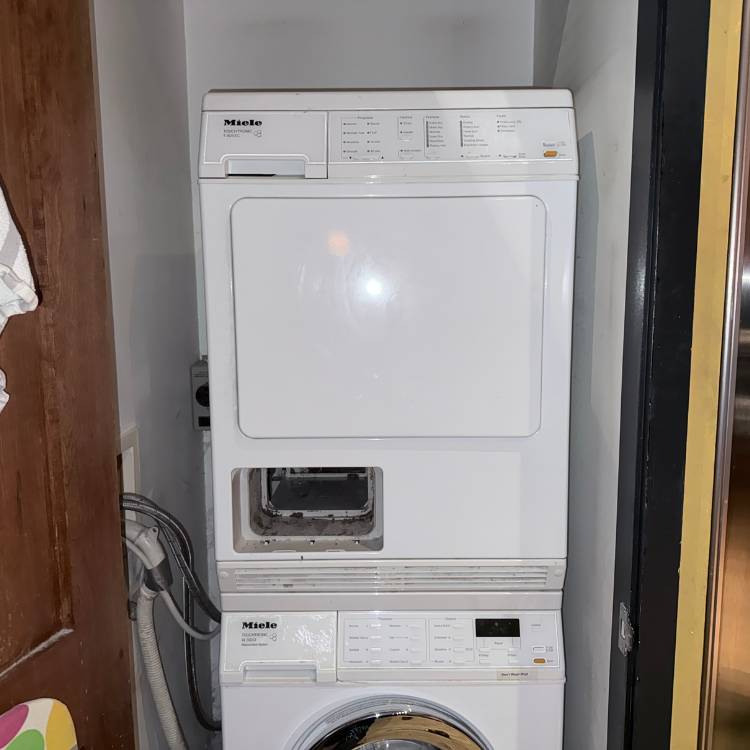
Miele Dryer Drying Level Will Not Change

Diagnostic fee: $99, credited toward the repair if you move forward
Warranty: 180-day parts and labor warranty on completed repairs
Arrival windows: 9 to 11, 11 to 1, 1 to 3, 3 to 5
A Miele drying level may jump back because Eco/Normal or an Extra restricts the selection. Compare the exact program chart before assuming a control fault.

Why the Miele Drying Level Jumps Back

The first question is not whether the control is broken. It is whether the requested drying level is valid for the exact program and active Extra. Miele's current support guidance identifies these program-compatibility behaviors:

  • Eco/Normal is selected: The drying level is fixed at Normal. Choose another program that supports the desired level rather than trying to force Eco/Normal to retain it.
  • DryFresh, PowerFresh, or DryCare 40 Extra is active: If the requested drying level is incompatible with the selected Extra, the dryer automatically chooses the closest possible level. Remove the Extra or accept the compatible level shown for that model.
  • The desired level stays selected on another documented program: The controls are recognizing the selection, and the original jump-back is explained by program or Extra compatibility.
  • The exact model's chart does not list the level for that program: The selection is unsupported, not evidence of a failed control. Use a combination shown in the model's program chart.
  • Multiple supported combinations still revert: Record the model, program, active Extras, requested level, and returned level. Use the service threshold below instead of changing hidden settings.
  • Stop now: A burning or electrical odor, smoke, a breaker trip, visible damage, water near power, or a control that becomes abnormally hot is not a normal program-selection issue. Leave the dryer off and arrange safe diagnosis.

Safe Program and Extra Comparison

  • Photograph the original state: Capture the program, active Extras, requested drying level, and level that returns.
  • Confirm the exact program name: Do not substitute a similar program label from another Miele model.
  • Check the model's program chart: Verify that the desired level is listed for that program.
  • Remove one conflicting Extra: Turn off DryFresh, PowerFresh, or DryCare 40 Extra only when that named option exists on the model, then select the level again.
  • Try one documented compatible program: Choose a program that the exact manual shows with the desired drying level.
  • Compare the result: Record whether the level now stays selected; avoid repeated resets or unrelated setting changes.

Model and Feature Guard

DryFresh, PowerFresh, DryCare 40 Extra, Eco, Normal, and the available drying levels are not identical across every Miele dryer. Use only the labels visible on the appliance and the chart for the full model number. If a named Extra is absent, do not search for a hidden menu or apply another model's sequence.

When This Is a Drying-Result Problem Instead

If the requested level stays selected but the laundry still finishes damp, overdry, cold, or unevenly dried, the selection screen is no longer the owner of the complaint. Use the Miele not-drying or no-heat diagnosis based on the actual result. A retained setting does not prove the moisture-sensing or drying system is working correctly, just as a jump-back does not prove it has failed.

When to Stop Changing Settings and Arrange Diagnosis

Arrange model-specific diagnosis when the exact program chart permits the level, no conflicting Extra is active, and more than one supported program still changes or rejects the selection. Do not enter service mode, alter hidden residual-moisture calibration, repeatedly factory-reset the dryer, open the control panel, test live voltage, or order a selector, display, or control board from the jump-back behavior alone.

What Diagnosis Must Confirm

A useful diagnosis should reproduce the selection on the exact model and compare it with the documented program chart. It should then separate:

  • User input recognition: Confirm that the control registers the selected program, Extra, and drying level consistently.
  • Compatibility logic: Verify that the returned level is or is not the documented closest permitted level for that combination.
  • Configuration state: Determine whether model-specific settings or stored configuration contradict the operating instructions without changing service values by guesswork.
  • Control communication: Test the selector, interface, wiring, and control decision only after valid and invalid combinations are separated.

What to Record Before Service

  • Machine identity: Full model and serial number.
  • Selection evidence: Photos or a short video showing the requested level and the level that returns.
  • Program and Extras: Exact program name and every active Extra.
  • Compatibility check: The program-chart row used for comparison and whether another supported program retained the level.
  • Drying result: Whether the setting problem is separate from damp, overdry, cold, or uneven laundry.

Booking

Appliance Repair in NYC

Choose a time that works for you. Share the appliance type, address, and the issue you are seeing. We review the request and confirm the appointment details before the visit is finalized.

$99 diagnostic

Credited toward repair after approval

180 day warranty

Parts and labor on completed repair

OEM parts

Used when applicable and available

Licensed and insured

COI available if building requires it

What Happens Next

You send the request with the appliance type, location, and symptom.

We review the details and confirm service area, timing, and access notes.

If needed, we may ask for a model and serial photo before the visit.

Before You Book

If you smell gas, see sparks, notice a burning odor, or have an active water leak near electrical parts, stop using the appliance and handle the safety issue first.

NYC Appliance Repair Help & Guides

Practical appliance repair guides based on real service calls in New York City. Find common problems, error codes, troubleshooting steps, and repair information for refrigerators, washers, dryers, dishwashers, ovens, ranges, and other home appliances.