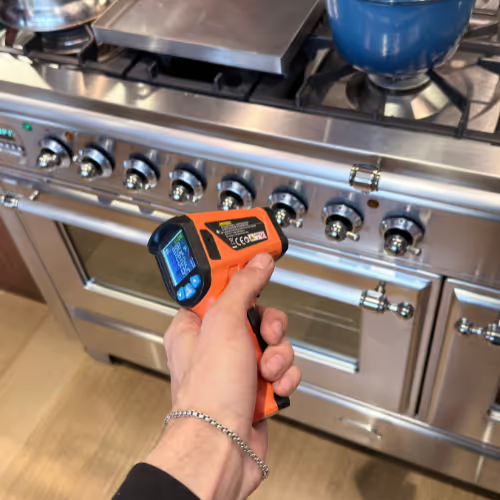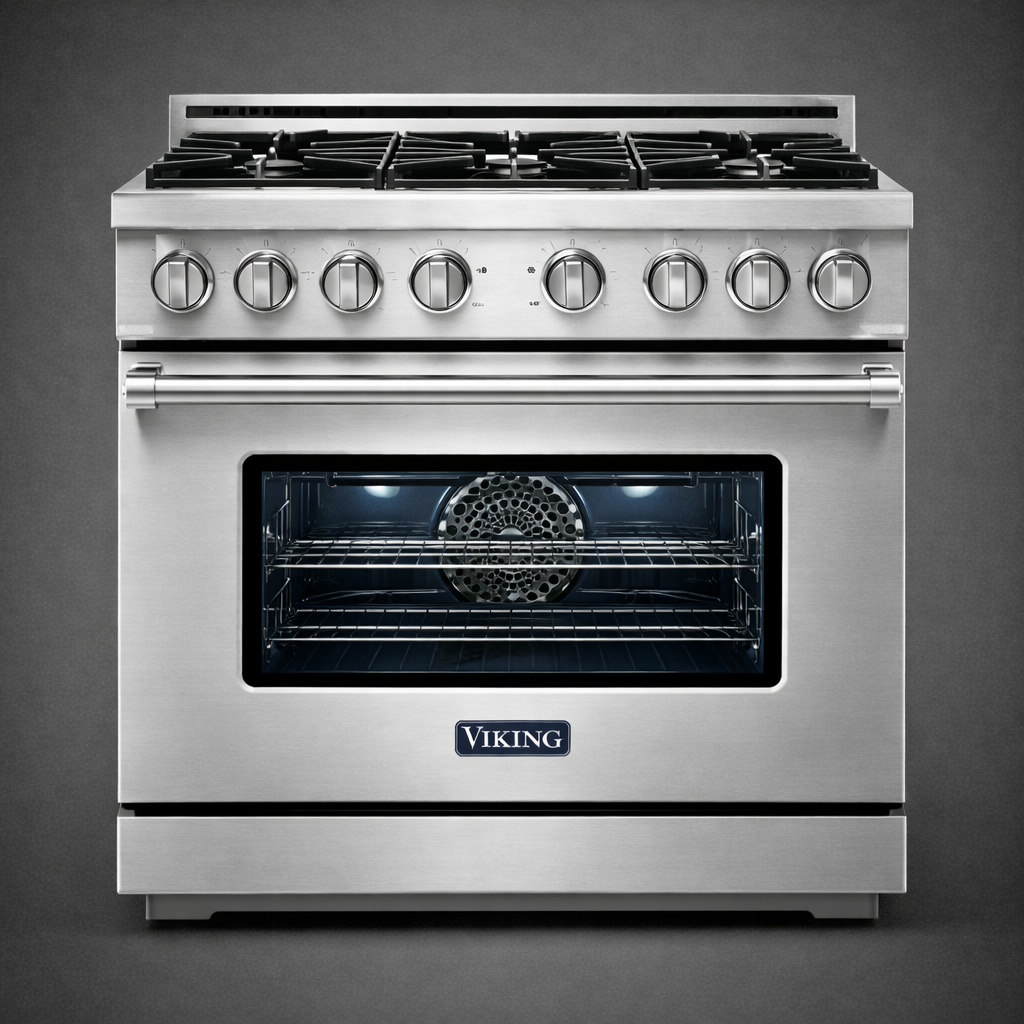
Viking ranges span gas, dual-fuel, electric, and induction platforms, and the wider kitchen line includes separate ovens and cooktops, ventilation, refrigeration, and dishwashers. The same badge does not create one error language: some products show F plus a character, some use named alarms, and some dishwashers communicate through paired light counts. Start with the complete Model and Serial label, product type, fuel, failed mode, and literal display.
Volt & Vector reviews independent Viking repair requests in Brooklyn, Manhattan below 96th Street, and selected Queens ZIP codes. Exact identity, service scope, address, access, route capacity, and timing are confirmed before a visit is finalized. Volt & Vector is not affiliated with, endorsed by, or authorized by Viking.
Quick Answers
What should I send before requesting Viking appliance repair?
Answer: Send the full Model and Serial label, appliance and fuel type, affected burner, zone, cavity, compartment, fan, or dishwasher phase, exact characters or flash counts, safety status, short symptom video, and wide installation photos.
Does a Viking error display identify the failed part?
Answer: No. It selects a condition within a documented model family. Case, light names, flash counts, alarm wording, generation, and the physical symptom determine the service route.
Are all Viking ranges gas?
Answer: No. Viking ranges include gas, dual-fuel, electric, and induction platforms. Identify surface and oven fuel from the exact label or manual before using ignition or element language.
Can one Viking oven mode work while another fails?
Answer: Yes. Preserve bake, broil, convection, and each cavity separately. A working surface burner or broiler does not prove the bake path, control output, or safety sequence.
Can built-in Viking products be reviewed?
Answer: Yes, subject to exact-model and access review. Send cabinetry, panel, floor, ventilation, shutoff, door swing, trim, and service-clearance photos; do not pull a connected range, oven, column, or dishwasher.
When should Viking appliance use stop?
Answer: Stop for gas odor, delayed ignition, smoke, sparks, burning smell, repeated breaker trips, active leakage, cracked glass, uncontrolled heat, unsafe refrigeration temperature, or an exact safety-notice match.
Viking Repair NYC at a Glance
- Service type: Independent residential Viking appliance diagnostics and repair; no Viking authorization is implied.
- Coverage: Brooklyn appliance repair, Manhattan appliance repair below 96th Street, and selected Queens routes confirmed by address.
- Appliances: Ranges, ovens, gas and electric cooktops, refrigeration, dishwashers, and range hoods, subject to exact-model, fuel, and access review.
- Approach: Confirm product and fuel, preserve mode and display format, distinguish expected operation from failure, verify the cause class, and retest the affected function.
- Before dispatch: Share identity, symptom sequence, display or alarm, safety state, and installation access through the booking request.
Choose the Viking Appliance That Matches the Problem
- Combined range: Use Viking range repair. Confirm gas, dual-fuel, electric, or induction and record surface, bake, broil, convection, griddle, and each cavity separately.
- Wall or range oven: Use Viking oven repair. A gas no-heat complaint can continue to the Viking oven not-heating guide, but only after the label confirms a gas ignition platform.
- Separate cooktop: Use cooktop repair. Identify gas, electric, or induction and preserve clicking, flame, zone, pan-detection, glass, and display behavior.
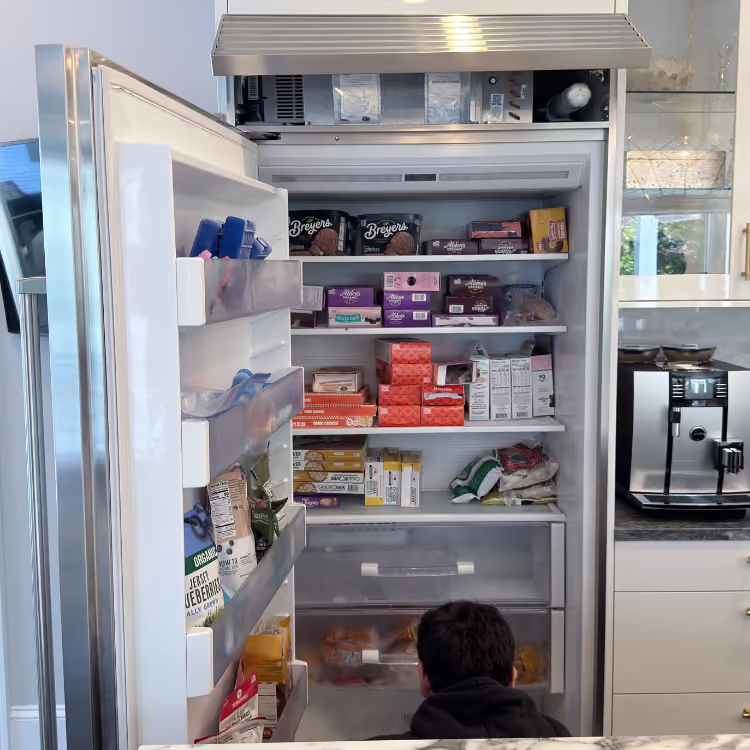
- Refrigerator, freezer, or refrigerated drawer: Use refrigerator repair or freezer repair. Record exact alarm wording, actual temperatures, door and power history, frost, moisture, and installation ventilation.
- Dishwasher: Use dishwasher repair. Record both indicator names and flash counts plus fill, wash, drain, and dry behavior.
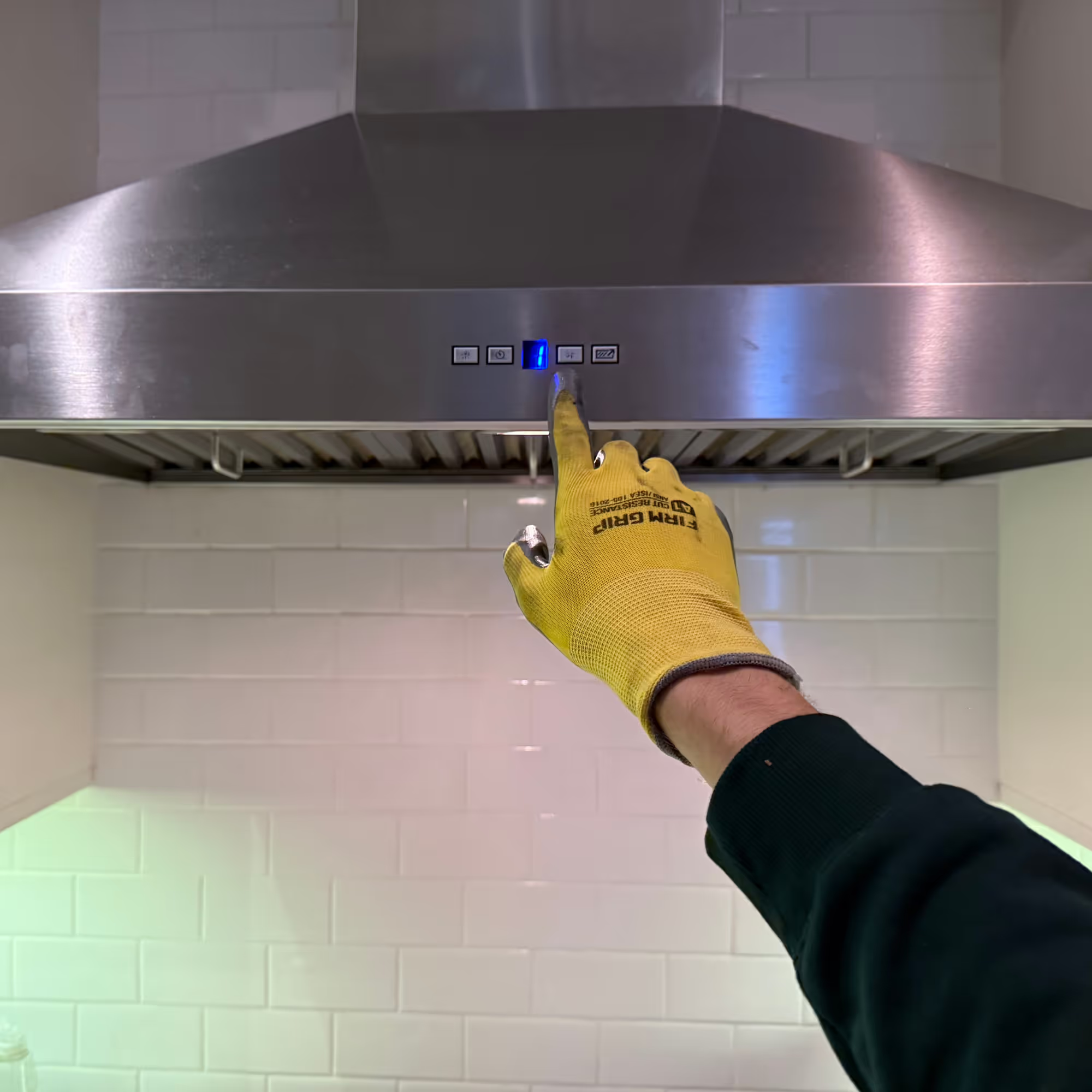
- Range hood or ventilation: Use range-hood repair. Record fan speeds, lights, controls, sound, filters, ducted or recirculating configuration, and cabinet access.
Common Viking Service Requests
- A burner clicks, lights late, or will not remain stable: Preserve which burner is affected, whether the flame actually established, whether clicking stopped, and whether the behavior began after cleaning or a spill. Brief model-documented reignition is different from continuing spark, weak flame, failed relight, delayed ignition, or gas odor.
- One oven mode or cavity does not heat correctly: Keep bake, broil, convection, and each cavity separate. Also identify gas, electric, or dual-fuel construction. A working surface burner, broiler, or second cavity does not prove the failed heat request is receiving the correct ignition, heating, temperature-feedback, or control response.
- The oven fan runs after cooking or Self-Clean: Record whether only the fan remains, whether active heat has stopped, how temperature is declining, and whether the door is still locked. A normal protective cooldown should not be confused with uncontrolled heat, an absent fan during a hot cycle, excessive noise, or a latch that remains locked after full cooldown.
- Refrigeration is warm, alarming, frosting, or making a new sound: Measure each compartment and preserve the exact message before muting it. Door history, recent loading, power events, frost position, fan behavior, ventilation, and heat rejection decide whether the request starts with an operating condition, installation, defrost, sensing, or cooling route.
- A dishwasher stops, leaves water, leaks, or flashes lights: Record fill, wash, drain, and dry separately. On covered Viking controls, both named lights and both flash counts are needed; “the light is blinking” is not enough to preserve the fault format.
- The hood is loud but capture is weak: State fan speed, filter condition, ducted or recirculating form, whether the blower sound changes by speed, and whether the condition affects one appliance or a building exhaust path. Appliance controls, filters, blower response, duct geometry, and make-up-air constraints are separate scopes.
How Viking Service Works
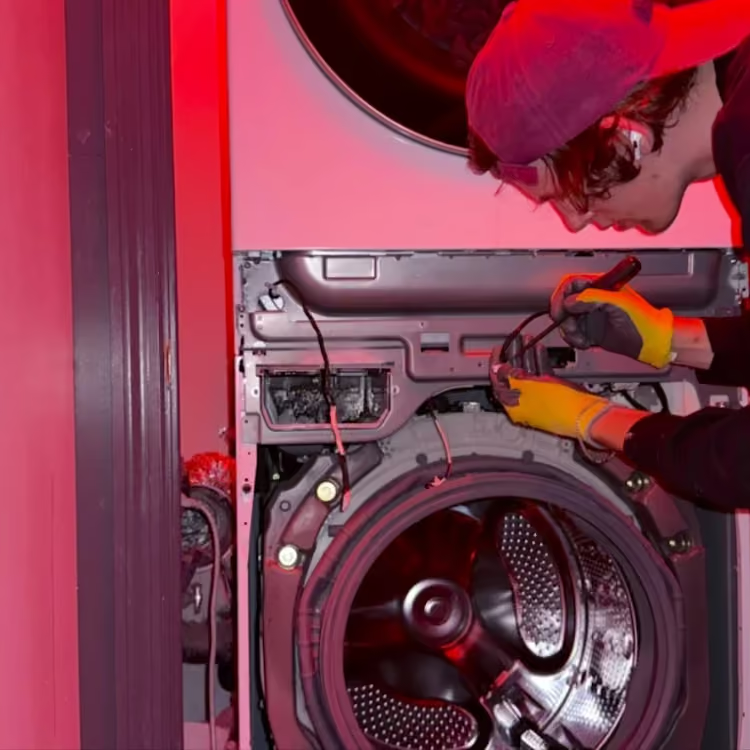
The visit begins by confirming the installed Viking product and reproducing or verifying the reported function without assuming a part from the symptom. The customer receives an explanation of the confirmed cause class, any access or supply condition that changes the repair, the compatible part path when replacement is justified, and an estimate before approved work proceeds.
- Send the evidence: Submit Model/Serial, product, fuel, failed mode, display or flash pattern, temperatures where relevant, safety state, address, and installation photos through the booking page.
- Confirm scope and route: Exact platform, service area, access conditions, route capacity, and timing are reviewed before the visit is finalized.
- Diagnose the installed appliance: The technician confirms identity, reproduces or verifies the symptom, and separates normal operating behavior from appliance, supply, ventilation, drain, installation, or building conditions.
- Explain the decision: The finding, repair option, compatible part path, access requirements, and estimate are explained before work proceeds.
- Verify the affected mode: Burner, bake, broil, zone, compartment, drain, or fan function is tested again under an appropriate condition. Read more about how appliance repair works.
NYC Installation and Access Notes
- Professional range: Show fuel, anti-tip area, floor, adjacent cabinets, shutoff area, ventilation, griddle or grill configuration, and service clearance without moving the appliance.
- Wall oven: Show trim, cabinet stack, door swing, adjacent panels, ventilation, and access. Preserve each cavity and mode separately.
- Built-in refrigeration: Photograph doors, panels, toe-kick, ventilation openings, floor, water path, and neighboring columns; do not pull the cabinet.
- Panel-ready dishwasher: Show panel, handle, alignment, toe-kick, sink connections, floor, and cabinet gaps. Do not tilt to clear a flood signal.
- Hood: Show filters, duct or recirculating configuration, cabinet enclosure, controls, and make-up-air or building-duct constraints when known.
- Managed building: Send elevator hours, doorman or superintendent instructions, floor-protection rules, and COI requirements with the request.
Viking Symptom-to-Diagnosis Map
Gas burner clicks briefly and relights after flame disturbance.
What this usually points to: Documented automatic reignition on the covered platform or an abnormal flame, moisture, cap, electrode, switch, or ignition-control condition.
What we verify: Match the Model, compare burners, observe spark and flame stability, and separate a normal relight from continuing spark or failed ignition.
Gas oven will not heat while surface burners work.
What this usually points to: Mode or control request, oven ignition and flame proving, gas safety path, temperature feedback, or control output.
What we verify: Keep surface and cavity evidence separate, record glow or spark only from a normal position, compare bake and broil, and stop for delayed ignition or odor.
Electric oven heats in broil but not bake.
What this usually points to: Bake circuit, temperature feedback, relay or control output, connection, or protection path.
What we verify: Confirm electric or dual-fuel identity, compare modes and cavities, measure heat response, and verify the repaired mode under temperature.
Oven cooling fan runs after controls are off.
What this usually points to: Normal post-use heat rejection or an abnormal sensor, control, fan, ventilation, or cabinet-heat condition.
What we verify: Identify the fan and model, follow temperature decline, inspect vent clearance, and distinguish normal cooldown from excessive duration or noise.
Electric cooktop shows FA, Ft, Fc, or F5.
What this usually points to: On the documented family, keyboard, temperature, overtemperature, communication, or related electronic route.
What we verify: Preserve exact case and second character, match the manual, allow safe cooldown, and test control response without transferring the table to a different product.
Dishwasher flashes Pots/Pans once and Normal Wash five times.
What this usually points to: The documented 1 + 5 drain route, accessible filter, drain installation, pump response, level feedback, or control request.
What we verify: Verify the panel family and flash pair, record remaining water, inspect the complete route within service access, and confirm drain completion.
Both documented dishwasher lights flash continuously.
What this usually points to: Pan-flood signal on the covered family, leak path, connection, overfill, installation, or sensing route.
What we verify: Keep the unit still, preserve video, identify the moisture source, and avoid tilt or custom-panel damage.
Refrigerator shows HIGH TEMP or flashes Hi.
What this usually points to: Door or recent loading, power loss, airflow or frost, heat rejection, temperature sensing, defrost, or cooling system.
What we verify: Measure every compartment, review alarm and power history, inspect door and airflow behavior, and protect food before diagnosis.
Refrigerator shows oPn or Shr.
What this usually points to: Temperature-sensor open or short route on the documented 5 Series family.
What we verify: Match the Model, record actual temperatures and display, and diagnose sensing and cooling without assuming the sensor alone failed.
Hood runs but capture is weak or sound is excessive.
What this usually points to: Filter, damper, duct restriction, installation, blower response, mounting, or control state.
What we verify: Identify ducted or recirculating design, inspect accessible filters and visible air path, compare speeds, and separate appliance from building duct.
Viking Visit Fit Check: Seven Pieces of Evidence
- Identity evidence: Photograph the complete Model / Serial label. Current and retired products can use different manuals and safety notices.
- Product evidence: State range, wall oven, separate cooktop, refrigerator, freezer, drawer, dishwasher, or hood.
- Fuel evidence: Confirm gas, dual-fuel, electric, or induction; do not infer fuel from knobs, grates, or professional styling.
- Mode evidence: Separate surface burner, griddle, bake, broil, convection, cavity, compartment, fan speed, and dishwasher phase.
- Display evidence: Preserve exact characters, capitalization, alarm label, light names, counts, and whether the pattern is repeating or continuous.
- Installation evidence: Gas and electrical connection, anti-tip state, cabinetry, ventilation, panels, drains, floor, clearances, and building access can change the safe first step.
- Verification evidence: After an approved repair, the original function is tested under the relevant operating condition rather than closing on a cleared code.
Use Viking's product-documentation search to match the exact Model and current or retired manual.
What to Send for Faster Review
- Full Viking Model and Serial label, including production characters.
- Product and confirmed fuel or electrical platform.
- Affected burner, zone, cavity, mode, compartment, fan, or dishwasher stage.
- Exact code case, named alarm, or video of both flash-count indicators.
- Actual refrigeration temperatures and power or door history.
- Short video for safe-to-observe clicking, flame, fan, sound, or timing behavior.
- Wide installation photos showing cabinetry, panels, floor, shutoffs, ventilation, door swing, and safe access.
- Exact address and building instructions, including COI requirements.
Viking Questions That Change the Service Route
Why can a Viking minute timer expire while the oven continues heating?
Answer: Viking's documented oven timer controls treat the minute timer as an alert that is independent of oven operation; another Viking timing guide separately describes Cook Time, Stop Time, and HOLD on its covered control. A timer reaching zero therefore does not prove the oven ignored an off command. Photograph the selected mode and clock display and identify which timer was used. If heat continues after an actual off command, becomes uncontrolled, or accompanies smoke or burning odor, stop use rather than testing more timing combinations.
Why can a Viking oven have responsive controls but no heat when Showroom is enabled?
Answer: On the control family covered by Viking's official oven guide, Showroom disables the heating elements while leaving a responsive interface. That is a model-scoped operating setting, not a universal explanation for Viking oven no heat. Photograph the display and complete Model/Serial label, then use only the matching manual's normal-control instruction. If Showroom is not documented for that exact model, cannot be cleared normally, or heat remains absent after the documented setting check, the heating and control sequence still requires diagnosis.
How to Read the Display: Fault Code, Status, or Appliance ID?
- Fault-like format: Viking uses family-specific formats. A documented dishwasher encodes faults with two named light counts: 1 + 5 is one Pots/Pans flash and five Normal Wash flashes for its drain route, while both lights flashing continuously identifies another route. A documented electric cooktop shows F plus a second case-sensitive character such as FA, FC, FE, Ft, Fc, Fr, FH, FJ, FO, FL, FU, Fd, Fb, or F5. A 5 Series refrigeration family uses oPn or Shr for temperature-sensor alarms. These examples teach format, not universal Viking meanings; match the dishwasher, cooktop, or refrigeration manual.
- Status or operating message: Refrigeration can show named HIGH TEMP, POWER, or DOOR OPEN alarms. On one integrated family, blinking CL is a clean-condenser indicator. An undercounter family can show Hi, Lo, or do for temperature or door conditions. On a covered oven control, Showroom keeps the interface responsive while disabling heat, and an independent minute timer can end without switching the cavity off. Brief burner clicking during documented automatic reignition and a cooling fan running after oven shutoff are also operating behaviors, not display faults.
- Appliance ID: Model / Serial values identify the exact appliance and production record. They are not errors. Rating-label location changes by product; inspect only when the appliance is cool and the plate is safely visible, and photograph the whole label.
- Service-mode or internal value: Values reached only through calibration, diagnostic, or undocumented button sequences are not automatically public fault codes. Do not change stored temperature offsets, gas settings, lock parameters, or control values.
- What to photograph: Capture the entire control panel, both dishwasher light names and counts, exact code case, full alarm wording, affected cavity or compartment, normal mode, and complete Model/Serial label.
Check Viking's current recall and safety information only against the exact Model and Serial/date identity. Similar appearance, a shared brand, or a partial prefix does not establish recall coverage.
Safe Checks Before Requesting Service
- Confirm normal mode, timer, control setting, selected cavity, fan speed, and door state through ordinary controls.
- Photograph exact codes, case, alarm labels, and paired flash counts before resetting.
- With a gas surface cool and no gas odor, confirm only that normally removable burner parts are dry and seated as the exact manual shows.
- For an oven, record fuel, bake and broil separately, affected cavity, preheat behavior, fan sound, and whether the door is cooling after Self-Clean.
- For refrigeration, record actual temperatures, door and power history, alarm wording, frost, moisture, and ventilation openings.
- For a dishwasher, record remaining water and the last completed stage; inspect only normal owner-accessible filters without disconnecting hoses.
- For a hood, inspect only normal filters and visible obstructions and record ducted or recirculating design.
Mistakes That Can Make the Problem Worse
Assuming every Viking range uses gas ignition.
Why it causes problems: Gas, dual-fuel, electric, and induction platforms use different heat systems and safety boundaries, so igniter language can be wrong for the installed oven.
Safer next step: Confirm Model, fuel, surface type, and oven mode before selecting the route.
Reporting “the lights blink” without both Viking dishwasher light names and counts.
Why it causes problems: On documented panels, the pair is the code; one count or an invented E-number loses the actual fault format.
Safer next step: Record a short full-panel video and count each named indicator.
Treating FA, Ft, or F5 as universal across every Viking cooktop.
Why it causes problems: The official table belongs to a specific electric control family, and gas or induction products can use different logic.
Safer next step: Preserve exact case and Model, then use only the matching manual.
Forcing a Self-Clean door open or cutting power only to stop the cooling fan.
Why it causes problems: The latch protects against unsafe cavity temperature and the fan protects the oven and cabinetry during cooldown.
Safer next step: Turn controls off, keep vents clear, allow full cooldown, and request service only if the behavior exceeds the model's documented sequence.
Silencing a refrigeration alarm without recording temperature and alarm wording.
Why it causes problems: HIGH TEMP, power history, door state, sensor messages, and maintenance indicators lead to different food-safety and service decisions.
Safer next step: Record actual temperatures and the complete display before clearing a sound.
Assuming recall coverage from appearance or a partial model prefix.
Why it causes problems: Viking safety notices specify exact models and production identities; an incorrect match can create false reassurance or needless shutdown.
Safer next step: Compare the whole Model and Serial/date identity with Viking's current notice while the appliance is cool.
Where the Homeowner-Safe Limit Ends
- Homeowner-safe: Use normal controls; identify fuel and mode; inspect only cool normally removable parts and filters described by the exact manual; record flame, heat, temperatures, fan behavior, alarm wording, code case, light counts, and complete identity.
- Technician or utility boundary: Stop at gas odor or failed ignition, internal gas or 240-volt work, returning flood or drain faults, powered panels, locked mechanisms after full cooldown, internal cooling or sensor paths, repeated breaker trips, building ducts, and movement of connected or built-in appliances.
Stop-Use and Food-Safety Conditions
- Gas odor, delayed ignition, flame rollout, or failed relight: Leave the area, avoid switches and flames, and contact 911 or the serving gas utility from a safe location.
- Smoke, sparks, burning smell, repeated breaker trip, or uncontrolled heat: Stop use and do not repeat the cycle.
- Cracked electric or induction glass: Stop cooking use and avoid touching or testing the surface.
- Dishwasher continuous flood pattern, active leak, or water near powered parts: Stop use, close the accessible supply if safe, and do not tilt or extract the appliance.
- Refrigerator HIGH TEMP, Hi, continuing alarm, or measured warming: Protect perishable food based on temperature and time; muting the alarm is not temperature recovery.
- Exact Viking safety-notice match: Follow the notice's stop-use and contact instructions for the matched Model and Serial; do not substitute an ordinary repair route.
- Self-Clean door or abnormal cooling state: Do not force the latch or block vents. Keep the oven off if the fan is absent during heat, noise is excessive, or cooldown does not progress.
Service Boundaries
- Volt & Vector provides independent appliance repair, not Viking warranty administration, recall determination, appliance installation, cabinetry modification, gas-line alteration, branch-circuit work, plumbing modification, or building-duct service.
- A Viking badge alone does not confirm every current or retired model, commercial platform, outdoor product, beverage product, or ventilation configuration.
- Safety-notice eligibility is controlled by Viking's exact published model and production criteria.
- Submit any unlisted product with its full label and installation photos before dispatch.
Request Viking Appliance Repair in NYC
Use the online booking request or call +1 (332) 333-1709. Include the complete Viking Model/Serial, product and fuel, failed mode, literal display or flash pattern, access photos, and address so the request begins on the correct route.


.jpeg)
.jpeg)