Bosch Appliance Repair in NYC & Brooklyn
Bosch Appliances Through the Years: How the Engineering Changed
Need Bosch appliance repair in NYC? Start with the installed appliance, the last action it completed normally, and a clear photo of the full rating plate. Bosch documentation is selected by the complete E-Nr, including the /xx suffix when printed. The symptom, model identity, installation access, and test results should determine the repair path—not a guessed part or a generic assumption.
Volt & Vector reviews independent residential Bosch service requests in Brooklyn, Manhattan below 96th Street, and selected Queens ZIP codes. Exact address, appliance scope, access, route capacity, and timing are confirmed before a visit is finalized. Volt & Vector is not affiliated with, endorsed by, or authorized by Bosch.
Quick Answers
What should I send before requesting Bosch appliance repair?
Answer: Send the appliance type, complete E-Nr with /xx when shown, FD and Z-Nr if printed, the exact display message, the last normal step, a symptom photo or short video, and a wide installation photo.
Does a Bosch error code identify the failed part?
Answer: No. Preserve the code exactly as displayed and pair it with the full model identity and symptom timing. A code selects a diagnostic route; it does not prove a component failure by itself.
What if the appliance works but Home Connect does not?
Answer: Keep pairing, Wi-Fi, account, and remote-control problems on the Bosch Home Connect support path. A physical leak, no-drain, no-heat, no-cool, or ignition problem belongs on the appliance-specific route below.
Should I use Bosch warranty service or independent service?
Answer: Check the exact appliance against the current Bosch warranty information and any service-plan requirements before arranging independent work.
Can a stacked, panel-ready, or built-in Bosch appliance be reviewed?
Answer: Yes, but the model and access must be reviewed before dispatch. Send wide photos showing cabinetry, panels, stacking, floor protection, door swing, shutoffs, and service clearance; do not move the appliance yourself.
When should I stop using a Bosch appliance?
Answer: Stop for gas odor, smoke, sparks, burning smell, repeated breaker trips, active leaking near powered parts, a cracked electric cooking surface, or violent appliance movement.
Bosch Repair NYC at a Glance
- Service type: Independent residential appliance repair; no Bosch authorization is implied.
- Coverage: Brooklyn appliance repair, Manhattan appliance repair below 96th Street, and selected Queens routes confirmed by exact address.
- Appliances: Dishwashers, washers, dryers, refrigerators, freezers, ovens, ranges, cooktops, and range hoods, subject to model and access review.
- Approach: Identify the platform, reproduce or confirm the symptom, separate appliance failure from installation or building conditions, and verify the affected function after repair.
- Before dispatch: Share the model identity, symptom sequence, displayed signal, safety status, and installation access through the booking request.
Choose the Bosch Appliance That Matches the Problem
- Dishwasher: Start with dishwasher repair in NYC. Record whether the dishwasher fills, washes, drains, and reaches drying, then identify the last stage that completed normally.
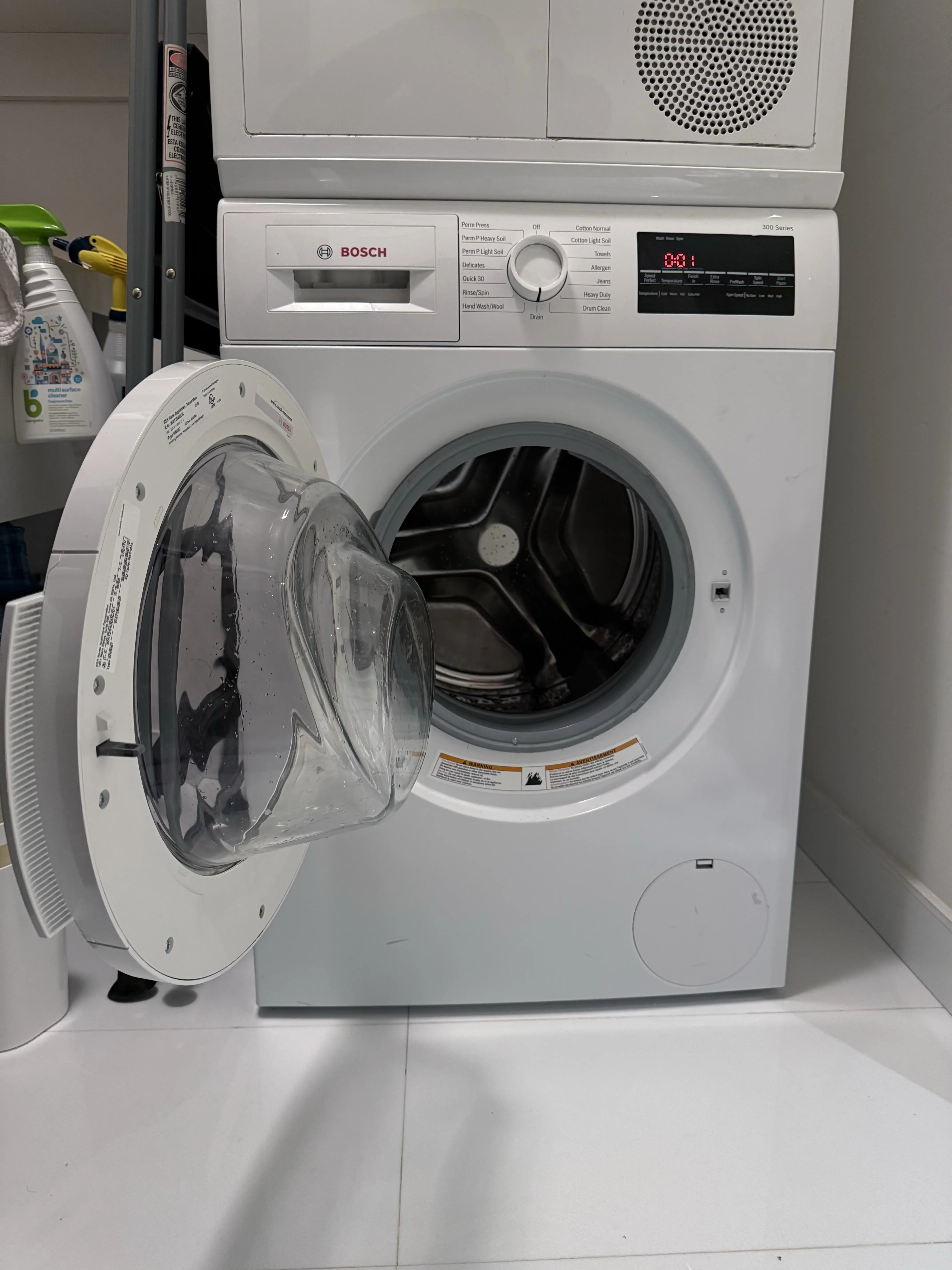
- Washer: Use Bosch washer repair in NYC. If water remains in the drum after a drain attempt, continue to the Bosch washer no-drain guide.
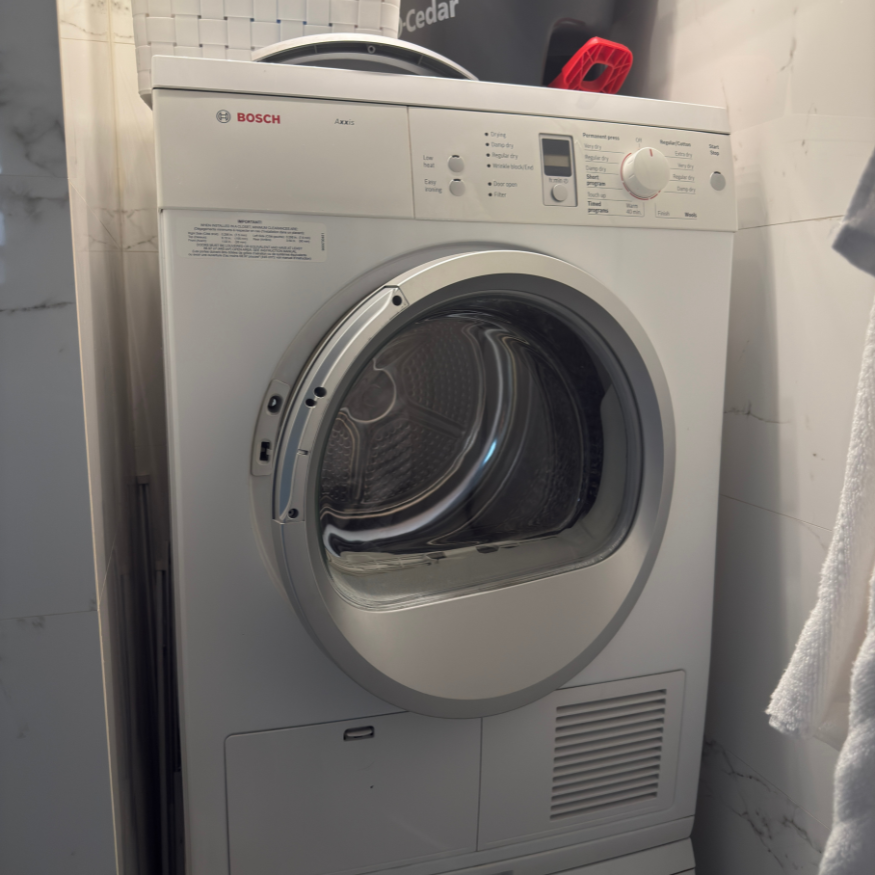
- Dryer: Use Bosch dryer repair in NYC. A cold load belongs on the Bosch dryer not-heating path; a warm but damp load belongs on the Bosch dryer not-drying path.
- Refrigerator or freezer: Start with refrigerator repair or freezer repair. Use the Bosch refrigerator temperature-too-warm guide when measured temperature is rising, or the freezer-cold/refrigerator-warm guide when the compartments behave differently.
- Ice maker: Use the Bosch ice-maker not-making-ice guide. Separate no ice production from a dispenser problem before naming a repair route.
- Wall oven: Start with oven repair in NYC. If the controls respond but the cavity does not heat normally, use the Bosch oven not-heating guide.
- Range: Use range repair in NYC for a combined cooktop-and-oven appliance. If the whole range or oven section is unresponsive, use the Bosch range or oven no-power guide.
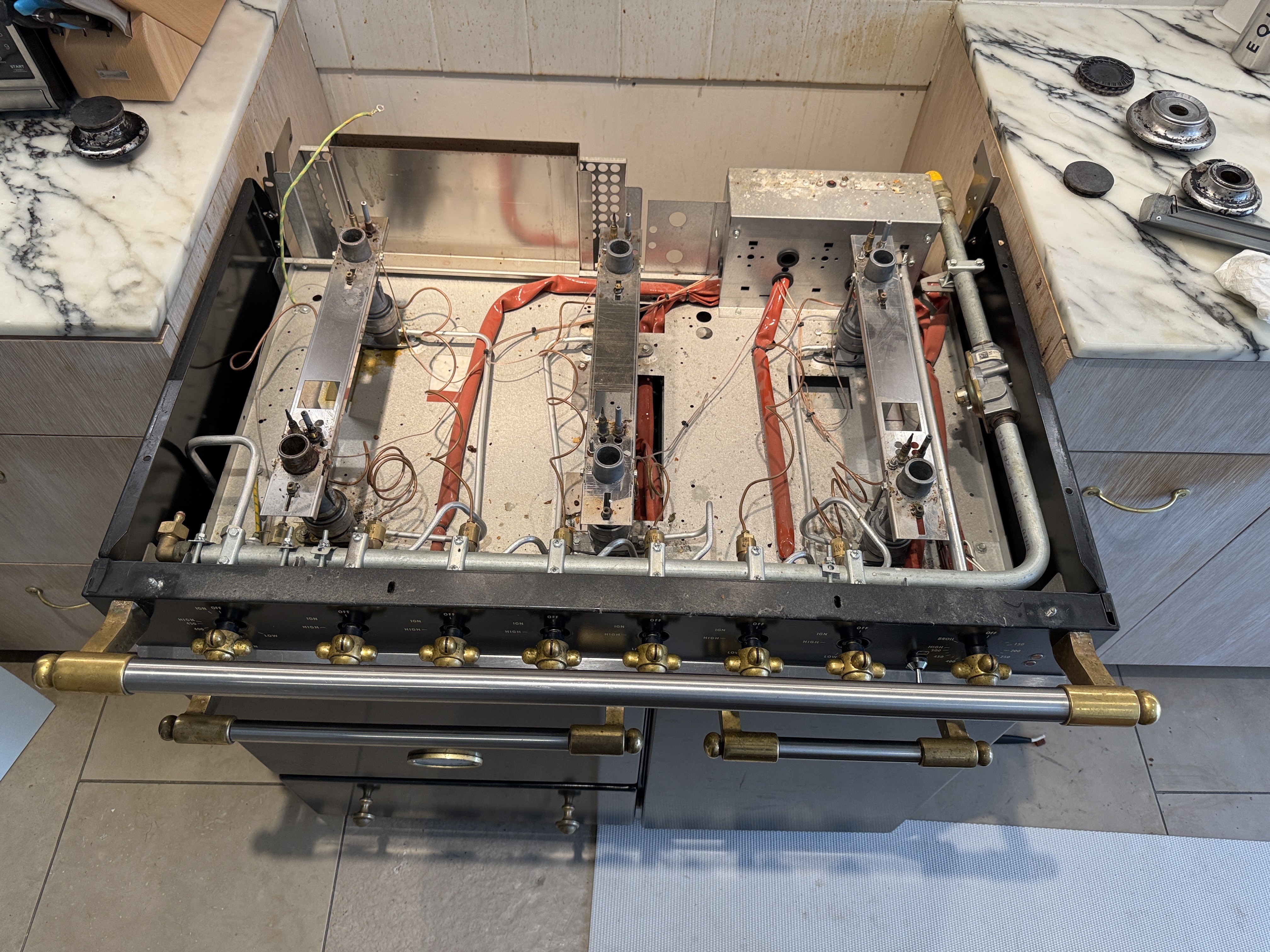
- Cooktop: Use cooktop repair in NYC for a separate gas, radiant-electric, or induction surface. For persistent gas-surface sparking, use the Bosch igniter clicking guide.
- Range hood: Use range-hood repair in NYC. Record the response of the fan, lights, and controls, and include a wide photo showing the hood and surrounding cabinetry.
Bosch Symptom-to-Diagnosis Map
Dishwasher leaves water after the cycle.
What this usually points to: Drain restriction, accessible filter or pump path, drain-hose or sink connection, pump response, or control request.
What we verify: Identify the last completed stage, inspect the complete drain route, test drain response, and verify that water clears without leaking.
Dishwasher runs but dishes remain wet.
What this usually points to: Program or loading condition, rinse and heat sequence, venting or door behavior, sensor feedback, or control output.
What we verify: Reproduce the end-of-cycle behavior, verify heat and cycle progression, and separate a use-setting issue from an appliance failure.
Washer leaves water in the drum or keeps the door locked.
What this usually points to: Filter or pump restriction, drain-hose or standpipe condition, suds, water-level feedback, pump response, or control state.
What we verify: Establish water level and drain sound, inspect the accessible drain path, confirm pump response, and test whether the washer reaches the next cycle stage.
Washer drains but will not complete spin.
What this usually points to: Load imbalance, remaining water, door-lock feedback, abnormal drum movement, drive response, or control state.
What we verify: Separate drain completion from balance and drive behavior, reproduce the spin ramp safely, and verify stable operation with an appropriate load.
Dryer tumbles but the load stays cold.
What this usually points to: Selected program, model-specific heat system, power supply, thermal protection, sensor feedback, or control output.
What we verify: Identify the exact dryer platform, measure heat development and operating response, and confirm the result under a normal cycle rather than from startup alone.
Dryer becomes warm but clothes stay damp or the cycle keeps extending.
What this usually points to: Load or program mismatch, lint path, condensate path, heat-exchanger condition, moisture sensing, airflow, or heat-pump performance.
What we verify: Identify the platform from the E-Nr, inspect its model-specific air and condensate paths, compare temperature and moisture response over time, and verify cycle completion.
Refrigerator temperature rises or food warms.
What this usually points to: Door sealing, air distribution, frost or defrost condition, fan response, heat rejection, temperature feedback, or the cooling system.
What we verify: Compare actual compartment temperatures, inspect frost and airflow patterns, check door closure and fan response, and determine whether the condition is compartment-specific or system-wide.
Freezer stays cold while the refrigerator compartment warms.
What this usually points to: Air distribution, blocked return path, fan behavior, frost restriction, damper response, or door sealing.
What we verify: Compare both compartments, trace the air path, inspect the frost pattern, and verify that cold air reaches the affected compartment.
Ice maker stops producing ice.
What this usually points to: Freezer temperature, water supply, filter or fill path, ice-maker state, sensor feedback, or control request.
What we verify: Separate ice production from dispensing, verify temperature and water delivery conditions, identify the exact model configuration, and observe the commanded cycle.
Oven controls respond but the cavity does not heat normally.
What this usually points to: Selected mode, supply or fuel path, heat source, temperature feedback, door state, or control output.
What we verify: Confirm the platform and mode, observe the heat sequence, compare actual temperature response with the request, and verify recovery after the repair.
Gas cooktop keeps clicking after the burner lights or when the surface is dry.
What this usually points to: Burner-cap position, residual moisture, flame pattern, ignition electrode path, switch input, or ignition control.
What we verify: Check burner assembly alignment and ignition behavior, compare the affected burner with the others, and stop the diagnostic path immediately if gas odor is present.
Induction zone does not detect compatible cookware.
What this usually points to: Cookware compatibility or placement, selected zone, control lock or pause state, zone response, supply, or power electronics.
What we verify: Confirm cookware and control state first, compare zone behavior, and test the affected function without treating a display signal as a parts diagnosis.
The Bosch Five-Evidence Repair Path
Repair decisions should follow evidence that is specific to the installed appliance:
- Identity evidence: The complete E-Nr, /xx suffix when printed, FD, Z-Nr, and appliance category select the correct Bosch documentation. Use the official Bosch model-number finder if the rating-plate location is unclear.
- Sequence evidence: Record what the appliance completed normally and the exact point where behavior changed—fill, wash, drain, spin, heat, cool, ignite, make ice, or connect.
- Installation evidence: Stacking, cabinetry, panels, hose routing, floor condition, ventilation clearance, fuel type, shutoffs, and building access can change the first safe diagnostic step.
- Test evidence: The symptom is reproduced or confirmed, relevant operating conditions are measured, and an appliance failure is separated from a building, connection, or use condition.
- Verification evidence: After an approved repair, the affected function is tested again under an appropriate operating condition. Powering on by itself is not proof that the original problem is resolved.
Use the complete E-Nr to open the matching Bosch owner manual before applying model-specific instructions.
How to Read the Display: Fault Code, Status, or Appliance ID?
- Fault-like format: Bosch does not use one universal code shape. Documented examples include dishwasher E15, E24, and longer E6101; washer punctuation such as E:00 <-> -23; dryer E01 or E02; oven E11 or E plus a number; freestanding-range lowercase e005, uppercase E100, or text-like ERR/toP; refrigeration E02, E03, E, or D; and cooktop D, E, F, or multi-digit forms. These examples teach recognition only. Start at the Bosch appliance-category code index and then use the matching appliance guide and complete E-Nr. Bosch identifies dishwasher E15 as activated leakage protection, which calls for shutting off the water inflow and arranging support—not selecting a part from the number alone.
- Status or operating message: H01 on documented dishwasher controls is a one-hour delayed-start setting, while lowercase dE on supported electric and induction cooktops is demo mode; neither is automatically a failed component. A Home Connect notification may also describe connectivity or a program state rather than a hardware failure, so record app wording separately from the panel and compare it with the exact Bosch cooktop guide.
- Appliance ID: E-Nr, the suffix after /, FD, and Z-Nr belong to the rating plate. They identify the appliance and production information; they are not display faults. The complete E-Nr selects the applicable manual and model-specific support path.
- Service-mode or internal value: Numbers shown only after an unfamiliar button sequence, test menu, or service screen are not automatically customer fault codes. Exit through normal controls if the manual permits it; do not navigate further or change stored values.
- What to photograph: Capture the whole panel, the Home Connect message if different, and the full rating plate. Note the program, the last completed stage, and whether the signal appeared once or returned under normal use.
The model, production generation, display type, and appliance category can change the meaning and service path. Use the complete E-Nr to open the matching Bosch owner manual before applying model-specific instructions, and check Bosch safety notices only against the exact product identity.
Safe Checks Before Requesting Service
- Confirm the selected program, mode, temperature, control lock, delay, or pause state.
- Record the exact display and the point in the cycle where it appears.
- Check only visible, model-accessible filters, lint screens, doors, bins, cookware placement, and hoses without moving the appliance.
- For a cooling complaint, record actual refrigerator and freezer temperatures and when the change began.
- For a laundry complaint, record load type, whether water remains, whether heat develops, and whether the cycle ends or keeps extending.
- For a cooking complaint, identify wall oven, range, gas cooktop, radiant-electric cooktop, or induction cooktop before describing the symptom.
- Photograph the full rating plate and the appliance in its installed position.
Mistakes That Can Make the Problem Worse
Ordering a drain, pump, or control part from a Bosch code before checking the complete E-Nr and symptom sequence.
Why it causes problems: A code identifies a detected condition, while the underlying cause and compatible parts can change by appliance and control generation.
Safer next step: Preserve the literal code, rating plate, program, and last successful stage for model-aware diagnosis.
Treating dishwasher H01 as a one-hour service warning.
Why it causes problems: Bosch documents it as delayed start, so fault hunting can create an unnecessary repair request while the real setting remains active.
Safer next step: Check the delay setting through normal controls and the matching owner manual.
Sending only the characters before the / in a Bosch E-Nr.
Why it causes problems: The missing suffix can route the request to nonmatching documentation or product information.
Safer next step: Photograph the entire rating plate instead of transcribing only part of the identifier.
Clearing a returning code over and over or continuing after a breaker trips again.
Why it causes problems: This can erase useful sequence evidence and delay recognition of a continuing leak, heat, or electrical problem.
Safer next step: Stop the retry loop, leave the appliance off when a safety signal is present, and record what happened immediately before the code or trip.
Pulling a panel-ready dishwasher, stacked laundry pair, or built-in cooking appliance to “look behind it.”
Why it causes problems: Water, gas, electrical, floor, panel, and cabinetry risks can turn diagnosis into an access or property-damage problem.
Safer next step: Send installation and clearance photos so access can be planned before movement.
Where the Homeowner-Safe Limit Ends
- Homeowner-safe: Use normal controls to check program, delay, lock, temperature, or pause state; inspect only the filters, lint screens, hoses, doors, bins, and cookware placement that the exact manual makes normally accessible; photograph the display and rating plate.
- Technician or utility boundary: Stop at leakage-protection codes such as E15, a returning fault after the documented owner check, an internal diagnostic screen, powered-component access, gas odor, repeated breaker trips, water near powered parts, locked mechanisms, or any movement of a built-in or stacked appliance. Gas odor belongs to the gas utility or emergency-services path from a safe location.
Stop-Use Conditions
- Gas odor: Leave the area immediately. Do not use switches, appliances, flames, or electronics nearby. From a safe location, call 911 or the serving gas utility; follow Con Edison gas-leak guidance or National Grid gas-emergency guidance.
- Smoke, sparks, or active fire: Stop appliance checks, leave the immediate hazard area, and call 911 for an active emergency.
- Burning smell or repeated breaker trip: Stop use. Do not keep resetting the breaker or continue a test cycle.
- Water near powered parts: Keep away from the water and do not move or operate the appliance until the electrical hazard has been cleared.
- Cracked electric or induction surface: Stop cooking use and avoid touching or testing the affected surface.
- Violent washer or dryer movement: Stop the cycle if safe to do so and do not hold, push, or restrain the moving appliance.
NYC Access Changes the First Diagnostic Step
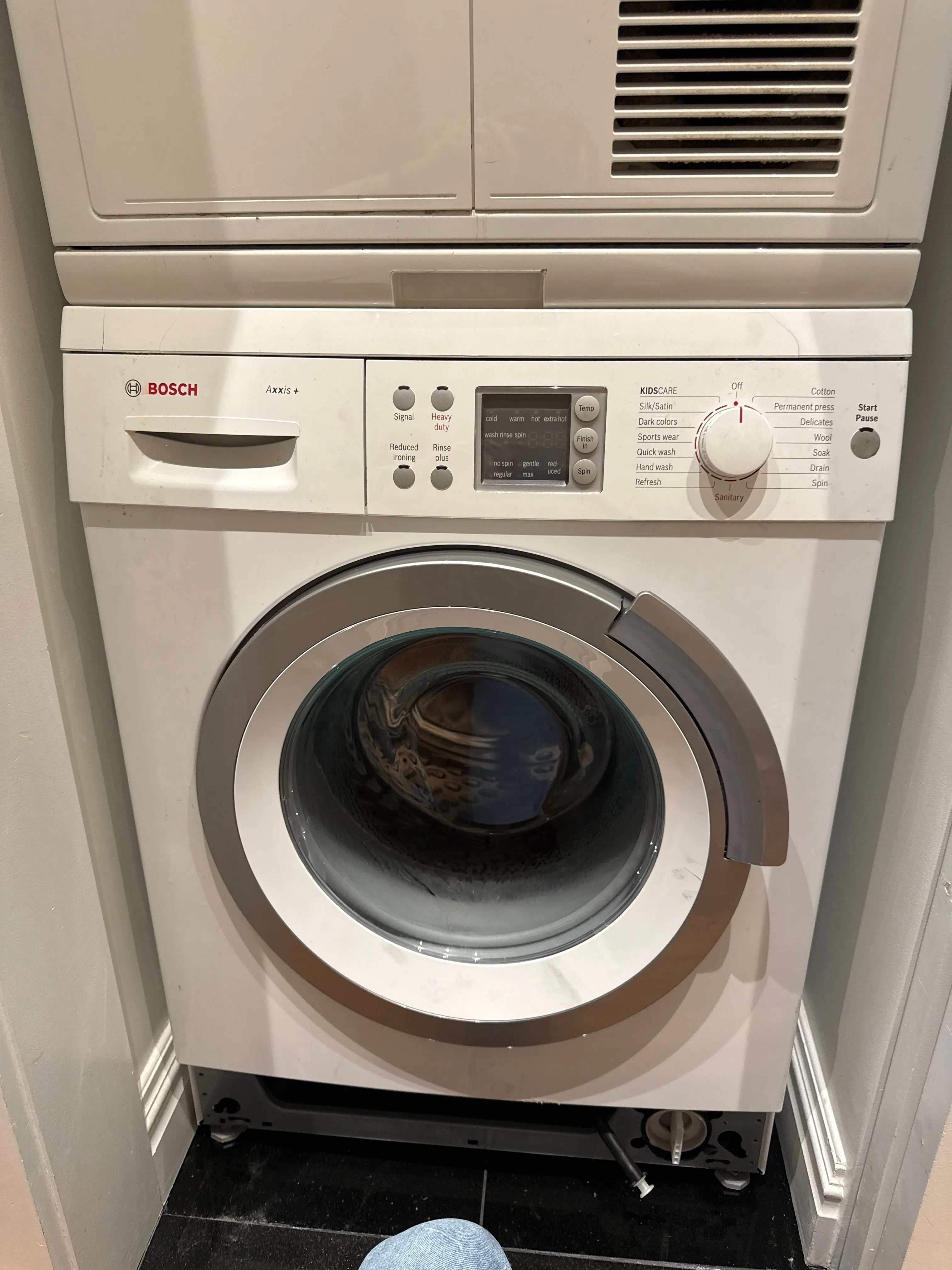
- Stacked or closet laundry: Photograph the full stack, side clearance, door opening, floor, visible hoses, and any stacking hardware. Volt & Vector provides repair service, not appliance installation or cabinet modification.
- Panel-ready dishwasher or refrigeration: Show the panel, toe-kick, surrounding cabinetry, floor condition, door swing, and visible water path before anything is moved.
- Built-in oven or cooktop: Identify the appliance type and fuel or induction platform. Do not remove trim, open electrical access, or disturb a gas connection.
- Managed building: Send service-elevator hours, doorman or superintendent instructions, floor-protection rules, and any Certificate of Insurance requirements with the booking request.
- Route fit: Use the Brooklyn service route, Manhattan service route, Astoria service route, or Long Island City service route. Other selected Queens requests require exact-address confirmation.
How Bosch Service Works
- Send the evidence: Submit the appliance type, full rating plate, symptom sequence, display, safety status, address, and installation photos through the booking page.
- Confirm the route: Service area, model scope, route capacity, access conditions, and appointment timing are reviewed before the visit is finalized.
- Diagnose the installed system: The technician reproduces or confirms the symptom and separates appliance failure from installation, connection, or building conditions.
- Explain the repair path: The finding, repair option, required part compatibility, access limits, and next step are explained before repair work proceeds.
- Verify the result: The affected function is tested again so the visit closes on observed operation rather than an assumed fix. Read more about how appliance repair works.
What to Send for Faster Review
- Full Bosch rating-plate photo with the E-Nr and /xx suffix when shown.
- FD and Z-Nr if they appear on the label.
- Exact code or message shown on the appliance.
- Separate screenshot of any Home Connect message.
- Last operation completed normally and the point where behavior changes.
- Short symptom video when sound, movement, ignition, or timing matters.
- Wide installation photos showing cabinetry, stacking, panels, floor, hoses, vents, door swing, and safe access.
- Exact address and building instructions, including COI requirements when applicable.
Service Boundaries
- Appliance installation, cabinet modification, gas-line alteration, and electrical branch-circuit work are not presented as Bosch repair services.
- A Bosch brand name alone does not confirm every model, small appliance, commercial platform, built-in coffee system, microwave, speed oven, or warming drawer.
- Submit an unlisted appliance with its complete model and installation photo for scope review before dispatch.
- Volt & Vector provides independent service. For Bosch Factory Service, a provider designated by Bosch, warranty coverage, or a service plan, use the current Bosch support path that controls that benefit.
Request Bosch Appliance Repair in NYC
Use the online booking request or call +1 (332) 333-1709. Include the Bosch E-Nr, symptom sequence, display photo, exact address, and installation access so the request starts on the correct route.


.jpeg)


.jpeg)
.jpeg)


.jpeg)