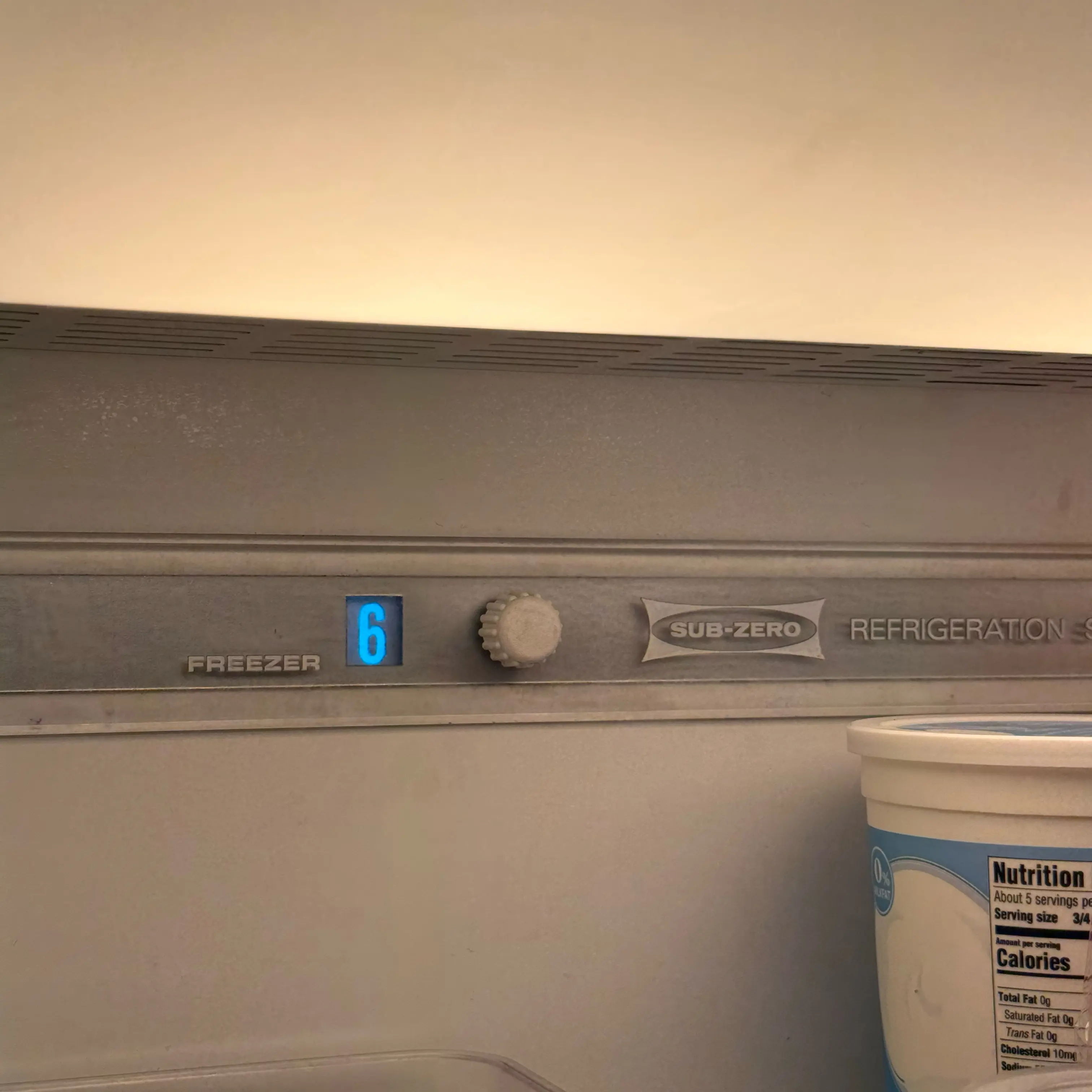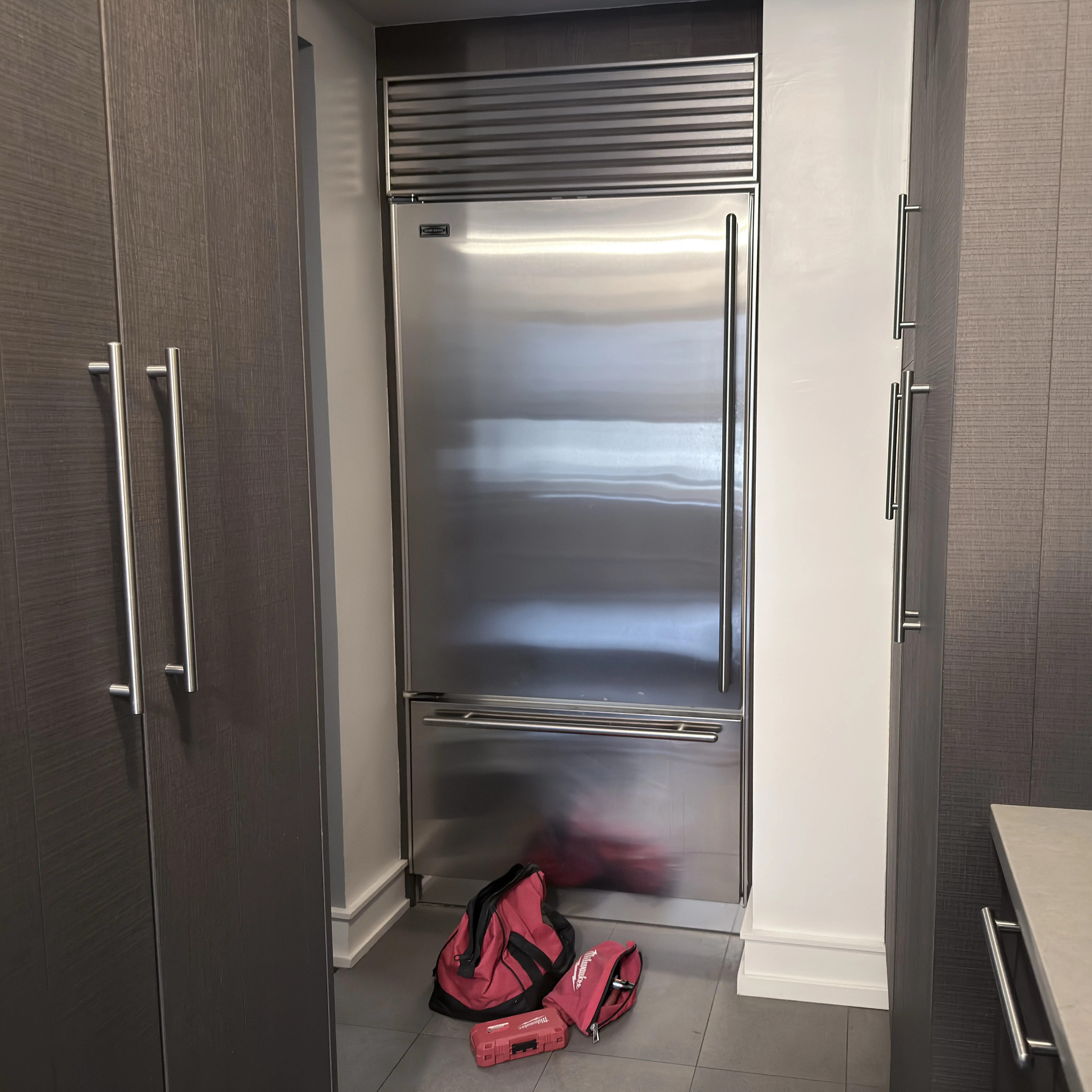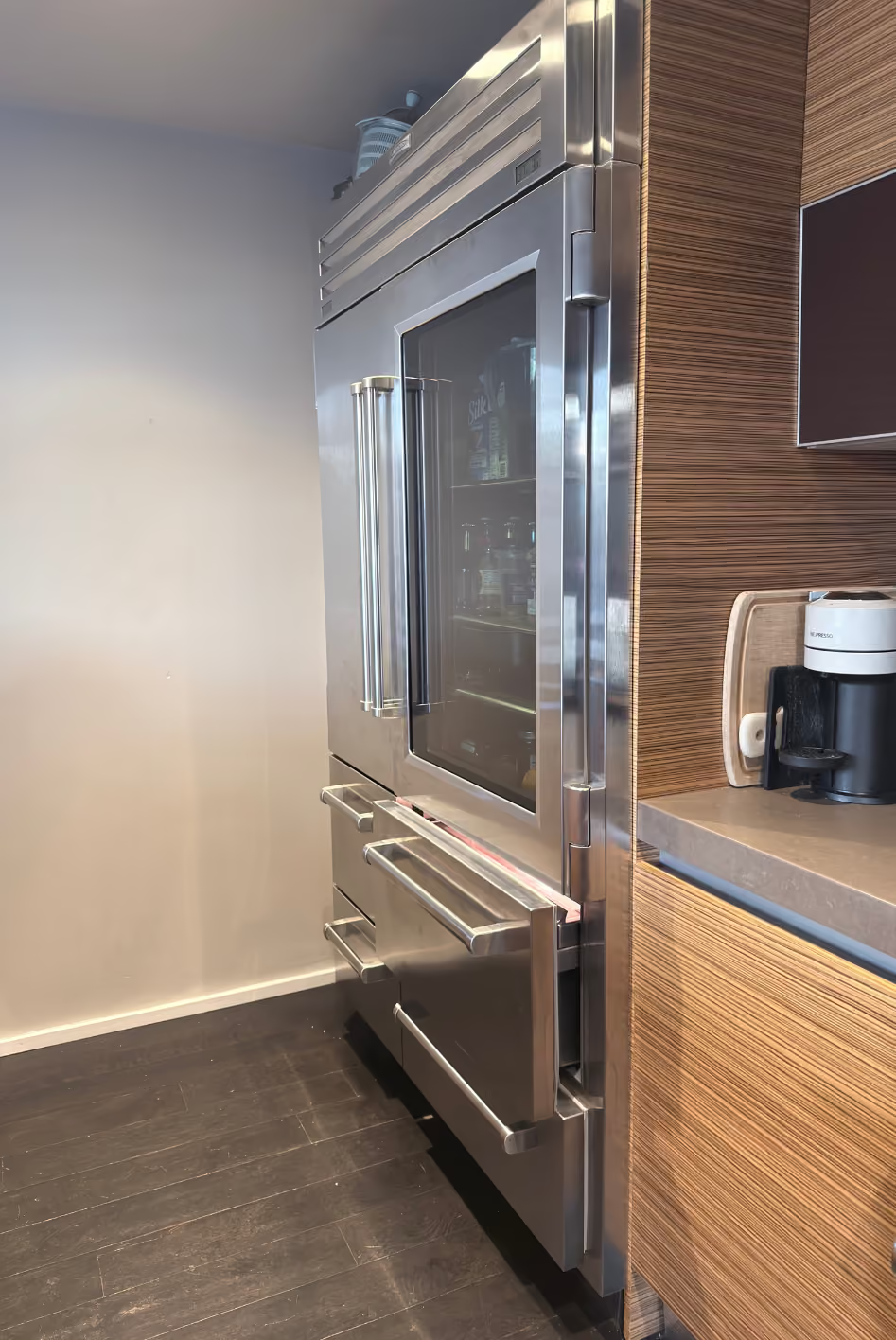


On supported Sub-Zero models, Sabbath Mode can intentionally change several features together, including interior lights, alarms, ice production, or dispenser behavior. Confirm the exact series and mode indication before diagnosing multiple failures; if normal operation does not return after the model-approved exit, service should prove control state and the affected outputs.
Why Sub-Zero Sabbath Mode Can Turn Lights, Dispenser, or Ice Off
- Sabbath Mode is intentionally suppressing supported features: The control changes lights, alarms, ice, or dispenser behavior together Look for the documented mode indicator and multi-feature pattern. A technician should prove correct mode state and output restoration.
- One feature remains unavailable after Sabbath Mode ends: A separate switch, water, ice, wiring, or control fault is no longer explained by the mode Look for normal mode with one persistent failed feature. A technician should prove that feature's input, supply, wiring, and output sequence.
Sub-Zero Sabbath Mode: Why Lights, Ice, Dispenser, or Alarm May Be Off Together
Sub-Zero Sabbath mode is one of the easiest control states to mistake for a failure. A homeowner may see interior lights off, dim, or behaving strangely; the ice maker may stop; the dispenser may not respond; and the door alarm may be disabled. If those features changed together but the refrigerator is still cooling, do not start with bulbs, dispenser switches, or ice maker parts.
The first safe move is to photograph the display, icons, and temperature screen before pressing anything. Then identify the model series. Sub-Zero official guidance shows that Sabbath behavior varies by series. Some models turn lights off. Some keep lights at a dim constant level. Many disable ice maker, dispenser, and door alarm. Cooling normally continues while Sabbath mode is active.
If the lights went off after a door was left open for a long time, use Sub-Zero lights out after door left open instead. Light terminator behavior and Sabbath mode can look similar from the kitchen, but the trigger and fix are different.
The Signature Is Multiple User Features Off
A single interior light out is usually not Sabbath mode. A dispenser paddle not responding by itself is not enough. An ice maker that is off by setting is not enough. Sabbath mode becomes more likely when several user-facing features are disabled together: lights, ice maker, dispenser, door alarm, display behavior, or faint temperature display.
Ask what still works. Are temperatures stable? Does the compressor or fan behavior seem normal? Does the display show faint temperatures, SAb, a black screen, or a Sabbath icon? Does the dispenser stay disabled while cooling continues? Those clues separate a control mode from a failed light switch, failed dispenser, or true power loss.
If the unit is not cooling or the display is in a cooling-off/showroom state, use Sub-Zero showroom mode not cooling. Sabbath mode should not be used as a catch-all explanation for warm food.
Series Variance Matters
Sub-Zero 600 Series guidance describes Sabbath mode with dim temperatures and lights that do not turn on when the door opens, while normal cooling continues. 700 Series guidance says lights, ice maker, and door alarm are turned off while normal cooling takes place. Classic BI guidance says lights, ice maker, door alarm, and dispenser are disabled. Classic CL guidance differs again and can keep interior lights on at reduced brightness.
Designer products have their own behavior. Official Designer guidance describes ice maker and dispenser disabled, lighting in a constant dim setting, and a black Sabbath screen. Connected or updated controls may also have power-failure behavior that differs from older products.
That variance is the reason this page should not give one universal button sequence. Use the exact model manual or Sub-Zero series instructions. A button sequence copied from a 600 Series unit can be wrong for a Designer or Classic product.
Do Not Confuse Sabbath With Ice Maker Off
If only ice production stopped and lights/dispenser/door alarm are normal, the branch is likely ice maker setting, bin, temperature, or water supply. Use Sub-Zero ice maker off or Max Ice if the ice-cube icon or Max Ice setting is the issue.
Sabbath mode can disable the ice maker, but ice maker off is also a normal user setting. Max Ice can time out after a limited period on equipped models. A freezer that is too warm can stop ice production even if Sabbath is off. Keep these separate so you do not replace an ice maker because a mode or setting was active.
After exiting Sabbath or turning the ice maker back on, allow a real ice-production window. New cubes do not appear immediately.
Check Temperature Separately From Features
A mode that disables lights or ice does not automatically mean food is unsafe. Cooling may continue normally. But you still need actual temperature proof if doors were opened often while diagnosing. Put a thermometer in the refrigerator and freezer if available, and keep doors closed while readings settle.
If the refrigerator or freezer is warm, move food as needed and stop treating the problem as only a Sabbath-mode question. Warm temperatures, Service indicators, Vacuum Condenser messages, or a door that will not close are different branches.
Display setpoints are not the same as actual food temperature. A refrigerator can display normal targets while recovering from door-open time or while a separate cooling issue is developing.
What Not to Do
Do not replace bulbs because the lights are off in a known mode. Do not order an ice maker because Sabbath disabled ice. Do not assume the dispenser switch failed if the dispenser and ice maker both disabled at the same time. Do not tape magnetic switches or door switches as a homeowner shortcut.
Do not press random combinations of Power, Unit On/Off, alarm, light, or menu keys from internet comments. A wrong sequence can turn the unit off, enter another mode, or hide the original display evidence. Use the model-specific instructions and save photos first.
Do not ignore temperature. If the unit is warm, the priority is food safety and cooling recovery, not feature restoration.
Evidence to Save
Save the model and serial tag, display photo, faint or visible text, Sabbath icon or SAb if present, which features are off, actual refrigerator and freezer temperatures, whether cooling continues, whether power failed recently, and whether someone intentionally enabled Sabbath mode for religious observance or cleaning.
Service is needed if the unit will not exit the mode using model instructions, if controls are unresponsive, if the unit is not cooling, if lights/dispenser/ice stay off after mode exit and recovery, or if the display behavior does not match the model manual. A good handoff says which features are disabled together and what temperature proof shows.
The Exit Test Must Match the Model
A safe Sabbath-mode exit test has three parts: identify the series, photograph the current display, and follow only that series' instructions. If the unit exits correctly, lights, ice, dispenser, or alarm behavior should return according to the model. If the feature does not return, the issue may be a second problem that Sabbath mode was hiding.
If a power failure happened, record it. Some Sub-Zero guidance notes units may return to Sabbath mode after power returns, while newer connected behavior can vary. That means a homeowner may think the refrigerator randomly failed when it actually resumed a prior mode state.
If religious observance is involved, do not treat Sabbath mode as an error. The page should explain the appliance behavior without telling the homeowner to defeat the mode. The practical diagnostic question is whether the behavior is intentional and whether cooling remains correct.
If the display is faint, black, or showing SAb, save that exact evidence. If the display is normal but the unit is not cooling, the branch is not Sabbath. If the lights are off after a long door-open event, the branch may be light terminator. The false assumption to prevent is 'all lights off means bad bulbs.'
After mode exit, give the ice maker time. Ice production does not resume instantly. The dispenser and lights can return immediately while ice still needs a normal production window.
A Normal Sabbath State Can Look Broken
A normal Sabbath state can look alarming because ordinary feedback disappears. Lights may not react to the door. Ice may stop. The dispenser may ignore input. The alarm may stay silent. That does not mean the refrigerator is off. The key proof is whether actual temperatures remain safe while the user-facing features are intentionally disabled.
If the homeowner does not know whether Sabbath mode was enabled, check recent context. Did someone hold a power or settings key? Was there a holiday, guest, cleaning session, power outage, or child pressing controls? Mode changes often have a human trigger even when no one remembers it immediately.
If the unit exits Sabbath and features return, no repair is needed for those features. If features do not return, the page has still helped because it removed one false assumption and narrowed the next branch to lights, dispenser, ice maker, controls, or cooling.
Keep service notes respectful and factual: 'Sabbath mode suspected because lights, ice, and dispenser disabled together; actual temperatures normal; display faint/SAb present.' That note is more useful than 'everything stopped working.'
A Mode Page Must Not Become a Parts Page
The purpose of this page is to stop unnecessary parts conclusions. If Sabbath mode explains the lights, dispenser, ice maker, and alarm behavior, the correct action is mode verification and model-specific exit, not lamp replacement, dispenser switch replacement, or ice maker replacement. The article should keep that boundary visible.
If only one feature remains failed after Sabbath mode is exited, move to that feature's page. Lights only means light terminator, switch, lamp, or control. Ice only means ice maker setting or production. Dispenser only means dispenser controls, lock, chute, water, or auger. Cooling warm means a cooling branch. That final split is what makes the page useful.
The safest homeowner evidence is a display photo and actual temperature. If those two facts are missing, service has to start over.
Sabbath mode can also create a false emergency call because normal sound and light cues disappear. A quiet alarm and dark or dim interior may feel like power loss even while cooling continues. That is why the article asks for thermometer readings and display photos. If food temperature is normal and the display matches Sabbath behavior, the homeowner can avoid unnecessary part replacement. If food temperature is not normal, the page sends the user away from Sabbath and into cooling diagnosis. This protects both user safety and diagnostic accuracy.
If the unit is in Sabbath mode intentionally, do not ask the homeowner to change it unless they want normal operation restored. The repair question is whether the appliance behavior matches the selected mode and whether temperatures are safe. That distinction matters because Sabbath mode is a legitimate feature, not a malfunction. The article should help a homeowner understand it without treating religious-use settings like accidental damage.
If mode status is uncertain, the safest next action is documentation first: display photo, temperature readings, model tag, and which features are disabled. That preserves the branch before any button sequence changes it.
FAQ
Does every Sub-Zero disable the same features in Sabbath Mode?
No. Feature behavior and button sequences vary by series, so only the exact model manual should control the explanation and exit steps.
What if only one feature stays off after Sabbath Mode ends?
That moves the issue away from a single mode explanation and toward the remaining feature’s control, switch, wiring, water, or component sequence.
.jpeg)