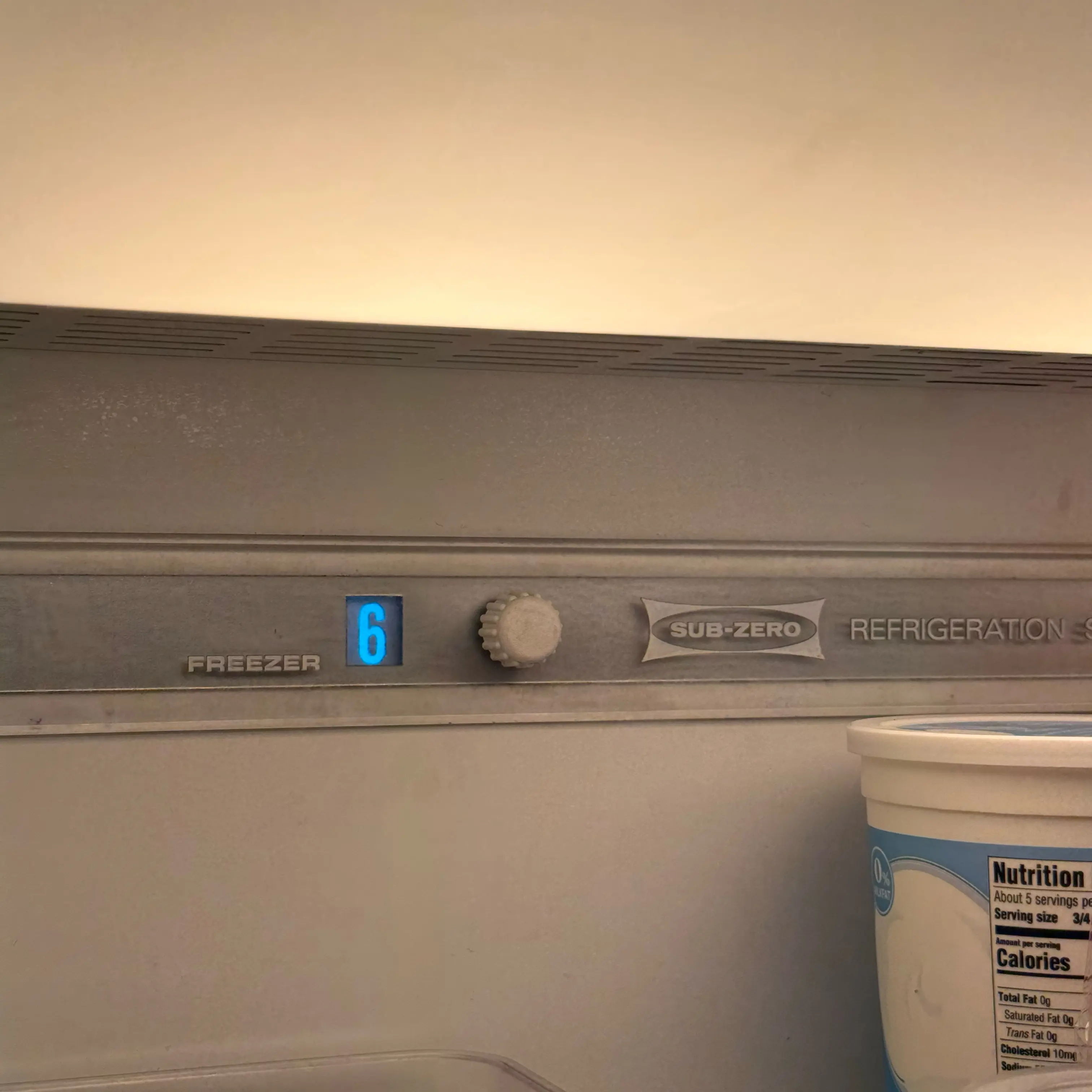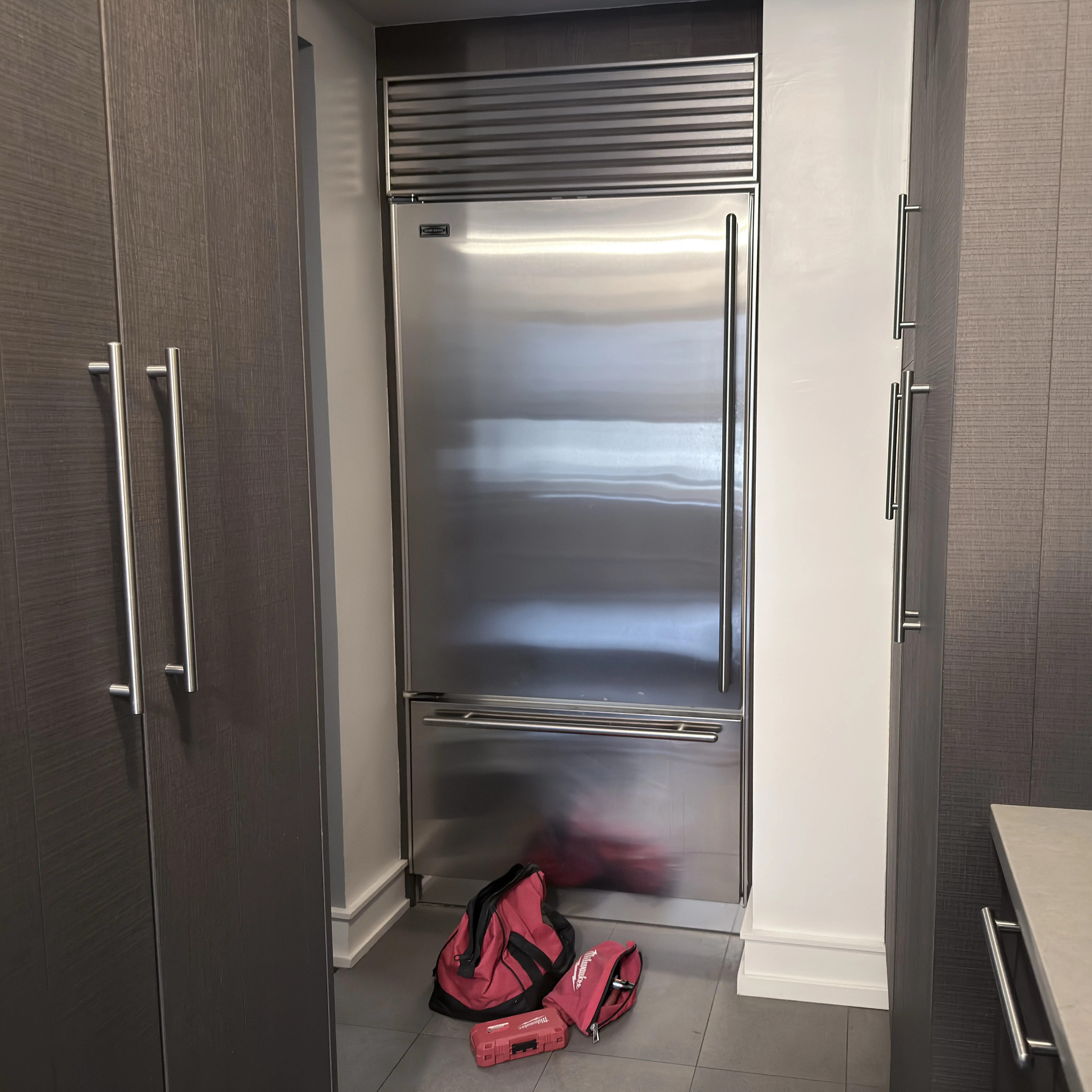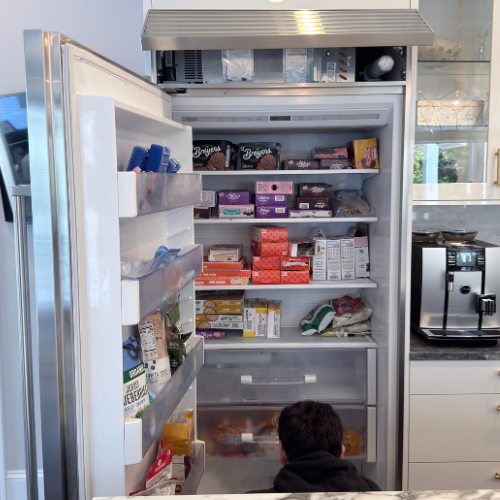


A Sub-Zero in Showroom or Demonstration Mode may have lights and controls while refrigeration is disabled. Confirm the exact series and visible mode indication before changing settings; if the model-approved exit procedure does not restore cooling, actual temperature, control state, sensors, fans, compressor, and refrigeration operation need diagnosis.
Most Common Reasons a Sub-Zero Is Not Cooling in Showroom Mode
- Showroom or Demonstration Mode is intentionally active: Controls and lights operate while refrigeration output is disabled Look for the exact model's documented mode indication. A technician should prove control mode state and correct exit response.
- Cooling does not resume after the mode is exited: A separate control, sensor, fan, compressor, or refrigeration fault remains Look for normal mode display with no measured temperature recovery. A technician should prove cooling command, sensors, fans, compressor, and sealed-system performance.
Sub-Zero Showroom Mode is a mode-state problem, not a cooling repair. Official Sub-Zero guidance for Designer and Legacy Designer units says that in Showroom Mode, cooling functions are disabled while lighting and controls work for display purposes. It also notes that if the unit is not cooling at all but the display reads normal cooling temperatures, the unit may be in display mode. Some Legacy Designer units can return to Showroom Mode after a power outage. That combination is exactly why this symptom confuses homeowners: the refrigerator can look alive while the refrigeration system is intentionally not cooling.
The first job is to prove actual temperature. Do not trust the display alone. Put a thermometer in the refrigerator and freezer if both sections exist, record the readings, and protect food if the fresh-food section is above the safe range or frozen food is softening. Showroom Mode may be harmless in a store, but in a home it can create food-safety risk because lights and controls make the unit appear normal.
What Showroom Mode looks like
The clue is a mismatch between display and reality. Lights work, controls respond, the display may show normal setpoints, but the cabinet remains room temperature or does not pull down after installation or a power event. On some models, the word Showroom appears. On others, service or setup screens require a specific sequence or password. Sub-Zero has separate instructions by platform, including Designer, Legacy Designer, 600 Series, and service guide references. Do not use one model’s button sequence on every unit.
A newly installed built-in refrigerator that never cooled is a classic context. A unit that stopped cooling after someone explored settings is another. A unit that returns to display behavior after power loss is a third. The article stays on mode state; it does not try to cover every warm refrigerator cause.
Safe checks before service
- Record actual refrigerator and freezer temperatures with thermometers.
- Photograph the display, especially if it says Showroom, has dashed temperatures, or shows normal setpoints while warm.
- Check whether the appliance is newly installed, recently powered down, or recently adjusted in settings.
- Look up the model-specific Showroom Mode exit path in the official use guide or support article.
- Do not keep food in the unit if actual temperatures are unsafe.
- Do not enter service menus randomly or change passwords/settings without model instructions.
- If the mode cannot be exited by the correct model path, stop and schedule service.
These checks do not involve sealed-system access, control-board replacement, or refrigerant work. They are about proving whether the appliance is being commanded not to cool.
What this does not prove
A warm Sub-Zero with lights and controls does not automatically prove compressor failure. It does not prove the sealed system leaked. It does not prove the control board is bad. If the unit is in Showroom or display mode, cooling is disabled by setting. The false assumption is “lights on means it is trying to cool.” In this mode, lights and controls can operate normally while cooling functions are off.
The reverse is also important: not every warm Sub-Zero is in Showroom Mode. If actual temperatures are high and the display does not show a mode clue, then door, condenser, fan, airflow, gasket, disabled section, or sealed-system branches may apply. Showroom Mode is a specific branch, not a label for all no-cool complaints.
How to narrow the branch
If the unit is room temperature in both compartments, lights work, and the display shows normal cold setpoints, mode state becomes a strong clue. If the display literally says Showroom, document it. If cooling stopped after a power outage and the model is known to return to Showroom Mode, document that timing. If only the refrigerator is warm while the freezer is cold, the branch is not likely a whole-unit Showroom Mode issue; use the split-temperature page.
If the unit is newly installed, ask whether it ever cooled after installation. If it never did, installer setup or showroom mode is more plausible. If it cooled normally for years and then slowly warmed, mode is less likely unless someone entered settings or there was a power event. If the refrigerator is warm but fans, compressor sound, or frost patterns are present, the branch moves away from Showroom Mode.
Model variance
Sub-Zero does not use one universal Showroom Mode sequence across all platforms. Designer and Legacy Designer support pages describe password and control-panel navigation. 600 Series information is separate. Service documents describe cooling disabled while lighting and LCD remain active. Some models cannot enter Sabbath Mode while in Showroom Mode. The correct procedure depends on model and serial context.
This is why random button sequences are risky. A homeowner can change settings, enter menus, or erase evidence without exiting the mode. The correct handoff is a model tag photo, control display photo, actual temperatures, and the exact event that preceded the no-cool condition.
When to stop
- Stop if actual temperatures are unsafe for food.
- Stop if the model-specific Showroom Mode exit sequence does not work.
- Stop if the display shows service menus or prompts you do not understand.
- Stop if the unit is newly installed and never cooled.
- Stop if cooling is disabled but the unit is built in and access requires removal.
- Stop if a power reset changes nothing or the unit returns to Showroom Mode.
Evidence to save
Save thermometer readings, setpoint photos, display photos, model tag, installation date, power outage history, and any menu wording. Write down whether lights work, whether fans or compressor sound are present, and whether both compartments are warm. If food was in the unit, save the time and temperatures for food-safety decisions.
This evidence lets service separate a mode-state correction from a true cooling failure. It also prevents an expensive wrong direction, such as sealed-system assumptions before the unit has even been commanded to cool.
Why this page is not a full no-cool guide
Showroom Mode is narrow. It explains a refrigerator that appears powered and controlled but is not actively cooling because cooling is disabled. If the unit is trying to cool, making unusual noises, frosting heavily, alarming, or showing one warm compartment and one cold compartment, another guide is better. This distinction protects the homeowner from overusing the showroom explanation when a real cooling failure exists.
A newly installed unit should be watched especially carefully. If it never cooled after installation, ask the installer or service company whether display mode was left on. If it cooled normally and then warmed months later, mode is possible but less likely unless someone entered settings or a power event occurred. The timeline prevents the diagnosis from becoming a generic guess.
If the mode is exited and the unit begins cooling, still monitor actual temperature. A built-in refrigerator may take many hours to pull down. Keep food safety separate from appliance recovery. Do not reload perishables until the thermometer confirms safe temperature.
What to report before service
Report whether the unit ever cooled in the home. A new installation that never cooled is different from a long-running refrigerator that suddenly stopped. Include actual temperatures, display setpoints, whether the display says Showroom, whether lights work, and whether both sections are warm. If there was a power outage, installation visit, control reset, or someone explored settings, say so.
If you tried the official model-specific exit sequence, report exactly what happened. Did the word Showroom disappear? Did fans start? Did temperature begin dropping hours later? Did the mode return after power loss? Those details separate a mode-state problem from a failed cooling system.
What to do with food during a mode check
Do not leave food in the cabinet while proving a display mode. If actual temperature is warm, move perishables first. A refrigerator in Showroom Mode can look calm: lights work, display looks normal, alarms may not match what a homeowner expects, and the cabinet may still be unsafe. Food handling is not a side issue; it is the first practical consequence of cooling being disabled.
After exiting the mode, give the unit time to pull down before reloading. Record temperatures over time. If the display says the unit should be cold but the thermometer does not move, the case may no longer be only Showroom Mode. That is the point where service needs to evaluate cooling operation.
Do not use online button sequences from another Sub-Zero platform. A wrong sequence can put the unit into a menu that creates confusion rather than cooling. Model-specific instructions matter.
How to tell mode from real cooling failure
Mode problems usually have a clean contradiction: the controls look normal, lights work, and the cabinet does not cool. Real cooling problems may show compressor attempts, fan noise changes, frost patterns, alarms, or one compartment behaving differently from another. If both compartments are room temperature and the display looks satisfied, mode becomes a stronger clue. If one compartment is cold and the other warm, a split-temperature diagnosis is stronger.
Give the unit time only after a real mode change. If nothing changed in the controls, waiting does not solve a disabled cooling command. If Showroom disappears and cooling starts, record temperatures over several hours. If the display exits Showroom but temperatures do not move, the problem may have moved from mode to cooling diagnostics.
A homeowner does not need to prove compressor operation. They need to prove the control state, actual temperature, and timeline. That is enough for a useful service handoff.
If the symptom changes
If the freezer is cold but the refrigerator is warm, use Sub-Zero freezer cold but refrigerator warm. If lights, dispenser, and ice behavior changed together, use Sub-Zero Sabbath mode.
Common homeowner questions
Can Showroom Mode make the display look normal?
Yes. Official guidance says cooling can be disabled while lighting and controls work, and the display may read normal temperatures.
Can I ignore food temperature if the display says 38°F?
No. Use a thermometer. Actual cabinet temperature controls food safety.
Should I unplug the refrigerator?
Only as a model-approved reset step if appropriate. Photograph the display first. Random resets can erase evidence.
Is this a compressor failure?
Not if the unit is in Showroom Mode. Cooling is disabled by setting, so mode proof comes first.
FAQ
Why do the lights work when a Sub-Zero is in Showroom Mode?
The mode is designed to demonstrate controls and lighting while disabling normal refrigeration, so display power does not prove cooling is commanded.
How long should cooling recovery take after exiting Showroom Mode?
Recovery depends on model, starting temperature, loading, and room conditions. Monitor measured temperature using the exact manual threshold rather than expecting instant cooling.
.jpeg)