
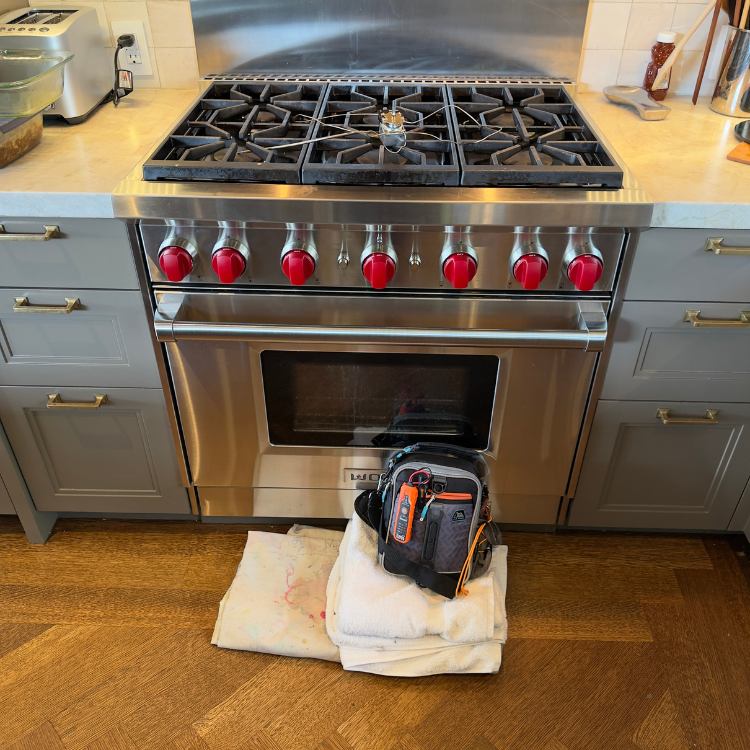

Most Common Reasons a Wolf Dual Fuel Oven Turns On but Does Not Heat
- The oven has not entered an active heating state: An incomplete mode or Start command, Showroom mode, or a visibly obstructed door can leave the controls responsive without normal heat. Current and legacy DF panels do not all use the same sequence. The useful visible evidence is the exact display text, chosen mode, door position, and whether the matched model guide confirms Showroom is off. A technician must verify the door and operating inputs before treating the symptom as a failed heating component.
- The electric heat circuit is not receiving its complete supply: Lights, controls, or a fan can operate without proving that the high-load electric heating circuit has the correct supply. When every mode and cavity stays cold, note whether the symptom followed a power event or breaker trip. Service must measure the model-required supply under load and inspect the terminal and wiring safely; the responsive display alone cannot clear this cause.
- A protective condition followed self-clean: Wolf identifies interrupted power and a tripped thermal cutout among the conditions considered when heat disappears immediately after self-clean. The visible evidence is the exact timing, whether self-clean completed, and whether all heat stopped afterward. That timing does not prove a thermal device failed. The technician must verify cooling, thermal protection, wiring, and the event that interrupted heat.
- One heating mode or cavity has lost its output: If one mode heats while another stays cold, or one cavity works while the other does not, a mode- or cavity-specific element, wiring, relay, or command becomes more relevant than a whole-range outage. Use only results already observed during normal use. Service must reproduce the failed selection and verify its electrical output before naming an element or relay.
- A common control, cooling, sensing, or protection condition is withholding heat: When all modes remain cold even though the interface responds, the control may be receiving an input that prevents heat, or a shared relay, sensor, cooling, wiring, or protective condition may be involved. The homeowner clue is the combination of normal interface response and no temperature rise. The technician must compare requested heat, sensor feedback, protective state, relay output, and actual temperature rise.
Safety Gate
Leave the range off if a breaker trips, arcing appears, smoke or a burning electrical odor develops, heat becomes uncontrolled, glass or wiring is damaged, or water is near a powered area. These conditions cancel the reset and every operating comparison below.
Do not repeatedly reset a breaker. A trip is evidence that the electrical supply and appliance must be checked before further use.
Confirm This Is a DF Electric Oven
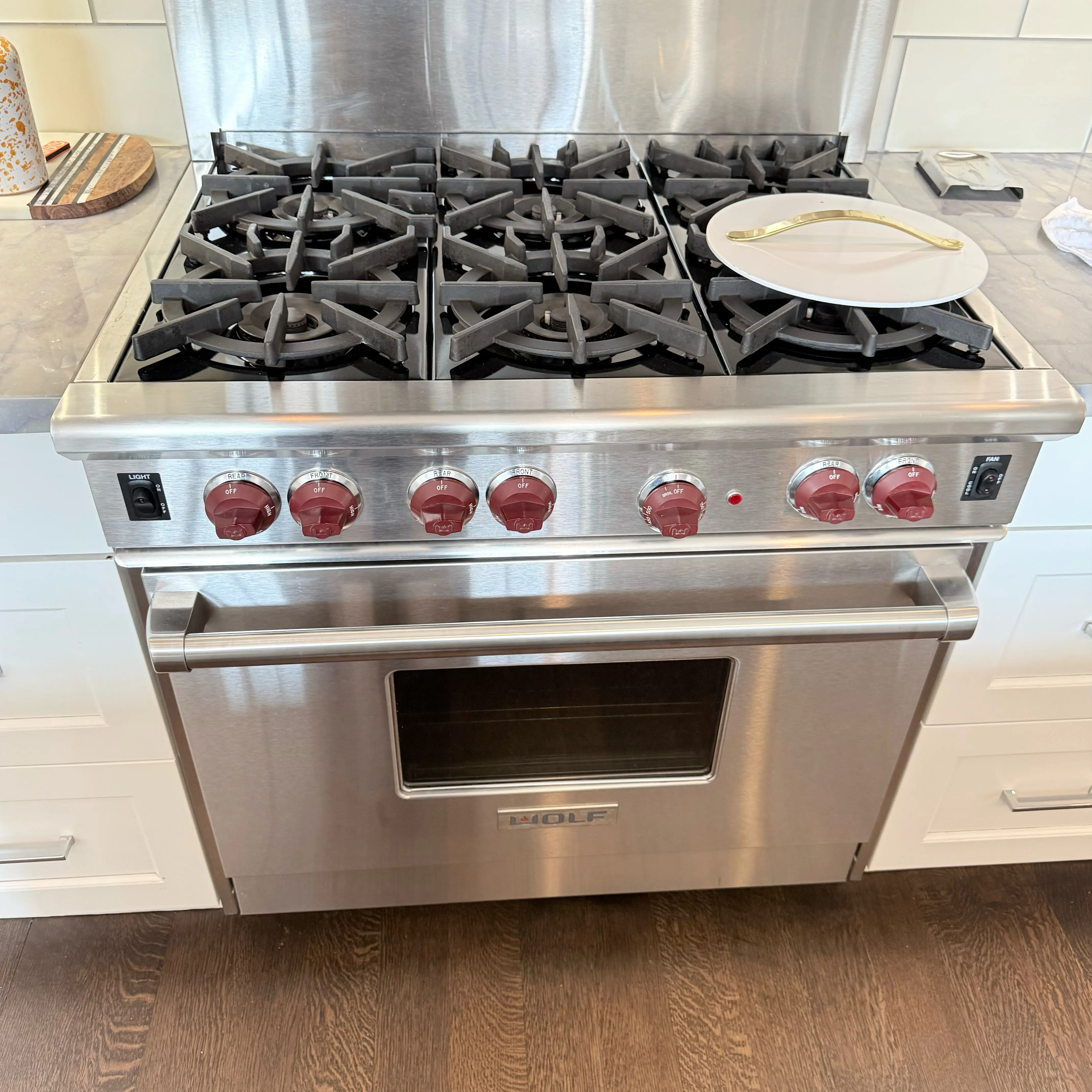
Use the model label. Wolf DF ranges combine gas surface burners with an electric oven. Surface burners can work normally while the oven's electric heating circuit is unavailable, so working top burners do not clear the oven supply, heating outputs, relays, controls, sensors, or protective devices.
If the model is GR and the oven clicks or shows CFH but does not establish flame, use Wolf GR gas range oven will not ignite. GR purge, DSI, electrode, and gas-valve logic does not apply to a DF electric oven.
Check the Display and Operating State
- LO is displayed: Wolf identifies LO as normal preheat text, not an error code. The question is whether the cavity is actually building heat. A cavity that stays cold while LO remains is a no-heat complaint; do not try to clear LO as a fault.
- Heating mode and Start: Confirm the intended mode was selected and the exact current or legacy DF control sequence was completed. Current and legacy panels differ, so do not use a button combination from an unmatched model.
- Showroom mode: Responsive controls with no heat can be a disabled-heating state. Verify Showroom status only through the exact model guide; there is no universal key sequence for every DF generation.
- Door closure: Make sure no visible item blocks the door from closing completely. Do not remove or adjust hinges, a latch, lock, or door assembly.
- Blank display instead of responsive controls: A dead panel is a power or no-start condition, not the turns-on-but-no-heat problem covered here. Keep blank-display symptoms separate from responsive-controls no heat.
Compare Modes and Cavities
- Every heating mode is cold: A common supply, protection, cooling, control, or heating-output condition becomes more relevant than one mode-specific output.
- One mode heats and another stays cold: A mode-specific element or output becomes more relevant. This does not prove an element or relay failed.
- One cavity heats and the other stays cold: On a DF model with two cavities, the working cavity weakens a whole-range outage and supports a cavity-specific condition.
- Both cavities stay cold: A common supply or shared control/protection condition remains possible even when displays, lights, or fans respond.
Use only results already observed during normal use. Do not touch an element, remove a panel, or run multiple cycles to map the appliance.
If No Heat Started After Self-Clean
Timing immediately after a completed self-clean cycle changes what service must check. Wolf's support material identifies interrupted power and a tripped thermal cutout as after-self-clean no-heat cause families. It does not prove a thermal device failed.
Confirm only that self-clean completed and the range was shut off as the model guide directs. Do not run self-clean again as a test, reset or bypass a thermal device, or remove panels to reach it. Check whether cooling fans run and whether all heat stopped immediately after the cleaning event.
One Controlled Power Reset
Only when the Safety Gate does not apply, Wolf's electric-oven support permits power off for 30 seconds before one retest. Restore power once, select the correct heating mode through the exact model controls, and observe whether temperature begins to rise.
If the oven stays cold, an error appears or returns, or the breaker trips, do not repeat the reset.
What Not to Do
- Do not test live voltage, element resistance, continuity, relays, sensors, or control outputs.
- Do not remove an element, panel, door, latch, lock, thermal device, or control board.
- Do not reset or bypass a thermal cutout after self-clean.
- Do not repeat breaker resets or retry after a breaker trip.
- Do not use a generic Showroom or demo-mode key sequence from an unmatched model.
- Do not apply GR gas igniter, electrode, DSI, purge, or valve instructions to a DF electric cavity.
What Diagnosis Must Confirm
- Model: Use the exact model to match the correct current or legacy DF controls.
- Display and command: The exact display text, selected mode, and whether Start was completed.
- Visible state: Door closure, Showroom status under the matched guide, and fan activity.
- Heating comparison: Which modes or cavities were already observed heating during normal use.
- Timing: Any error wording and whether the problem began after self-clean or a power event.
Diagnosis must then prove the model-required supply under load, terminal and wiring integrity, heating-output condition, cooling and thermal-protection state, sensor feedback, relay and control command, and the exact event that withheld heat.


.avif)