
.svg.png)
.png)

An LG washer that will not drain should be diagnosed from the water path outward. LG support explains that an OE error means the washer is not draining properly, commonly because the drain hose is kinked or the drain pump filter is clogged. LG also points to hose height, frozen drain hose conditions, and load or suds conditions that can interfere with the cycle. That means the first useful question is not whether the drain pump has failed. The first useful question is where the water is stopped.
Look at the machine before clearing the code. Is water visible in the drum? Is the door locked because water remains inside? Did the machine stop near rinse or spin? Did it hum as if the pump was trying? Did water back up from the standpipe or sink connection? These observations separate a filter blockage, hose problem, home-drain restriction, pump problem, suds issue, and spin complaint.
Start with standing water
If water is still in the washer, do not force the door. A front-load door may stay locked because the water level is not safe. If the model has a lower pump-filter door and residual drain hose, use the manual procedure: power off, prepare towels and a shallow pan, drain slowly through the small hose if present, then open the filter carefully. Water can come out faster than expected, and it may be hot after a warm cycle.
If the filter contains coins, lint, hair pins, fabric, pet hair, or debris, photograph it before throwing it away. That photo is useful if OE returns. After cleaning, reinstall the filter cap and residual hose cap fully. A cap that is slightly crooked can cause a new leak during the next drain.
Safe checks
- Photograph OE or any displayed code before clearing the cycle.
- Let hot water cool before opening the pump-filter area.
- Check the visible drain hose for kinks, crushing, or being shoved too far into the standpipe.
- Confirm the hose is not frozen or trapped in a cold wall/closet location.
- Watch the standpipe or sink connection during one controlled drain only if it is safe and dry.
- Look for excessive suds, which can slow rinse and drain behavior.
- Do not tilt the washer, open panels, force the door, or use chemical drain cleaner as an appliance fix.
What OE does not prove
OE does not prove the drain pump motor is bad. It may be a clogged pump filter, kinked drain hose, blocked standpipe, restricted sink drain, frozen hose, excessive suds, trapped debris at the pump inlet, or a hose crushed when the washer was pushed back. A pump can sound like it is working and still be unable to move water through a blocked path. A clean filter does not prove the wall drain is clear.
Forum discussions often jump to pump replacement because pumps do fail. That clue is useful only after filter, hose, standpipe, and water-removal evidence are known. Replacing a pump while the drain hose is crushed behind a stacked washer will not solve the problem.
How to narrow the branch
If the washer drains through the small residual hose but not during the cycle, the pump command, pump path, or main drain hose remains under suspicion. If the pump hums but water does not move, restriction or pump impeller trouble becomes stronger. If water flows out of the washer but backs up at the standpipe, the building drain is the branch. If the filter was full of debris and the washer drains after cleaning, the immediate homeowner problem may be solved, but you still need to watch for leaks at the filter cap.
If the drum is mostly empty but clothes are soaked, the complaint may be no spin rather than no drain. LG washers can leave clothes wet when they cannot balance a load or reach high-speed spin. Use water level to decide. Water in tub equals drain path. No water but wet clothes equals spin or balance branch.
NYC apartment details
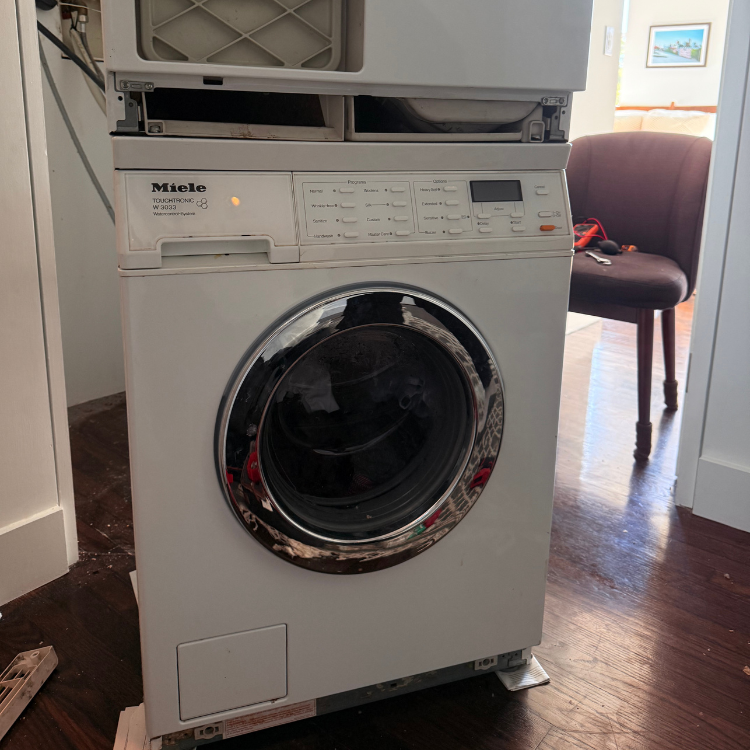
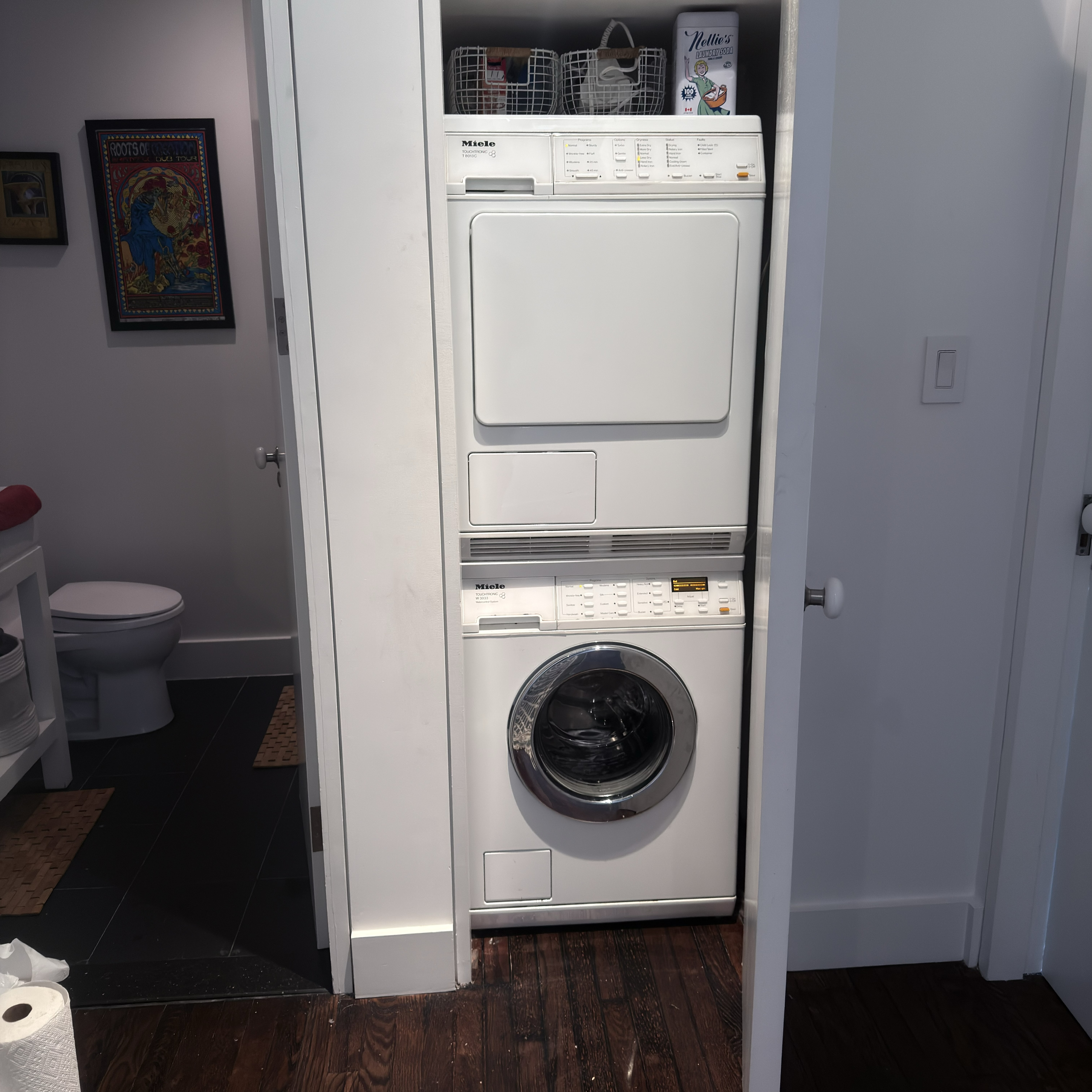
In apartments, LG washers are often stacked, closet-installed, or connected to under-sink drains and tight standpipes. A hose can kink only after the washer is pushed back. A standpipe can accept a little water but overflow when the pump flow increases. An under-sink connection can be restricted by food debris or a poor hose loop. Do not pull a stacked washer out by yourself to inspect the rear hose. Photograph the installation as it normally sits.
When to stop
- Stop if the door remains locked with water inside after safe drain attempts.
- Stop if water leaks from the filter cap or lower access area after cleaning.
- Stop if the standpipe or sink drain backs up.
- Stop if the washer smells hot, trips power, or the pump makes harsh grinding sounds.
- Stop if the washer is stacked or built in and access requires moving it.
Evidence to save
Save the OE code photo, water level photo, pump-filter debris photo, drain hose and standpipe photos, model tag, load type, cycle stage, and whether the pump hummed. Note whether the washer failed every load or only bulky loads. If you cleaned the filter, write whether the next drain worked and whether the cap stayed dry.
This evidence tells service whether to start with owner-cleanable filter recurrence, drain hose routing, pump impeller, pump motor, pressure/water-level logic, or home drainage. It also prevents the symptom from being mislabeled as no spin when the drum was actually full of water.
Useful next branches
If the washer drains but will not spin out clothes, use LG washer will not spin. If the same drain logic is needed for Bosch, use Bosch washer no drain. If water appears under the washer after filter work, use washer leaking water from the bottom. If there is no standing water but clothes remain wet, compare washer not spinning.
Common questions
Can I open the pump filter with a full washer?
Only if the manual provides a safe residual drain procedure and you can control the water. Drain slowly first and protect the floor.
Does OE mean the pump is bad?
No. LG support points first to drain hose and pump-filter restrictions. Pump failure is a service branch after the path is clear.
Can a building drain cause OE?
Yes. If water leaves the washer but backs up at the standpipe or sink connection, the building drain may be the problem.
What should I report?
Code, water level, filter debris, hose position, standpipe behavior, pump sound, and whether the door stayed locked.
Front-loader filter access versus top-loader behavior
LG front-load and top-load washers can both fail to drain, but the safe owner access points differ. Many front-load models provide a lower pump-filter access door with a small residual drain hose. Many top-load models do not use that same owner path. Do not follow a front-load filter video on a top-load machine unless the exact manual matches. The model tag decides the safe check.
For front-load models, the residual drain hose is slower than the main pump drain, but it is safer for removing water before opening the filter. If water continues for a long time, pause and manage the pan. If the small hose is clogged, do not force wire into it. That is a service clue.
Standpipe proof in apartments
A washer can be blamed for a building drain that cannot accept the pump flow. During one controlled drain, water may surge out of the standpipe or under-sink connection. If that happens, stop the appliance test and document the backup. A pump cannot solve a blocked wall drain. Do not add chemical drain cleaners through the appliance path.
Drain hose depth matters too. If the hose is pushed too far down a standpipe, it can create siphon or flow problems. If it is barely secured, it can jump out and flood. Photograph the hose position before moving anything because installation evidence can disappear once the washer is pulled forward.
Suds and filter-cleaning aftermath
Excess suds can confuse drain and spin behavior. If the washer drains foam for a long time, note detergent type and amount. Do not keep adding detergent or boosters to a machine that already has suds. Use only model-approved rinse or clean-out steps.
After filter cleaning, the first test is partly a leak test. Watch the filter cap and residual hose cap during the next drain. If water appears at the lower panel, stop. A solved OE code is not a success if the floor starts leaking.
What a technician can do that a homeowner should not
Service can verify pump power, impeller obstruction, tub-to-pump hose, pressure feedback, harness, and control output. Those checks require moving panels or electrical testing. The homeowner’s job is to make those tests targeted by proving filter, hose, standpipe, code, and water level first.
Pump sound tells only part of the story
A pump sound does not prove water is moving. A blocked filter, clogged tub-to-pump hose, kinked drain hose, or backed-up standpipe can let the pump run while the drum stays full. Silence during drain is also useful, but it does not prove the pump alone; the washer may not be commanding drain because of a control or safety state. Record sound and water movement together.
If you hear a grinding or rattling sound, stop after the safe drain. Foreign objects can sit near the impeller. Do not reach into the pump cavity beyond the manual-cleanable filter area. A coin photo or debris photo helps service decide whether the impeller path needs inspection.
Intermittent OE
Intermittent OE is often harder than a single hard failure. If it drains one load and fails the next, look for partial hose restriction, standpipe restriction, suds, or a pump that weakens under load. Keep a two-load log: cycle, load, water level, pump sound, and whether the standpipe gurgled. Intermittent evidence prevents random pump replacement.
Door locked with water
If the door is locked with water visible, the door lock may be doing the correct thing. Do not force it. The safe path is water removal by the model procedure. A door that opens only after water is drained is not proof the lock failed; it proves the washer was protecting against a flood.