Sub-Zero Appliance Repair in NYC & Brooklyn
Sub-Zero Refrigeration Through the Years: What Changed and What Owners Need to Know
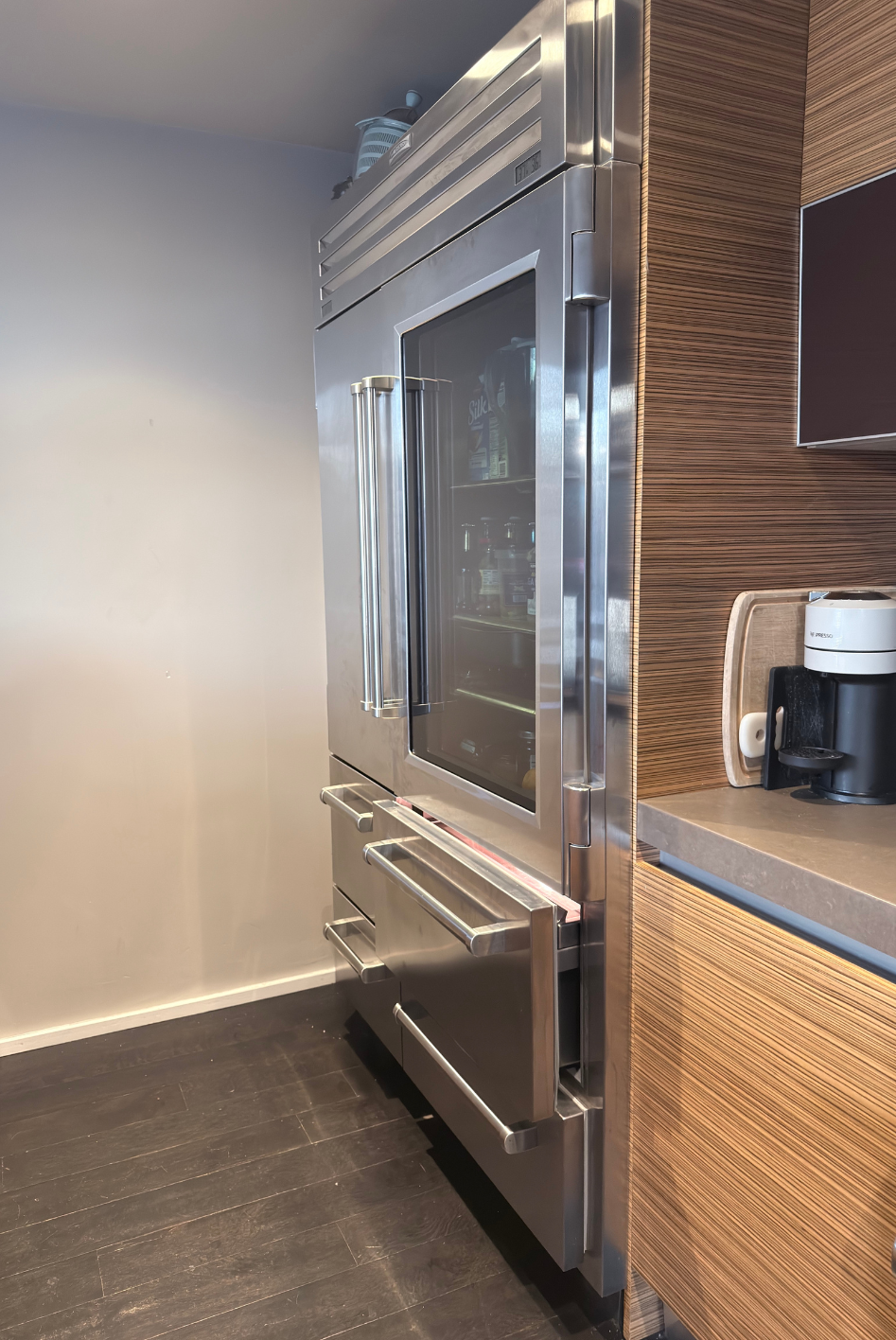
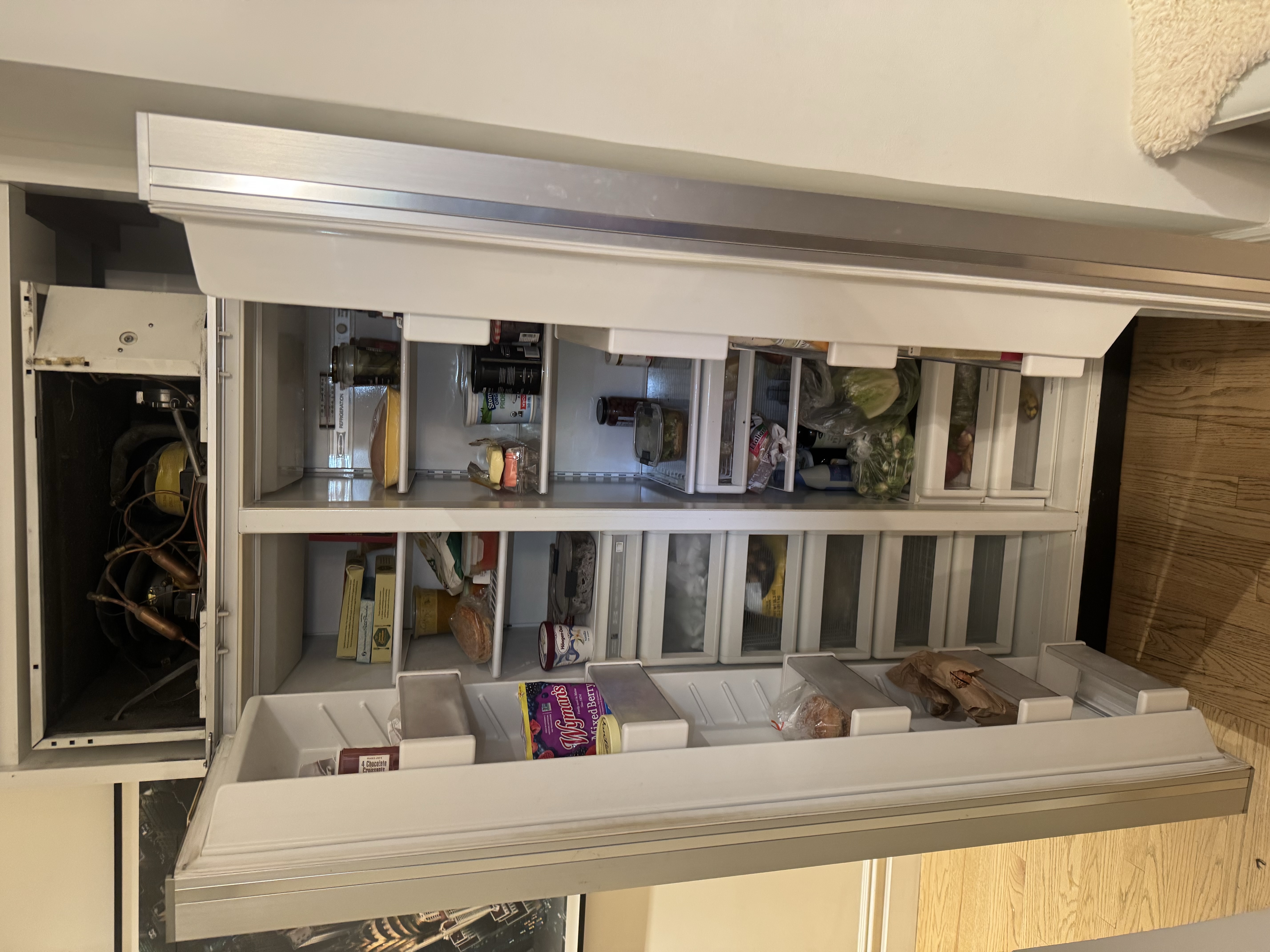
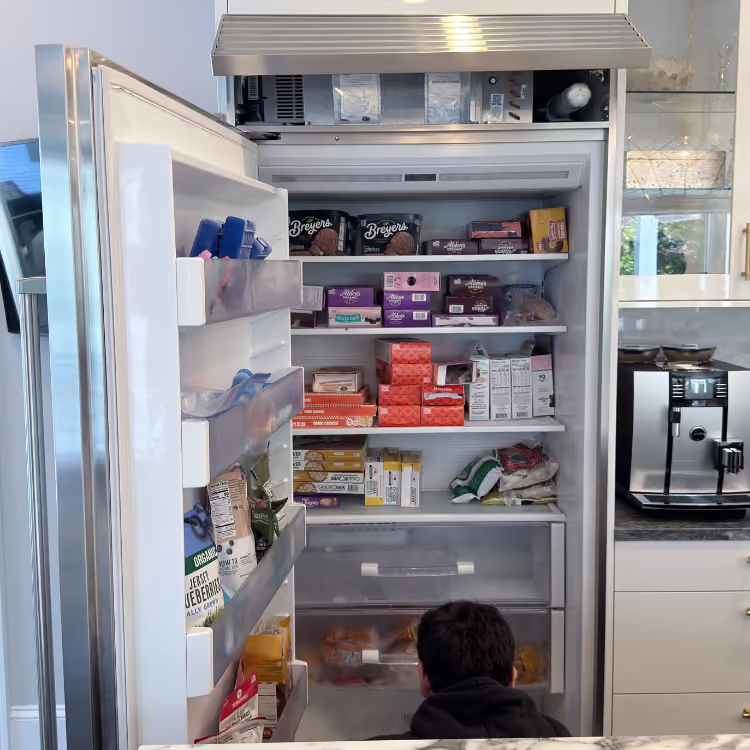
Need Sub-Zero appliance repair in NYC? Start with the complete model-and-serial tag, the cabinet family and the exact compartment, drawer, wine zone or ice function that changed. A Classic combination unit, Designer column, undercounter drawer, wine-storage unit, ice maker and PRO refrigerator do not share one cabinet layout or control path.
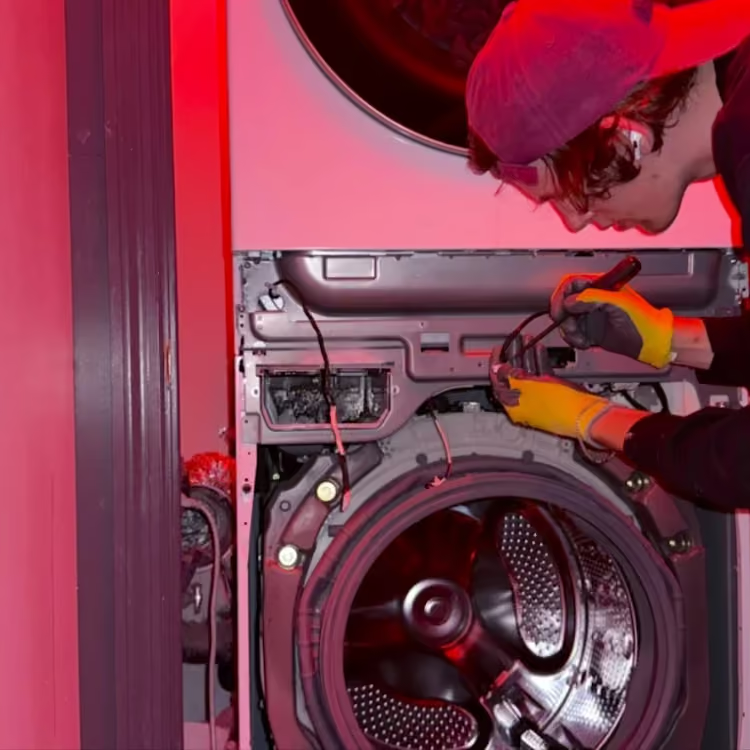
Volt & Vector reviews independent residential Sub-Zero service requests in Brooklyn, Manhattan below 96th Street, and selected Queens ZIP codes. Exact address, model scope, built-in access, route capacity and timing are confirmed before a visit. Volt & Vector is not affiliated with, endorsed by or authorized by Sub-Zero.
Quick Answers
What should I send before requesting Sub-Zero appliance repair?
Answer: Send the complete model-and-serial tag, cabinet family if known, measured refrigerator and freezer temperatures, affected compartment, literal display wording, symptom timeline and wide installation photos.
Why does the Sub-Zero cabinet family matter?
Answer: The official Sub-Zero model-number key distinguishes Classic, Designer, PRO, undercounter, wine, refrigerator, freezer and combination configurations. That identity determines which compartment and control behavior applies.
What if the freezer is cold but the refrigerator is warm?
Answer: Treat it as a compartment split, not a whole-cabinet no-cool report. Use the Sub-Zero freezer-cold/refrigerator-warm guide and record temperatures, airflow, frost pattern and door closure.
Does a Sub-Zero display message identify the failed part?
Answer: No. Preserve the literal message or icon and pair it with the full model, serial and temperature pattern. “Vacuum Condenser,” a disabled zone and a general service signal do not have one universal parts answer.
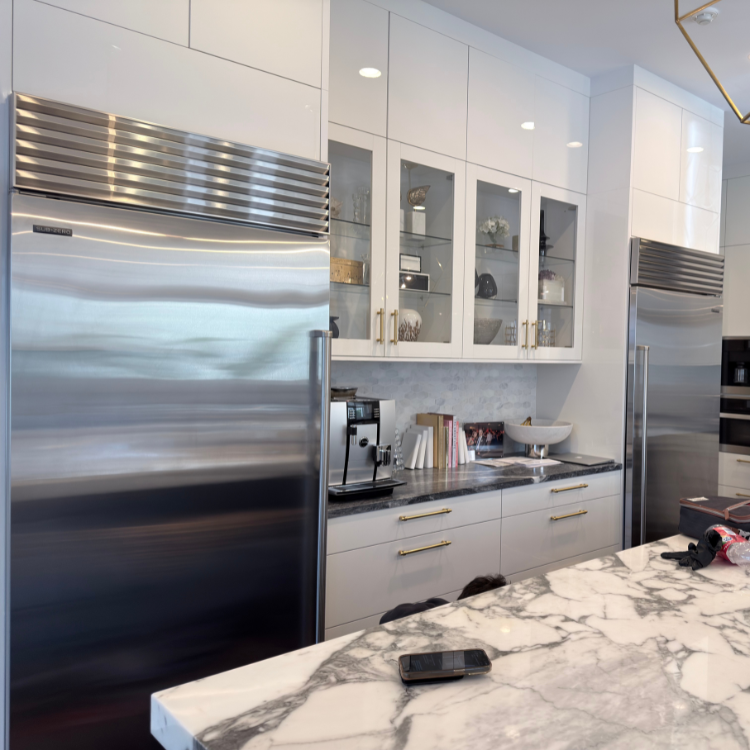
Can a panel-ready or built-in Sub-Zero be reviewed without moving it?
Answer: Yes. Send the rating plate if safely accessible and wide photos of panels, toe-kick, cabinetry, floor, door swing and ventilation openings. Do not pull or disassemble the cabinet yourself.
When does a warm Sub-Zero become a food-safety issue?
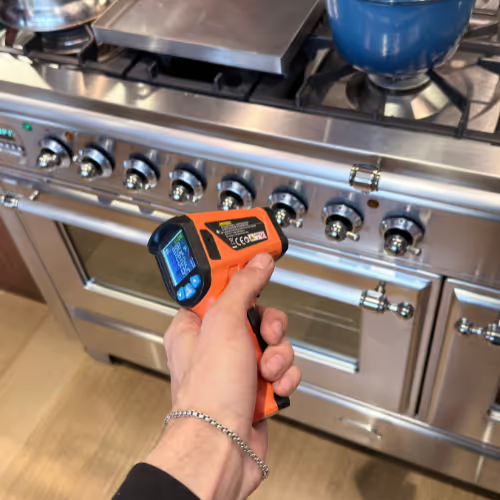
Answer: Use an appliance thermometer and protect perishables first. USDA guidance says refrigerated food should remain at 40°F or below; perishable food held above 40°F for more than two hours should not be consumed.
Sub-Zero Repair NYC at a Glance
- Service type: Independent residential refrigeration repair; no Sub-Zero authorization is implied.
- Coverage: Brooklyn appliance repair, Manhattan appliance repair below 96th Street, and selected Queens routes confirmed by exact address.
- Products: Built-in and integrated refrigerators, freezers, wine-storage units, undercounter refrigeration and ice-making equipment, subject to model and access review.
- Approach: Identify the cabinet, measure the affected compartment, trace the symptom pattern, separate appliance failure from door, airflow, heat-rejection or installation conditions, and verify temperature recovery after repair.
- Before dispatch: Share the tag, compartment temperatures, display, safety status and installation access through the booking request.
Choose the Sub-Zero Cabinet That Matches the Problem
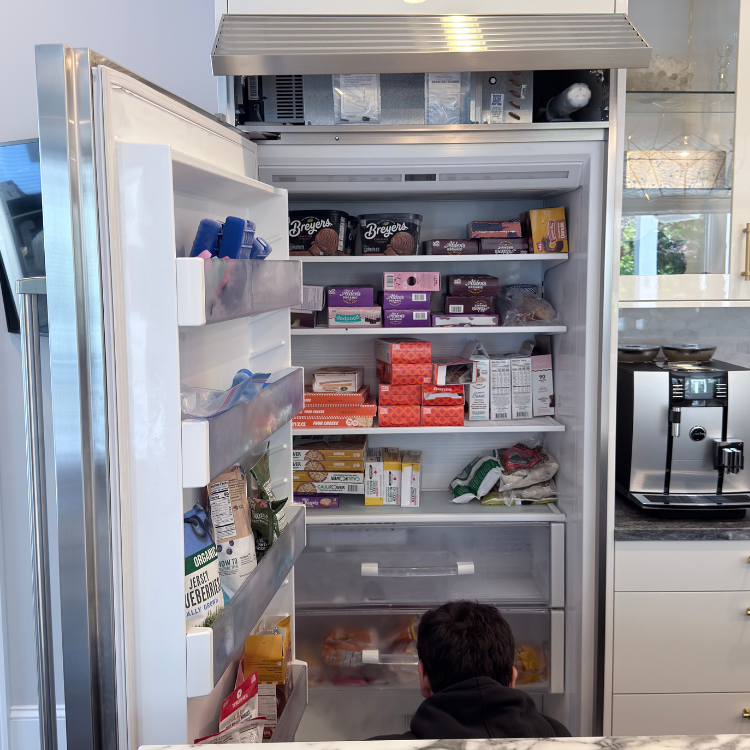
- Refrigerator or combination cabinet: Start with refrigerator repair in NYC. Record fresh-food and freezer temperatures separately, even when only one section feels warm.
- Dedicated freezer or freezer column: Use freezer repair in NYC. State whether food is softening, frost is changing or temperature is rising continuously.
- Wine-storage unit or zone: Use wine-cooler repair in NYC. Record each zone's setpoint and measured temperature rather than reporting only that wine feels warm.
- Ice-making equipment: Use ice-maker repair in NYC for a dedicated or integrated ice-making function. Separate ice production, harvesting and dispensing.
- Undercounter or drawer unit: Send the exact model key and affected drawer or compartment before choosing a generic refrigerator or freezer route.
Sub-Zero Symptom-to-Diagnosis Map
The freezer stays cold while the refrigerator warms.
What this usually points to: Air distribution, fan response, frost restriction, damper or return path, door sealing or compartment feedback.
What we verify: Measure both compartments, inspect airflow and frost patterns, verify door closure and determine whether cold air reaches the fresh-food section.
Both refrigerator and freezer temperatures rise.
What this usually points to: Power or mode state, heat rejection, condenser airflow, shared cooling path, control response or refrigeration-system performance.
What we verify: Confirm actual temperatures and trend, inspect accessible heat-rejection conditions, observe fan and system response and separate a cabinet-wide failure from a single-zone problem.
A dedicated freezer softens food or will not reach temperature.
What this usually points to: Door seal or loading, frost or airflow restriction, fan behavior, temperature feedback, heat rejection or cooling-system performance.
What we verify: Measure product-zone temperature, inspect frost and door contact, observe airflow and determine whether the cabinet is recovering or continuing to warm.
Frost concentrates on the refrigerator's back wall.
What this usually points to: Door or humidity load, airflow restriction, defrost behavior, drain condition or temperature-control pattern.
What we verify: Map the frost location, compare compartment temperatures, inspect door closure and use the Sub-Zero back-wall frost guide to preserve the exact pattern.
Water collects beneath a crisper drawer.
What this usually points to: Local spill or container, condensate or drain path, frost melt, door sealing or water-system leak.
What we verify: Identify the first wet location, inspect the visible compartment and frost pattern, separate clear condensate from an active supply leak and use the water-under-crisper guide.
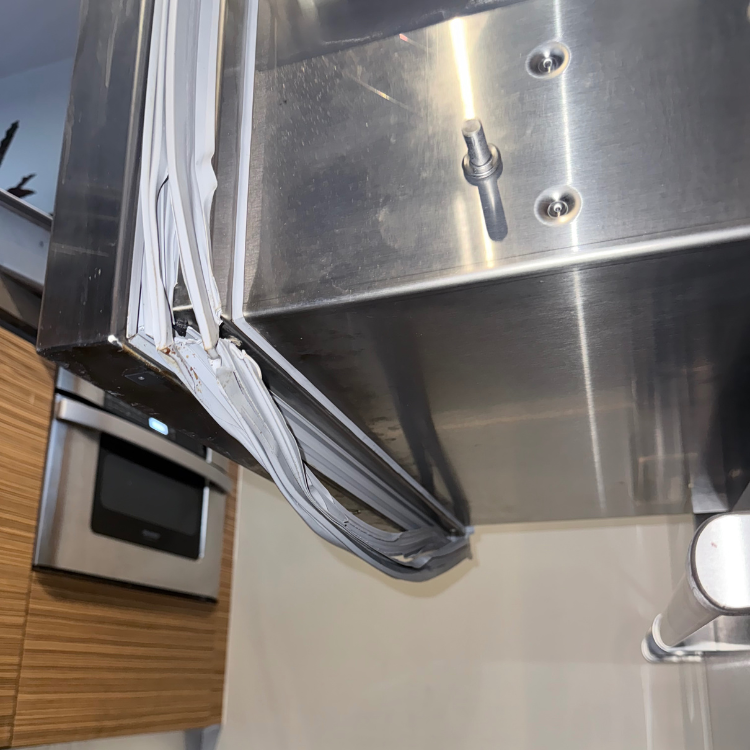
The door rebounds, sits unevenly or shows a seal gap.
What this usually points to: Obstruction, gasket contact, hinge or door alignment, cabinet level, panel load or closing mechanism.
What we verify: Inspect the full perimeter and door movement, compare alignment and use the Sub-Zero door-seal guide before blaming the cooling system.
The ice maker stops producing ice.
What this usually points to: Freezer temperature, ice-maker state, water supply or filter path, bin position, sensing, harvest response or control request.
What we verify: Separate production from dispensing, verify temperature and water conditions, identify the exact ice system and observe the commanded cycle using the Sub-Zero ice-maker guide.
Ice is made but does not dispense.
What this usually points to: Control lock or mode, bin or chute condition, door state, dispenser actuator, drive response or control output.
What we verify: Confirm that ice production is normal, inspect the accessible bin and chute, record the panel response and test dispensing as a separate function.
The unit runs for long periods or sounds different.
What this usually points to: High door or ambient load, door sealing, condenser airflow, fan vibration, frost restriction or cooling-system demand.
What we verify: Compare sound location and timing with temperature trend, inspect doors and airflow, and determine whether the cabinet is maintaining or losing temperature.
“Vacuum Condenser” flashes.
What this usually points to: A model-bounded 600 Series efficiency or temperature warning related to condenser condition, door closure or a cooling problem.
What we verify: Confirm the exact model and serial range, measure compartment temperatures and use the Vacuum Condenser guide without treating the words as a universal diagnosis.
Lights and controls work but the cabinet does not cool.
What this usually points to: Supported showroom mode, cooling control state, fan or system response, temperature feedback or actual cooling failure.
What we verify: Preserve the literal display state, identify the model family and use the Sub-Zero Showroom-mode guide only for supported controls.
The cabinet beeps while the doors appear closed.
What this usually points to: Door or drawer contact, obstruction, temperature alarm, service signal, control state or a sound from another nearby appliance.
What we verify: Inspect every door and drawer, record temperatures and icons, identify the sound source and determine whether the alarm follows door state or cabinet operation.
The Sub-Zero Cabinet-and-Compartment Repair Path
- Identity evidence: Photograph the full model-and-serial tag. Use the Sub-Zero serial-tag guide when the safe, normal-access location is unclear.
- Cabinet evidence: Identify Classic, Designer, PRO, undercounter, wine or ice equipment and whether the unit is a combination cabinet, column, drawer or dedicated product.
- Temperature evidence: Record refrigerator, freezer and wine-zone temperatures with time. “Feels warm” cannot distinguish recovery, a compartment split and a cabinet-wide loss.
- Pattern evidence: Preserve frost location, first water location, door behavior, display wording, sound timing and which ice function fails.
- Verification evidence: After an approved repair, confirm the affected compartment's temperature trend, airflow, door behavior, water containment or ice function under an appropriate operating condition.
How to Read the Display: Fault Code, Status, or Appliance ID?
- Fault-like format: EC 05 and EC 06 are documented faults on Sub-Zero 600 or 700 Series products, EC50 can appear with Service on specific families, and legacy products may show EE + Service. These are family-bound formats, not a universal alphabet. The EC 05/06 guidance says owner troubleshooting is not available; preserve the code and current temperatures. The 600 Series EE guidance likewise requires the exact family and display position.
- Status or operating message: Vacuum Condenser, Service, a wrench, two dashes, Showroom, a door alarm, and a temperature alarm are not interchangeable. Some are maintenance, operating, or disabled-zone states; others accompany a logged fault. Preserve the exact combination and cabinet family instead of reducing it to “service light.”
- Appliance ID: Prefixes such as CL, BI, DET, IC, and PRO identify product lines or cabinet configurations. They are not error codes. Use the Sub-Zero model-number key and the complete serial tag to select the right control guidance.
- Service-mode or internal value: Compartment readings, sensor values, or characters visible only after entering a service screen are not owner-facing fault codes. Do not enter an undocumented diagnostic mode or alter values to search for a problem.
- What to photograph: Capture the whole display, every lit icon or word, the affected compartment, and the full model-and-serial tag. Record refrigerator, freezer, or wine-zone temperatures and the time before any message is cleared.
The code meaning and service path can change by series, control generation, compartment arrangement, and serial range. A display signal is useful evidence only when it remains attached to cabinet identity and temperature behavior.
Safe Checks Before Requesting Service
- Confirm the door or drawer is fully closed and not blocked by food, bins or a shifted shelf.
- Record actual refrigerator, freezer and wine-zone temperatures with an appliance thermometer.
- Note whether warming is isolated to one compartment or affects the whole cabinet.
- Photograph the frost pattern before defrosting or wiping it away.
- For ice complaints, confirm whether the visible failure is production, harvesting or dispensing.
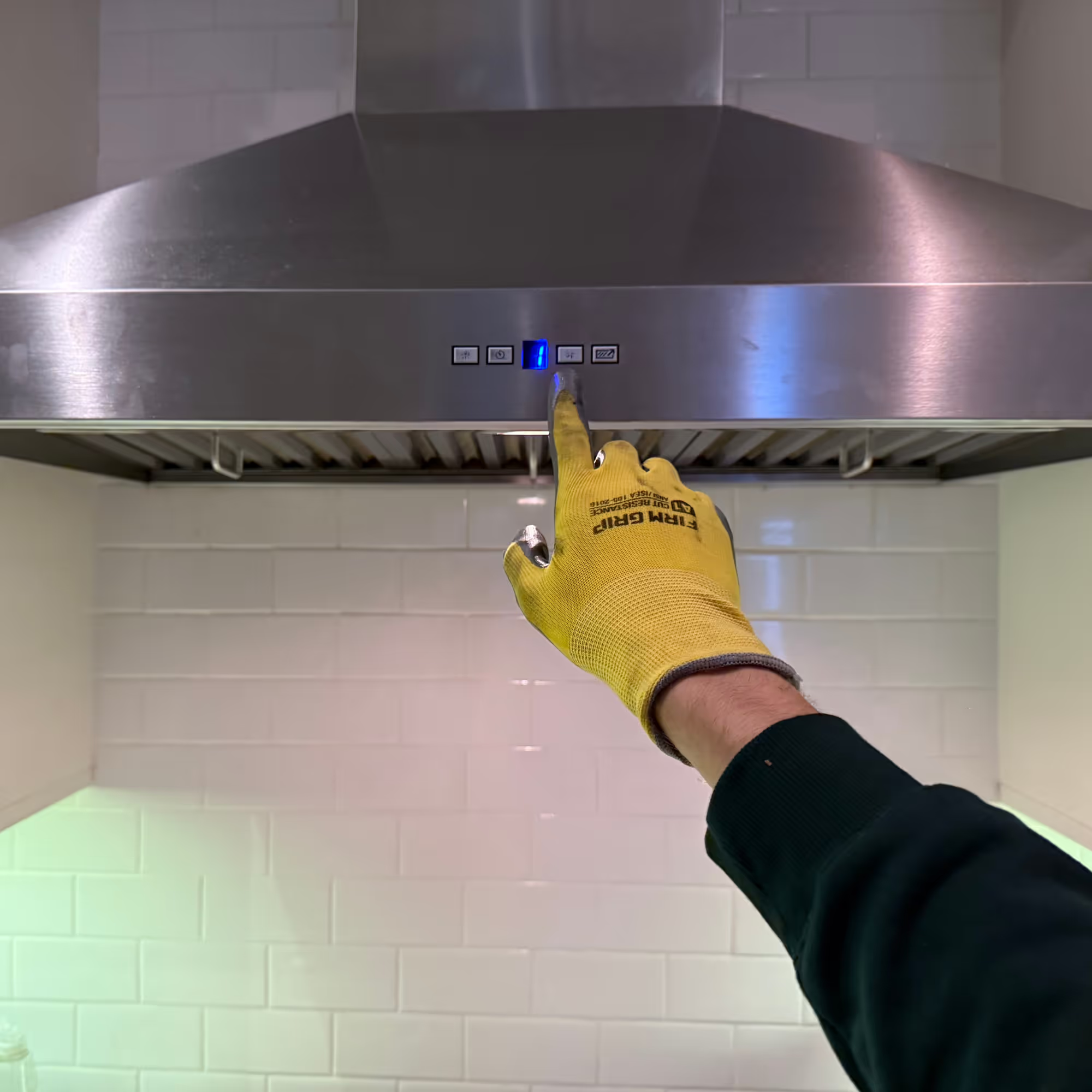
- Check only the condenser-care procedure that the exact owner's guide makes safely accessible; do not remove built-in panels or reach into moving equipment.
- Photograph the rating plate and the complete installed cabinet, including panels, toe-kick and ventilation openings.
Mistakes That Can Make the Problem Worse
Clearing EC50 + Service before recording compartment temperatures.
Why it causes problems: Sub-Zero's official path changes when temperatures are high, and the preserved code helps service verify the problem; clearing it early removes evidence while food may continue warming.
Safer next step: Record the code, time, and each affected compartment temperature first. Protect food and arrange service when temperatures are high or rising.
Treating EC 05 or EC 06 as permission to order a sensor or open the cabinet.
Why it causes problems: The official 600/700 Series guidance provides no owner troubleshooting for these faults, and the code still needs series-specific diagnosis.
Safer next step: Leave the code intact and send it with current temperatures and the full model-and-serial tag.
Using a model prefix such as BI, CL, or DET as though it were the display fault.
Why it causes problems: Those characters identify cabinet families; confusing them with a code can route the request to the wrong service information.
Safer next step: Photograph the rating plate and the display as two separate pieces of evidence.
Chipping frost with a sharp tool, warming it with a heat gun, or wiping away the entire frost pattern before taking a photo.
Why it causes problems: This can damage cabinet surfaces or hidden cooling paths and removes the pattern that helps separate airflow, door, defrost, and compartment problems.
Safer next step: Stop use if required, photograph the undisturbed pattern, and follow only the exact manual's owner defrost or care instructions.
Waiting for a “more serious” code while refrigerator or freezer temperature keeps rising.
Why it causes problems: Food-safety decisions depend on measured temperature and elapsed time, not on whether the control produces another code.
Safer next step: Move perishables to safe cold storage, record temperature and time, then arrange cabinet-specific diagnosis.
Where the Homeowner-Safe Limit Ends
- Homeowner-safe: Confirm unobstructed door and drawer closure, measure each compartment temperature, note whether warming is isolated or cabinet-wide, photograph frost and displays, identify the failed ice function, and perform only condenser care explicitly made accessible by the exact owner guide.
- Technician or utility boundary: Stop at EC 05/06, high or rising temperatures with EC50 + Service, a returning service signal after the documented owner check, internal diagnostic screens, powered or moving equipment, water or refrigeration connections, removal of panels, or movement of an integrated cabinet. Food protection begins before the repair boundary when temperatures become unsafe.
Stop-Use and Food-Safety Conditions
- Unsafe food temperature: Move perishables to safe cold storage. Follow USDA refrigeration guidance, including the 40°F and two-hour boundary for perishable food.
- Water near powered parts: Keep away from the water and do not move or operate the appliance until the electrical hazard is cleared.
- Smoke, sparks or burning electrical odor: Stop use and call 911 for an active fire or immediate emergency.
- Repeated breaker trip: Leave the appliance off and do not keep resetting the breaker.
- Rapid temperature rise with an alarm: Protect food first, record temperatures and arrange diagnosis instead of repeatedly clearing the alarm.
NYC Access Changes the First Diagnostic Step
- Panel-ready or integrated cabinet: Send the panel, toe-kick, surrounding cabinetry, floor, door swing and visible ventilation path. Do not remove panels or pull the unit.
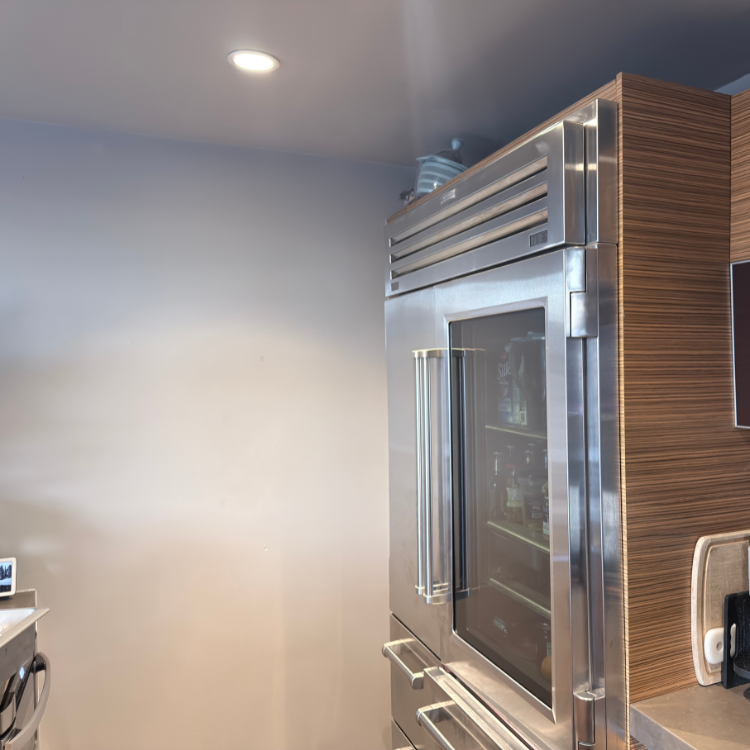
- Full-height column or PRO unit: Show ceiling, side and front clearances and the protected route through the kitchen before access is planned.
- Undercounter or drawer refrigeration: Photograph the entire opening, adjacent cabinetry and affected drawer without dismantling millwork.
- Managed building: Include service-elevator hours, doorman or superintendent instructions, floor-protection rules and any Certificate of Insurance requirements with the booking request.
- Route fit: Use the Brooklyn service route or Manhattan service route. Selected Queens requests require exact-address confirmation.
How Sub-Zero Service Works
- Send the evidence: Submit the tag, cabinet type, compartment temperatures, symptom pattern, display, safety status, address and installation photos through the booking page.
- Confirm the route: Model scope, service area, built-in access, route capacity and appointment timing are reviewed before the visit is finalized.
- Diagnose the installed cabinet: The technician confirms the temperature or function loss and separates appliance failure from door, airflow, heat-rejection, water or installation conditions.
- Explain the repair path: The finding, compatible repair option, access limits and next step are explained before repair work proceeds.
- Verify the result: The affected compartment, door, water path or ice function is tested again. Read more about how appliance repair works.
What to Send for Faster Review
- Complete Sub-Zero model-and-serial tag photo.
- Cabinet family and configuration if known.
- Measured temperature for every relevant compartment or zone.
- Literal display message, number, dashes or icon.
- Time the condition began and whether temperature is stable, recovering or rising.
- Photos of frost, water origin, door gap or ice condition before cleanup when safe.
- Wide installation photos showing panels, toe-kick, cabinetry, floor, door swing and ventilation openings.
- Exact address and building instructions, including COI requirements when applicable.
Service Boundaries
- Appliance installation, cabinet modification, sealed-system DIY guidance, water-line alteration and electrical branch-circuit work are not presented as Sub-Zero repair services.
- Wolf cooking appliances and Cove dishwashers use separate brand routes.
- Commercial refrigeration and unlisted specialty products require exact-model scope review before dispatch.
- Volt & Vector provides independent service. For Sub-Zero Factory Certified Service, warranty coverage or a manufacturer-controlled service plan, use the current Sub-Zero support path that controls that benefit.
Request Sub-Zero Appliance Repair in NYC
Use the online booking request or call +1 (332) 333-1709. Include the full tag, cabinet family, affected compartment, measured temperatures, literal display and installation access.


.jpeg)