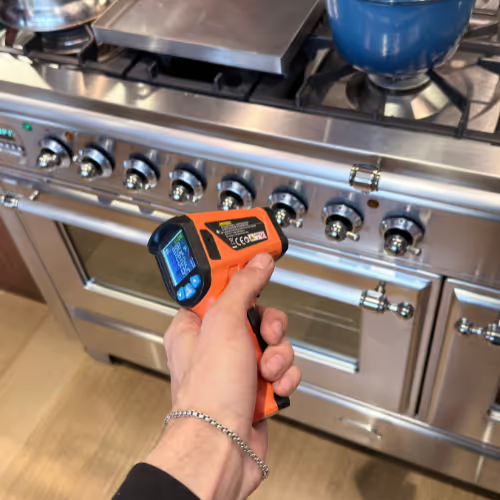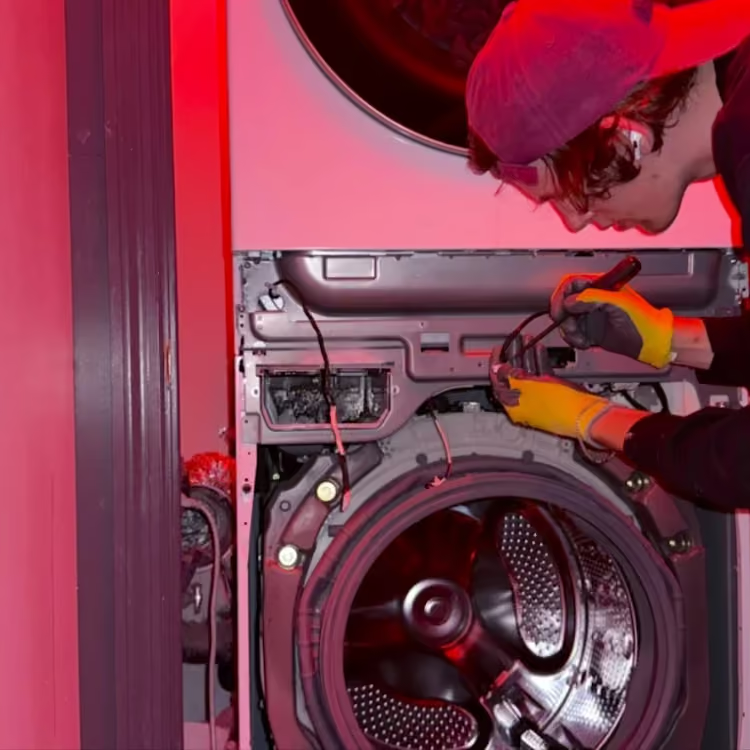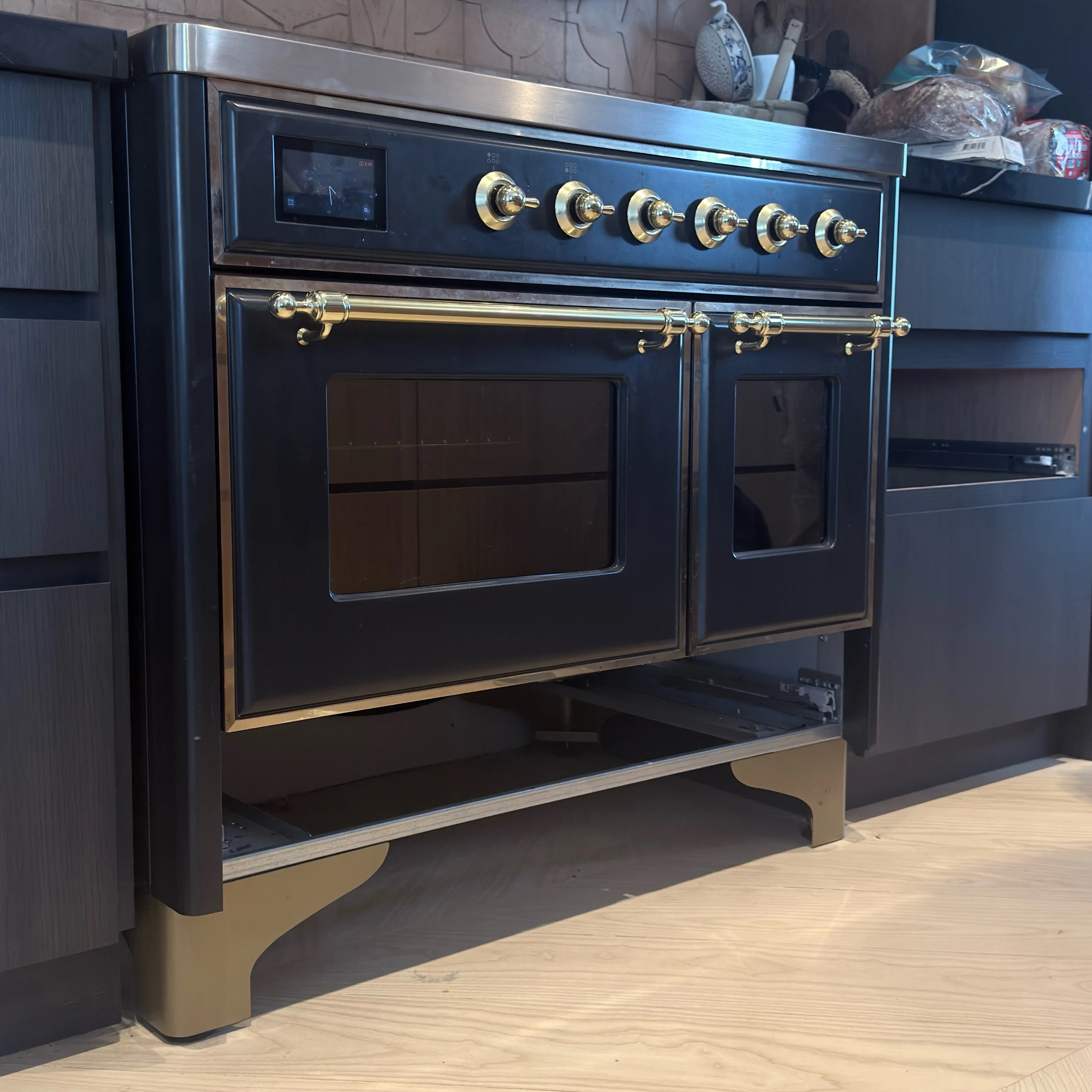
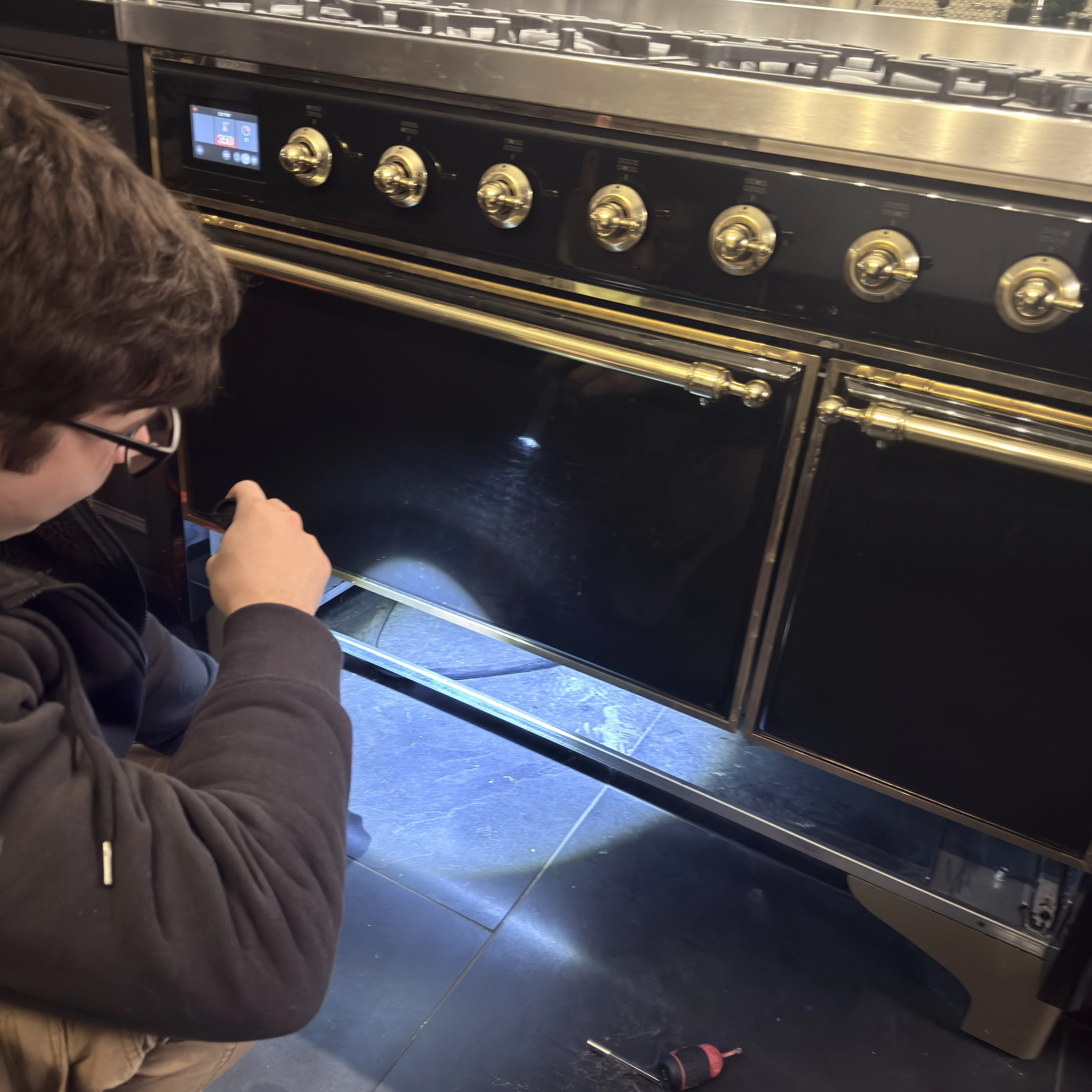
ILVE ranges can combine gas surface cooking, electric ovens, induction, and electronic programmers in one appliance. Clock state, pan detection, residual heat, control lock, power level, and true fault-like displays need different decisions. Preserve Model / data plate, range configuration, affected function, literal display, and installation before interpreting the symptom.
Volt & Vector reviews independent ILVE repair requests for Brooklyn, Manhattan below 96th Street, and selected Queens ZIP codes. Exact platform, fuel, electrical configuration, access, route capacity, and timing are confirmed before a visit. Volt & Vector is not affiliated with, endorsed by, or authorized by ILVE.
Quick Answers
What should I send before requesting ILVE repair?
Answer: Send the complete model and data-plate photo, range family, gas, electric, dual-fuel, or induction configuration, literal display, failed function, timing, and installation photos.
Does AUTO / 0:00 prove an oven part failed?
Answer: No. On covered programmers it can be a first-power or clock state that prevents heating until normal manual operation is set.
Is induction U a fault?
Answer: It is a pan-detection status on the covered control; persistent behavior with documented cookware still needs diagnosis.
Is H safe to ignore?
Answer: No. It indicates residual heat on the covered platform and the surface must remain clear until cool.
Do L L L L and P / A identify failures?
Answer: No. They describe lock, power, or automatic-heat states on the covered induction control.
When should ILVE use stop?
Answer: Stop for gas odor, delayed ignition, unstable flame, smoke, sparks, cracked glass, uncontrolled heat, burning smell, or repeated breaker trips.
ILVE Repair NYC at a Glance
- Service type: Independent residential ILVE range, oven, and cooktop diagnosis and repair.
- Coverage: Brooklyn appliance repair, Manhattan appliance repair below 96th Street, and selected Queens routes.
- Products: Gas, electric, dual-fuel, and induction ranges, ovens, and cooktops, subject to model, supply, and access review.
- Approach: Match range platform and control first, then separate timer state, selected function, fuel or power delivery, cookware response, actual heat, and control behavior.
- Before dispatch: Send identity, display, sequence, safety state, and access through the booking request.
Choose the ILVE Product That Matches the Problem
- Gas or dual-fuel range: Use range repair. Record gas surface and electric oven behavior separately.
- Electric or induction range: Use range repair. Preserve programmer, supply history, affected cavity or zone, cookware, and literal display.
- Cooktop: Use cooktop repair. Identify gas versus induction and record exact burner or zone behavior.
- Oven no heat: Use the ILVE oven no-heat guide. Preserve AUTO / 0:00, function selection, fan, light, preheat, and supply history.
What the ILVE Diagnostic Visit Needs to Resolve
- Establish whether the complaint belongs to the programmer, one cooking function, one cavity or zone, the external supply, or an internal heat, ignition, sensing, or control path.
- Compare the requested function with a known cold-start sequence instead of using an erased message or a responsive clock as proof that cooking power is available.
- Confirm the installed model, electrical or fuel configuration, and safe access before discussing parts. The customer receives a cause-class explanation, the access or utility dependency, and an estimate before approved repair work proceeds.
NYC Access Planning Before ILVE Dispatch
An ILVE range can be heavy, hardwired or high-current, gas-connected, restrained, and tightly fitted between finished cabinetry or stone. Send one wide photo from floor to hood, both side clearances, the floor transition, anti-tip relationship if visible without moving the range, and any recent installation or electrical-work history. Include elevator, service entrance, floor-protection, superintendent, and COI requirements. This is access planning, not an installation or relocation offer.
ILVE Symptom-to-Diagnosis Map
Both oven cavities remain cold while the display, lights, or fan respond.
What this usually points to: Shared AUTO / 0:00 programmer state, selected operating mode, incomplete cooking supply, common wiring or control path, or two separate heat faults.
What we verify: Lock the exact range configuration, prove the normal programmer state, compare both cavities from cold, and separate shared supply behavior from cavity-specific output before opening internal access.
One ILVE oven cavity heats while the other does not.
What this usually points to: Cavity-specific function selection, heat source, temperature sensing, wiring, selector, or control output rather than a whole-range supply conclusion.
What we verify: Run the same documented function from a cold start in each cavity, record fan and preheat behavior separately, and compare temperature progression without assuming the working cavity clears the failed one.
Oven heat disappeared after an outage, breaker event, installation, move, or electrical work.
What this usually points to: Programmer reset, incomplete or incorrect external supply, connection history, selected function, or an internal heat and control route exposed by the event.
What we verify: Preserve the event timeline and external installation evidence, verify the correct normal-control state, and route live supply or terminal confirmation to qualified scope.
AUTO / 0:00 flashes and cooking will not begin.
What this usually points to: First-power or post-interruption programmer state on the covered Professional Plus II control, with a separate fault route only if the exact manual procedure does not restore stable heat.
What we verify: Match the data plate to the correct manual, use only the documented normal controls, and then retest the requested oven function rather than treating a changed clock as the repair result.
Induction zone shows U.
What this usually points to: Pan presence, material, size, centering, selected zone, surface condition, sensing, or induction electronics.
What we verify: Compare one documented compatible pan after cooling and preserve zone-specific behavior.
Induction shows H after shutdown.
What this usually points to: Residual heat first; temperature feedback or continued heat if behavior remains abnormal after cooling.
What we verify: Separate warning indication from active heating and stop for smoke, odor, cracking, or uncontrolled heat.
Induction shows E / F.
What this usually points to: Model-scoped electronic fault route, supply, temperature, wiring, control, or power-electronics response.
What we verify: Preserve exact characters, zone, cookware, timing, and supply history without entering service routines.
Induction controls show L L L L or do not accept ordinary input.
What this usually points to: Control Lock on the covered platform first; moisture, touch-panel recognition, supply, or internal control response if exact-model unlocking does not persist.
What we verify: Preserve the complete icon pattern and surface condition, use only the documented owner control, and verify zone response without entering installer or service settings.
P / A appears and is mistaken for an error.
What this usually points to: Booster-power or automatic-heat operation on the covered induction generation, not a universal ILVE fault code.
What we verify: Record the selected zone, set point, cookware, duration, and heat result, then compare the literal display with the exact control manual.
Heating begins but temperature is unstable or does not match the selected mode.
What this usually points to: Mode selection, preheat expectation, door use, cookware or rack setup, supply under load, heat source, sensing, airflow, wiring, or control response.
What we verify: Reproduce one documented cooking mode from cold, track heat progression and cycling, and compare cavities or zones without using a single surface reading as a calibrated result.
A breaker trips, the plug or connection area smells hot, or electrical interruption repeats.
What this usually points to: Branch circuit, receptacle or connection, cord or terminal, load configuration, internal wiring, heat component, or control-power fault.
What we verify: Stop use, preserve which function and timing triggered the event, inspect only external evidence, and keep breaker, live-voltage, and terminal work with qualified personnel.
The ILVE Model / data plate cannot be read without moving the connected appliance.
What this usually points to: Access and identity problem rather than a display-code problem; series, fuel, control generation, and electrical configuration remain unconfirmed.
What we verify: Use safely visible documents, prior purchase records, control and exterior photos, and planned access; do not pull a gas-connected or high-current range merely to obtain the label.
Gas burner clicks but flame is delayed or unstable.
What this usually points to: Burner placement, ignition, flame supervision, gas supply, or control.
What we verify: Preserve burner, timing, sound, odor, and flame shape; internal fuel work remains qualified scope.
The ILVE Function-Supply-Control Evidence Path
- Identity: Photograph the complete Model / data plate.
- Configuration: Record gas, electric, dual-fuel, or induction and each affected oven, burner, or zone.
- Control state: Preserve AUTO / 0:00, function, temperature, lock, power, pan, heat, or fault display.
- Supply history: Note new installation, recent move, outage, breaker event, and documented 120 / 240 V context without live testing.
- Installation: Capture cabinetry, ventilation, floor, anti-tip relationship, shutoff or breaker access, and service clearance without moving the range.
- Verification: Retest the original heat or ignition function; a changed clock or cleared lock is not proof of stable operation.
How to Read the Display: Fault Code, Status, or Appliance ID?
- Fault-like format: E / F are fault-like on the covered induction platform. They do not prove one component failed or apply to every ILVE model.
- Status or operating message: AUTO / 0:00, U, H, L L L L, and P / A describe programmer, pan, residual heat, lock, power, or automatic-heat states.
- Appliance ID: Model / data plate and the documented 120 / 240 V context identify product and installation; neither is an error code.
- Service-mode or internal value: service-mode values are not automatic owner-facing faults. Do not enter installer menus, alter calibration, or run internal tests.
- What to photograph: Capture full display, all icons, selected function and temperature, affected cavity or zone, cookware, cold-start timing, complete data plate, and installation.
Use ILVE's download center to select the exact manual. The Professional Plus II range guide anchors programmer behavior, while the induction guide separates pan, residual heat, lock, power, and fault-like displays.
Safe Checks Before Requesting Service
- Confirm the ordinary clock or manual state, function, temperature, lock, and power selection through the exact model guide.
- Photograph the full display before changing controls.
- For induction only, let the surface cool and compare one documented compatible pan.
- Inspect only manual-approved, owner-accessible burner placement when the appliance is off and cool.
- Record which lights, fan, ignition, cavity, or zone works and whether the appliance was recently installed or moved.
- Do not open terminals, test live supply, move the connected range, access gas parts, or enter service mode.
Mistakes That Can Make the Problem Worse
Ordering an oven part because the fan runs but heat does not.
Why it causes problems: AUTO / 0:00, function selection, and partial supply can preserve lights or fan while heating remains unavailable.
Safer next step: Record programmer state, function, and installation history before diagnosis.
Treating induction U as a universal electronic failure.
Why it causes problems: On the covered control it begins with pan detection, placement, and compatibility.
Safer next step: Compare one documented pan after cooling and preserve zone results.
Touching the glass because the zone is off.
Why it causes problems: H communicates residual heat, not touch safety.
Safer next step: Keep the surface clear until fully cool.
Opening the terminal area to investigate 120 / 240 V context.
Why it causes problems: Partial supply can be relevant, but live electrical work creates shock and fire risk.
Safer next step: Photograph external identity and installation and use qualified electrical or appliance service.
Pulling a connected ILVE range for access.
Why it causes problems: Weight, anti-tip restraint, floor, fuel, high-current wiring, and cabinetry can be damaged.
Safer next step: Send wide access photos and leave movement to the planned service scope.
Where the Homeowner-Safe Limit Ends
- Homeowner-safe: Use normal controls; confirm clock, function, set point, lock, cookware, and affected cavity or zone; photograph identity, display, supply history, and installation; inspect only manual-approved accessible surfaces when cool.
- Technician or utility boundary: Stop at energized terminals, live electrical measurements, gas components, internal induction or oven systems, calibration, connected-range movement, repeated breaker trips, uncontrolled heat, or service menus.
Stop-Use Conditions
- Stop gas use for gas odor, delayed ignition, unstable flame, soot, or flame outside the intended burner.
- Leave the area for suspected gas release and follow Con Edison gas-leak guidance from a safe location.
- Stop cooking for smoke, sparks, burning smell, cracked glass, uncontrolled heat, or repeated breaker trips.
- Do not force an oven door, touch residual heat, or move a hot or connected range.
NYC Installation and Access Notes
- Photograph range width, cabinetry, backsplash, ventilation, floor, anti-tip relationship, fuel or electrical configuration, and service clearances.
- Record new installation, recent move, outage, or electrical work without opening the appliance.
- Include elevator, service entrance, floor protection, superintendent, and COI requirements.
- Do not remove doors, trim, range panels, or utilities to create access.
How ILVE Service Works
- Submit identity, configuration, literal display, failed function, supply history, safety status, address, and installation photos through the booking page.
- Product scope, route, electrical or gas configuration, access, and appointment timing are reviewed.
- The technician separates programmer and operating state from utility, heat-source, ignition, cookware, sensing, and control response.
- The cause class, access requirement, repair option, and estimate are explained before work proceeds.
- The original oven, burner, or induction-zone function is retested.
What to Send for Faster Review
- Complete ILVE Model / data plate.
- Range family and gas, electric, dual-fuel, or induction configuration.
- Literal display, function, set point, affected cavity or zone, and timing.
- Cookware, ignition, heat, fan, supply-history, and short video evidence.
- Wide installation photos, exact address, and building access requirements.
Service Boundaries
- Volt & Vector provides independent ILVE appliance repair, not ILVE warranty administration, product registration, branch-circuit work, gas-line alteration, ventilation construction, cabinetry modification, appliance installation, or relocation.
- Concealed utilities, structural access, and connected-range movement remain separate scopes unless explicitly reviewed.
- Submit unusual or unlisted ILVE products with complete identity and installation photos before dispatch.
Request ILVE Appliance Repair in NYC
Use the online booking request or call +1 (332) 333-1709. Include ILVE identity, configuration, display, failed function, installation photos, and address.