
.png)


LicInsured HVAC Service in NYC & Brooklyn
VOLT & VECTOR LLC carries Commercial General Liability insurance through Hiscox Insurance Company Inc. Coverage is effective June 6, 2026 – June 6, 2027, with $1,000,000 per occurrence and $2,000,000 general aggregate limits.COI available upon request for homeowners, landlords, property managers, co-op/condo boards, commercial clients, and general contractors.
NYC DCWP License No. 2135266-DCWP
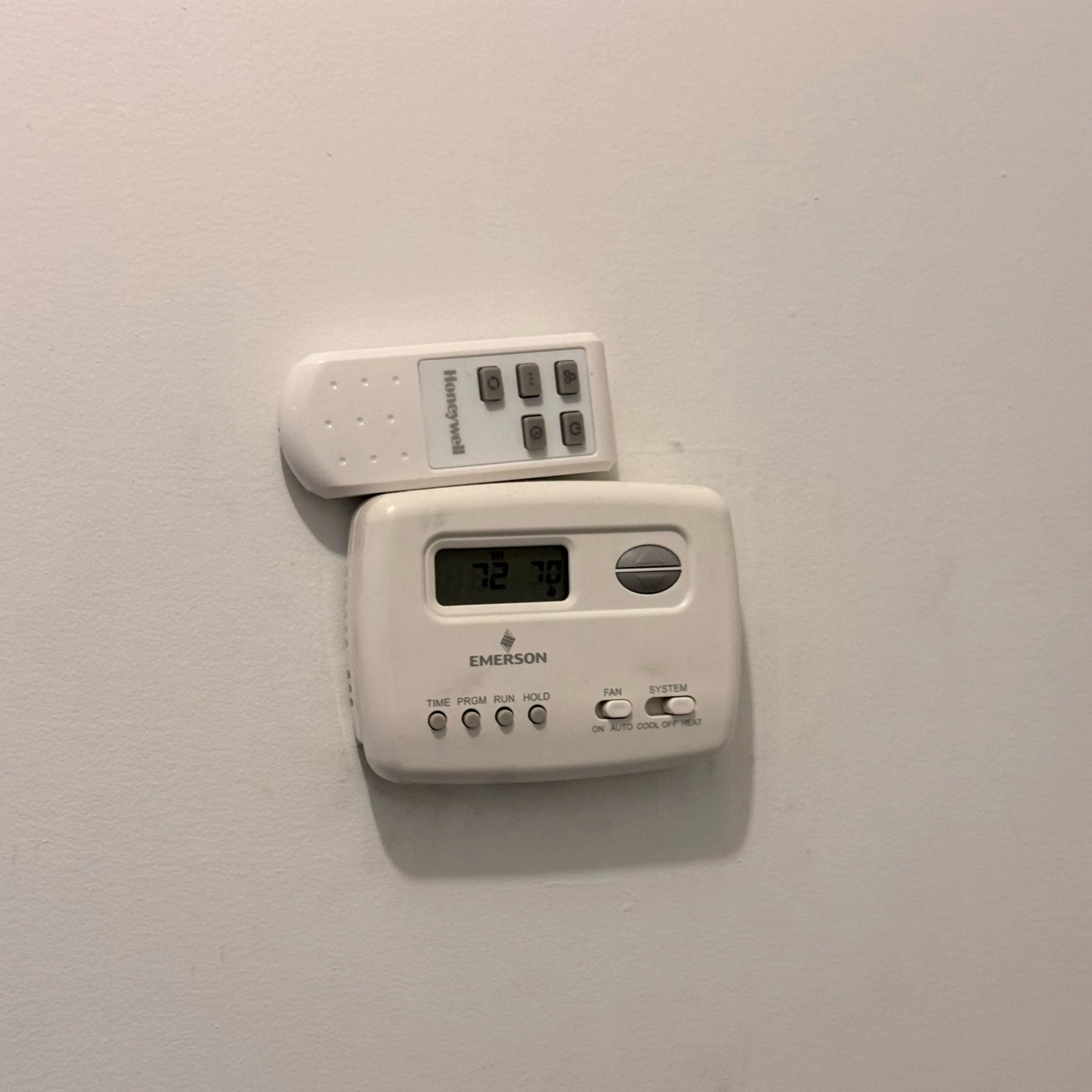
Thermostat Repair in NYC
Thermostat repair in NYC should not start with guessing at a replacement. A thermostat can fail on its own, but it can also report a problem from the equipment it controls. Blank screens, no cooling, no heat, short cycling, Wi-Fi errors, help codes, and wrong temperature readings can point to batteries, settings, dust, sensor placement, low-voltage power, wiring, safety switches, or HVAC unit maintenance issues.
This page is for the command side of the system. If the cooling equipment itself is weak, use air conditioner repair. If a heat pump is stuck between heating and cooling behavior, see heat pump repair. If an indoor cabinet is leaking or cycling on a water safety, use air handler repair.
Repair vs simple thermostat maintenance
Thermostat cleaning and maintenance are light but useful: dust around the faceplate, blocked sensors, weak batteries, wrong mode, locked controls, and schedule confusion can all imitate a failure. Repair is more likely when the thermostat loses power, the low-voltage path is unstable, the equipment does not respond to a confirmed call, a smart thermostat shows system help codes, or the HVAC unit has a safety or maintenance issue behind the thermostat message.
Blank thermostat screen
- What you notice: the display is blank, flickers, reboots, or wakes only when touched.
- Likely system: batteries, C-wire power, transformer, float safety, furnace/air handler power, thermostat base, or internal thermostat failure.
- Safe check: replace batteries if the model uses them and photograph the display before removing anything from the wall.
- Stop using it if: breakers trip, the thermostat smells hot, or the HVAC unit starts and stops unexpectedly.
- What helps booking: send thermostat model, screen photo, and whether the HVAC equipment has power lights or water safety indicators.
Thermostat calls but equipment does not start
- What you notice: the display shows cooling or heating demand, but the indoor fan, outdoor unit, furnace, or heat pump stays off.
- Likely system: low-voltage command, equipment safety, control board, transformer, contactor, condensate switch, or thermostat setup.
- Safe check: confirm mode, setpoint, schedule hold, and fan setting without opening equipment panels.
- Stop using it if: the system hums without starting, trips power, or a water safety is involved.
- What helps booking: send thermostat display and the equipment type it controls.
Short cycling or continuous running
- What you notice: equipment starts and stops too often, runs long after setpoint, or never seems satisfied.
- Likely system: thermostat location, sensor reading, schedule, anticipator/control logic, airflow restriction, dirty filter, or oversized/undersized equipment behavior.
- Safe check: compare the thermostat reading with a room thermometer nearby and note drafts, sun, or appliance heat near the wall.
- Stop using it if: cycling comes with electrical smell, rapid power loss, or repeated breaker trips.
- What helps booking: send timing notes: how long it runs, how long it rests, and what temperature is shown.
Smart thermostat help code or wiring message
- What you notice: the app or display reports a wiring, power, HVAC maintenance, or equipment error.
- Likely system: C-wire, equipment power, low-voltage wiring, transformer capacity, safety switch, or HVAC unit condition.
- Safe check: photograph the code and app message; do not open the air handler or control board unless you are qualified and power is safely off.
- Stop using it if: the code returns immediately, power drops out, or the equipment behaves unpredictably.
- What helps booking: send the exact code, thermostat brand/model, and a photo of the old wiring label if available.
Wrong room temperature or locked controls
- What you notice: the displayed temperature seems wrong, the thermostat will not change setpoint, or the schedule overrides hand-set control.
- Likely system: sensor placement, dust, calibration, lockout setting, schedule mode, wall cavity draft, or failing display.
- Safe check: check for lock mode, schedule hold, nearby heat sources, and dust around the device.
- Stop using it if: the thermostat is hot, physically damaged, or controlling equipment opposite of the selected mode.
- What helps booking: send photos of the wall location and the settings screen if the model has one.
Cleaning and maintenance around a thermostat
Thermostat maintenance is not the same as air handler or heat pump maintenance. It is mostly about clean sensing, stable power, correct settings, and a clear command path. Dust on or around the thermostat can matter, but a thermostat warning may be reporting a real HVAC unit issue: dirty filter, water safety, airflow restriction, or equipment power interruption.
Smart thermostats make this boundary more visible because app messages can point toward wiring, power, or system maintenance. Treat the code as evidence, not as permission to start moving wires or opening equipment.
What not to do before thermostat service
- Do not move wires between terminals to test guesses.
- Do not open the air handler or furnace control compartment for live testing.
- Do not keep resetting breakers if the thermostat keeps going blank.
- Do not replace the thermostat before confirming whether the equipment is removing power from it.
- Do not ignore water safety or HVAC maintenance codes behind a thermostat message.
Quick answers
Is a blank thermostat always a bad thermostat?
No. It may be batteries, C-wire power, transformer output, equipment safety, or a problem inside the HVAC unit that removes low-voltage power.
Can dust make a thermostat read wrong?
It can contribute, especially if dust or wall drafts affect sensing. If cleaning and settings do not correct it, the sensor, location, or equipment behavior should be checked.
Should I buy a new thermostat before service?
Not usually. If the old thermostat is not the root cause, a new one may show the same symptom.
Can a smart thermostat code mean the HVAC unit needs maintenance?
Yes. Some codes point toward equipment power, wiring, or system maintenance rather than a failed thermostat display.
What should I send before booking?
Send the thermostat model, display or app code, wall location, equipment type, and whether the symptom affects heating, cooling, fan, or all modes.
Next step
Send clear photos of the thermostat display, brand/model, app code if any, and the HVAC equipment type. Volt & Vector will use that information to decide whether the visit starts at the thermostat, low-voltage control path, air handler, AC, or heat pump.
Common Thermostat Problems
- Blank screen: batteries, C-wire power, transformer, safety switch, equipment power, thermostat base, or display failure.
- No cooling or no heat call: settings, schedule, low-voltage command, control board, safety circuit, or equipment response issue.
- Short cycling: thermostat placement, sensor reading, schedule behavior, airflow restriction, or equipment sizing/control problem.
- Smart thermostat code: wiring, power, C-wire, app configuration, or HVAC maintenance signal.
- Wrong temperature reading: dust, wall draft, sun exposure, nearby heat load, calibration, or sensor fault.
- Locked or stuck controls: lock mode, schedule hold, failing display, or configuration issue.