.svg.png)
.avif)
Residential LG appliance service is confirmed by model, address and safe installation access. WashTower, stacked laundry, ventless products and built-in appliances need configuration photos before scheduling. Manufacturer warranty claims and building water, drain, gas, power or exhaust work require separate arrangements.
An LG repair request should identify the job the appliance no longer completes: holding food temperature, making ice, removing wash water, finishing a drying cycle or heating the oven. A WashTower dryer, a one-drum combo and a separate vented dryer can look similar in a service request while needing different checks. Start with the installed product and its complete Model / Serial label.
Quick Answers
Is this LG manufacturer warranty service?
Answer: No. Volt & Vector provides independent residential diagnosis and repair. Manufacturer warranty eligibility should be checked with LG before paid work is authorized.
Can a display establish the full repair estimate?
Answer: It helps identify an inspection route; the estimate follows diagnosis, access review and any required parts.
Must a WashTower or built-in appliance be moved before service?
Answer: No. Send wide access photos first so movement, connections and clearance can be planned safely.
Service Areas
Volt & Vector continues LG service in Brooklyn, Manhattan below 96th Street and selected Queens routes, alongside Scarsdale, Eastchester and Bronxville. Model, exact address, installation access and route are confirmed for every appointment.
Choose the LG Appliance That Matches the Problem
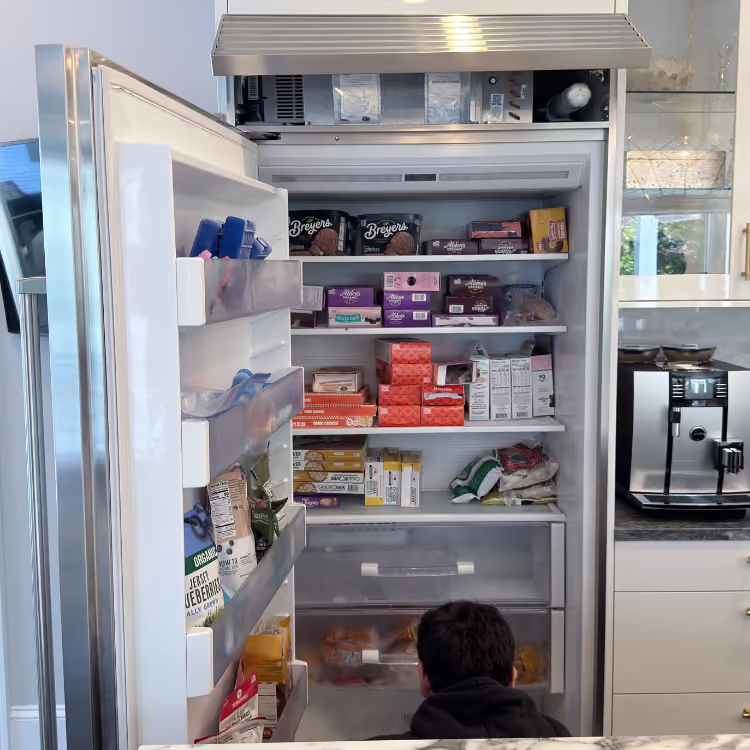
- Refrigerator or freezer: Start with refrigerator repair or freezer repair. Record actual temperatures, power and door history, compartment pattern, and whether OF F or 67 appears.
- Washer, WashTower washer section, or combo wash stage: Use LG washer repair. Record whether the failure begins during fill, wash, drain, or spin; whether water remains; and whether OE, PF, or CL appears. If OE and standing water are the primary evidence, continue to LG washer will not drain.
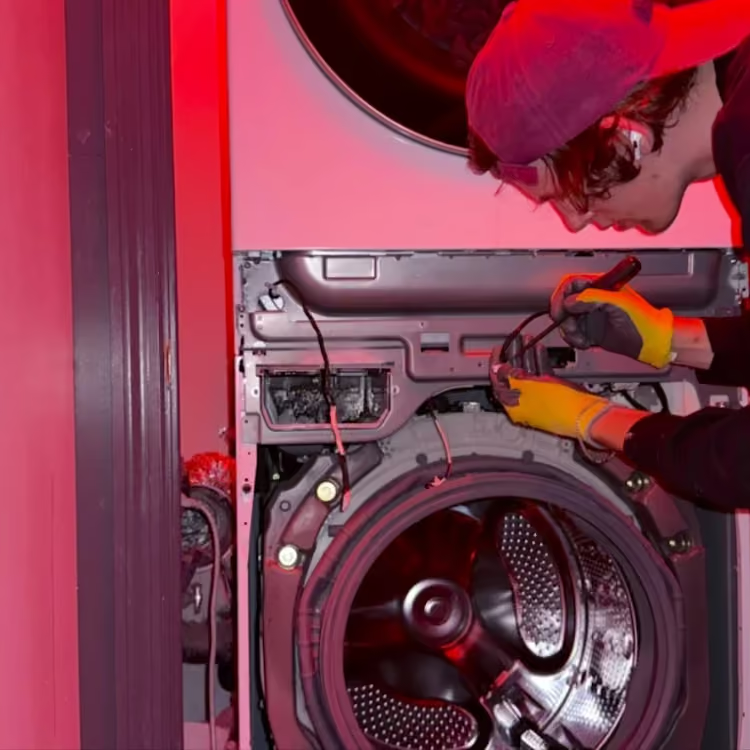
- Dryer, WashTower dryer section, or combo dry stage: Use LG dryer repair. Identify gas or electric, vented, heat-pump, or condensing design, heat development, condensate behavior where applicable, cycle duration, and any d80, d90, or d95 result. Flow Sense exhaust language belongs to supported vented products, not automatically to every ventless platform.
- Dishwasher: Use dishwasher repair. Separate fill, circulation, drain, dry, and any AE, EI, or FE display.
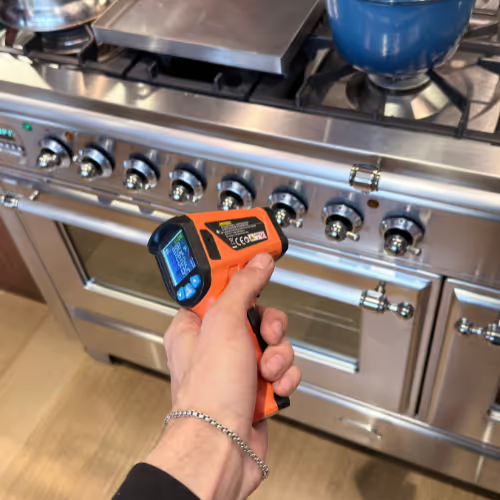
- Range or oven: Use range repair for a combined appliance and oven repair for a separate cavity. Identify gas, electric, or induction first.
- Cooktop: Use cooktop repair. Separate ignition, heat regulation, lock state, and induction pan detection.
How LG Service Works
- Review the installed product: Volt & Vector checks whether the request concerns a separate appliance, WashTower section or one-drum combo, and confirms the safe access needed.
- Find the failed stage: Diagnosis separates appliance response from water supply, drain, exhaust, fuel, electrical supply and building conditions. The $99 diagnostic fee is credited toward an approved repair on the same job.
- Explain the repair decision: The confirmed finding, scope, compatible parts and estimate are reviewed before work. A 50% parts-order deposit applies only after repair approval. Parts and labor carry a 180-day warranty subject to written terms.
- Retest the original function: The affected drain, spin, dry, cooling or cooking result is checked after approved repair. Clearing a message or reconnecting ThinQ is not proof of that result. See how appliance repair works.
Installation and Access Notes
- Show stacking hardware, closet clearance, shared or concealed exhaust, drain routing, floor protection, and shutoff access.
- For built-in refrigeration or dishwashers, show panels, toe-kicks, cabinetry, door swing, sink connections, and service clearance without pulling the appliance.
- For cooking appliances, identify gas, electric, or induction and show surrounding cabinetry and the accessible shutoff or breaker location without opening panels.
- Include service-elevator hours, superintendent instructions, and COI requirements with the request.
LG Symptom-to-Diagnosis Map
These are model-dependent inspection possibilities, not a list of statistically ranked failures. The observation and installed platform determine which checks are relevant.
Washer stops with OE and water remains.
Possible causes: Visible drain routing, owner-accessible filter condition where the manual provides one, pump response, level feedback, or control request.
What we verify: Preserve the cycle stage and water level, inspect the complete drain path within service scope, test the drain request, and verify removal without leakage.
Washer keys do not respond while CL is displayed.
Possible causes: Active lock state, incorrect model-specific key sequence, touch-panel response, or control condition.
What we verify: Match the exact model, use the documented owner sequence, and separate a lock state from nonresponsive controls.
Dryer heats but shows d80, d90, or d95.
Possible causes: Internal airflow, transition duct, concealed or shared exhaust, termination, installation geometry, or sensing response.
What we verify: Review the entire available air path and heat sequence rather than declaring the route clear from one visible section.
Refrigerator lights work but OF F is present and compartments warm.
Possible causes: Demo/Display mode first; continuing no-cool after correct exit may involve airflow, temperature feedback, heat rejection, or cooling systems.
What we verify: Verify the exact control state, measure both compartments, and confirm actual recovery after the model-correct procedure.
Refrigerator shows 67 while the doors appear closed.
Possible causes: Obstruction, gasket or bin relationship, door alignment, hinge or installation geometry, sensing, or control response.
What we verify: Observe both door edges and closure behavior and verify temperature rather than replacing a switch from the code.
The refrigerator seems to cool but stops making ice.
Possible causes: The ice maker may be off, its water supply interrupted, or the freezer insufficiently cold; the installed model's fill, freezing and harvest response still need confirmation.
What we verify: Follow the product branch in LG's no-ice guide. Record whether the normally accessible bin is empty or already holds ice that will not dispense, the ordinary ice-maker setting and measured freezer temperature without forcing the bin. Then verify water delivery and the complete ice-making sequence separately from dispensing and compartment cooling before selecting a part.
Dishwasher shows AE, EI, or FE without a floor puddle.
Possible causes: Base moisture, leak path, oversuds, overfill, level feedback, door or installation relationship, or sensing.
What we verify: Treat the display as evidence, inspect safely accessible water paths, and locate the source without tilt-based clearing.
Range surface works but the oven does not heat and F9 appears.
Possible causes: On the covered range control, F9 reports an upper-oven heating problem; mode, fuel or split power, ignition or heating response, temperature feedback, door state, and control output still remain separate branches.
What we verify: Match the range type and model, keep surface and cavity results separate, preserve the full display, and verify bake and broil response without selecting a component from the code.
Washer requests a cycle but does not fill correctly.
Possible causes: Building supply, valve position, visible hose condition, inlet screening, temperature selection, pressure or level feedback, inlet response, or control request.
What we verify: Match the washer, WashTower, or combo platform, compare requested hot and cold behavior, and separate building supply from appliance response without disconnecting a stacked installation.
Dryer tumbles but develops little or no heat.
Possible causes: Cycle or load state, gas or electric supply, heating or ignition sequence, airflow, temperature feedback, protection, condensate or heat-pump path on a ventless product, or control output.
What we verify: Identify vented versus heat-pump or condensing design first, follow temperature development and airflow or condensate behavior, and verify the failed heating sequence without applying d80 logic to an unsupported platform.
One refrigerator compartment warms while the other remains closer to set temperature.
Possible causes: Door or loading condition, air distribution or return, frost restriction, fan response, temperature sensing, defrost, heat rejection, or cooling-system performance.
What we verify: Measure both compartments, map airflow and frost position, review door and power history, and determine whether the condition is compartment-specific or whole-system.
Dishwasher completes but dishes remain dirty or wet.
Possible causes: Loading or cycle selection, fill level, circulation, filtration, wash-temperature result, detergent delivery, drain completion, drying heat, venting, or control request.
What we verify: Preserve the selected cycle and load result, observe fill, wash, drain, and dry as separate stages, and distinguish a completed timer from verified cleaning and drying performance.
Range surface operates but one oven mode will not preheat or hold temperature without a display.
Possible causes: Fuel or split-power condition, mode or lock state, ignition or heating circuit, temperature feedback, door response, or control output.
What we verify: Confirm the exact gas, electric, or induction platform, compare bake and broil independently, document heat response over time, and avoid treating working surface heat as proof of the cavity path.
What to Send Before the Visit
- Complete Model / Serial label and product form: separate, WashTower, combo, stacked or built-in; gas/electric and vented/ventless details where applicable.
- Last successful stage and first abnormal action, including fill, drain, spin, heat, cool, wash, bake or cookware detection.
- Full panel, all lit icons and exact capitalization; preserve a different ThinQ notice separately and note any power event or owner test.
- Actual refrigerator/freezer temperatures or visible water level; a short video for sound, movement, ignition or timing.
- Wide installation photos, exact address, shutoff access and building requirements. Do not move a connected appliance to obtain evidence.
How to Read the Display: Fault Code, Status, or Appliance ID?
- Fault-like format: Keep washer OE, dishwasher AE/EI/FE, refrigerator 67 and range F9 attached to their appliance and model. The LG washer, dishwasher and range guides cover different systems; the same letters are not transferable between them.
- Status or operating message: Laundry CL is a lock state on covered controls; washer PF reports interrupted power. Refrigerator OF F is Demo/Display mode. Dryer d80, d90 and d95 belong to the supported vented Flow Sense route, not every LG dry function.
- Appliance ID: Model / Serial selects the correct platform and guide. Include all suffix characters.
- Service-mode or internal value: An undocumented diagnostic number is not automatically an owner-facing fault. Do not enter hidden tests or change stored settings.
- What to photograph: Save the entire panel, all icons, exact spacing and the rating label before clearing anything. Record cycle stage and whether the message followed power loss or a test.
Use the current LG refrigerator guide for refrigeration displays. A normal control panel still needs to be compared with the actual water, heat or temperature result.
Safe Checks Before Requesting Service
- Confirm the normal cycle, temperature, delay, lock, or Demo state through ordinary controls and the exact manual.
- Photograph the display before clearing it and record when it appeared.
- Inspect only owner-accessible lint screens, filters, doors, bins, cookware, and visible hoses or exhaust with the appliance off and cool where required.
- Measure refrigerator and freezer temperatures rather than relying on lights or a cleared message.
- Record water level, pump sound, drum movement, heat development, and cycle timing without forcing a locked door or running repeated hot tests.
- Do not move a connected, stacked, gas, or built-in appliance.
Mistakes That Can Make the Problem Worse
Calling CL a control-board failure.
Why it causes problems: On supported LG laundry models it is a lock state, and the correct owner sequence varies by control.
Safer next step: Match the complete model and use only the documented marked key.
Declaring the exhaust clear after wiping the lint screen or visible connector.
Why it causes problems: d80 / d90 / d95 can return when the restriction is farther inside the dryer, wall, termination, or shared route.
Safer next step: Preserve the exact result and installation path and stop repeated hot confirmation loads.
Repeatedly resetting or tilting a dishwasher showing AE / EI / FE.
Why it causes problems: Hidden water can move into cabinetry or electrical areas and erase leak-path evidence.
Safer next step: Stop use, photograph the display and visible area, and leave base access to service.
Assuming refrigerator lights prove cooling.
Why it causes problems: OF F can leave lights active while cooling is disabled and food temperature rises.
Safer next step: Identify the exact display, use only the model-correct exit, and verify measured temperature recovery.
Replacing a door switch from 67 alone.
Why it causes problems: Door loading, bins, gasket position, alignment, installation geometry, sensing, and control response share the same decision route.
Safer next step: Preserve door and temperature evidence before selecting a part.
Where the Homeowner-Safe Limit Ends
- Homeowner-safe: Use normal controls; confirm mode, lock, delay, and settings; inspect only manual-approved accessible filters, lint screens, doors, bins, cookware, and visible connections; record display, stage, temperatures, sound, and movement.
- Technician or utility boundary: Stop at returning leak or overheat messages, internal airflow or drain paths, powered panels, locked mechanisms, gas or high-voltage work, shared exhaust, connected-appliance movement, repeated breaker trips, or undocumented service menus.
Stop-Use and Food-Safety Conditions
- Stop for gas odor, delayed ignition, smoke, sparks, burning odor, repeated breaker trips, cracked cooking glass, or uncontrolled heat.
- For an active washer, refrigerator or dishwasher leak, stop use even without a code; do not run another cycle or keep dispensing water to test it. Close the accessible water-supply valve if safe. Turn a leaking washer or refrigerator off only from a dry, safely accessible control; follow the exact dishwasher's leak instructions for its protective-drain behavior. LG's washer leak guidance and refrigerator water warning describe supply shutoff. Leave appliance movement and plumbing disconnection to service.
- Stay clear of wet plugs, outlets or controls and do not touch electrical equipment while standing in water. Ready.gov's electrical-water boundary permits power isolation only when safe; get qualified help if the control or route to it is wet.
- Stop dishwashing use when a leak-family message returns or water is visible near powered areas.
- Stop the dryer for burning lint odor, scorching, excessive cabinet heat, or continuing severe Flow Sense results.
- Protect refrigerated food using measured temperature and elapsed time when cooling is disabled or uncertain; follow FoodSafety.gov guidance.
- Stop a violently moving washer and do not pry a locked door or restrain the cabinet.
- For suspected gas release, leave the area without operating switches or flames and call 911 or the serving utility from safety; follow Con Edison gas guidance.
Service Boundaries
- Volt & Vector provides independent LG appliance repair without LG affiliation, endorsement or authorization, not LG warranty administration, product registration, cabinet modification, branch-circuit work, gas-line alteration, plumbing reconstruction, or building exhaust service.
- Shared exhaust, concealed plumbing, building electrical supply, structural access, and appliance relocation remain separate scopes unless explicitly confirmed.
- Submit any unusual, commercial, or unlisted product with the complete identity and installation photo before dispatch.
Request LG Appliance Repair
Call +1 (332) 333-1709 to discuss an LG repair request, or send a written request with the product identity, failed stage, access description and exact address. Keep installation photos ready and agree how to share them during review. Model, access and route availability are reviewed before an appointment is confirmed.
Call with the LG model, failed function and address, or send a written Contact request. Keep label, display or ThinQ and access photos ready; agree how to share them during visit review.