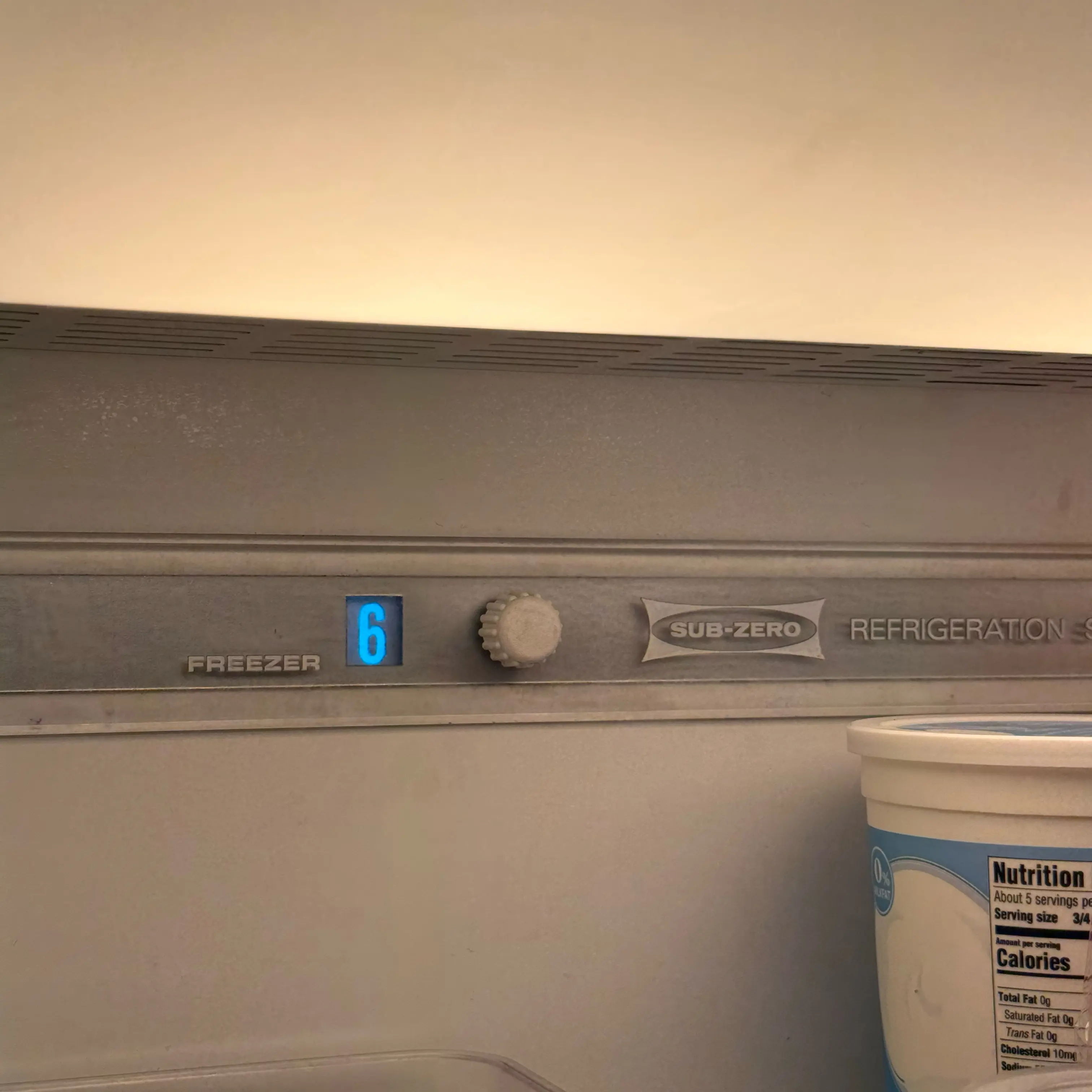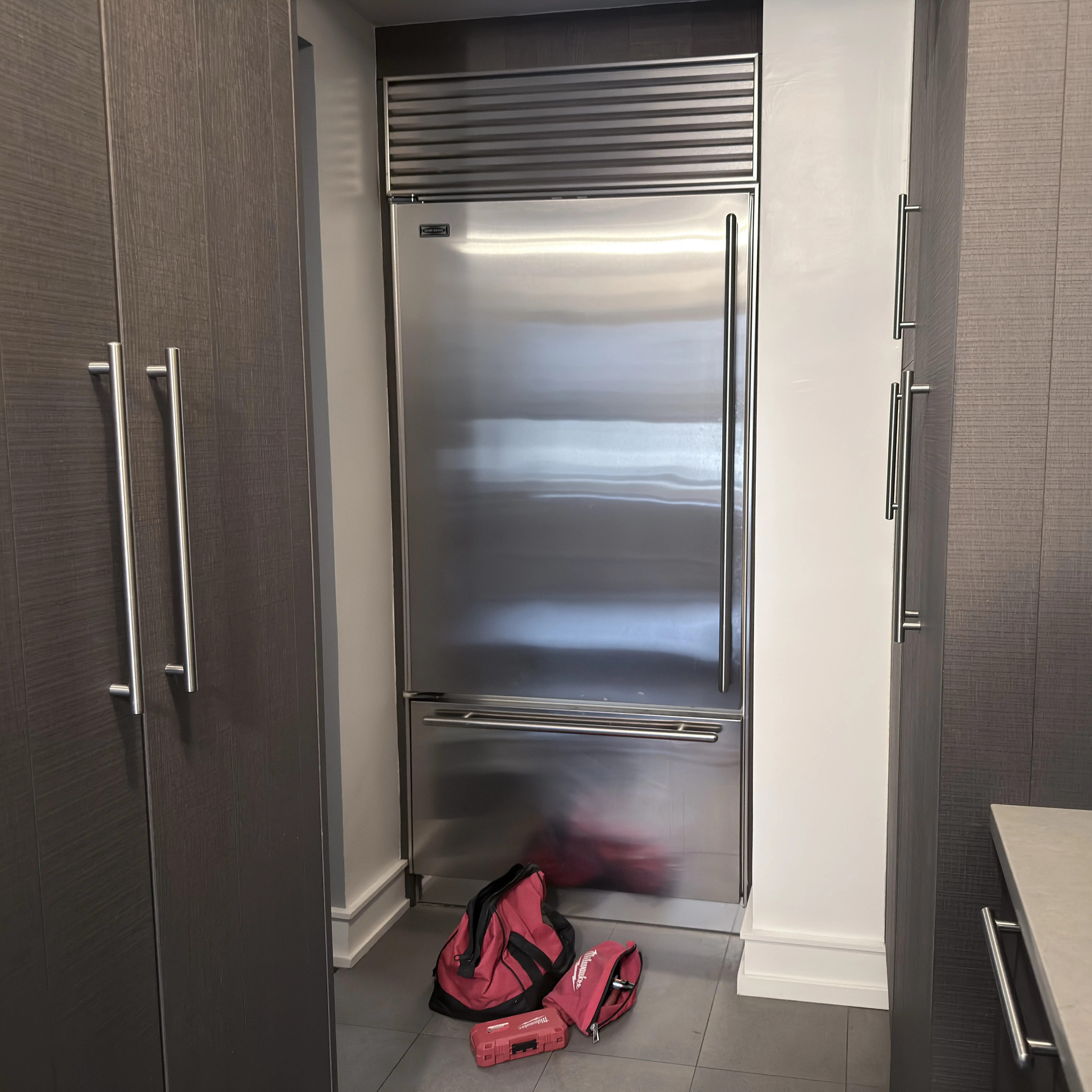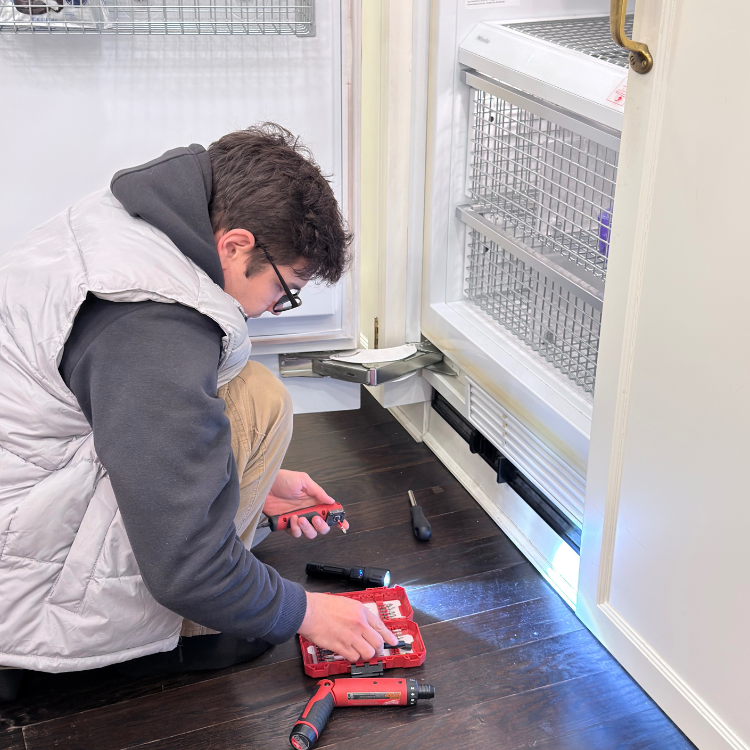


The literal Sub-Zero “Vacuum Condenser” message is documented for 600 Series units before serial number 1810000; it is not the same as EC50 or every flashing Service display. Check actual food temperatures first, photograph the message and full tag, then follow only the exact model’s power-off condenser-cleaning and door checks. If food is warming, the condenser is unsafe to reach, or the message returns, protect the food and arrange diagnosis.
Safety gate before cleaning or resetting
The message can be associated with excessive compressor run time or inefficient cooling. The urgent question is not whether the display can be cleared; it is whether the refrigerator and freezer are maintaining safe temperatures.
Act promptly when:
- measured food temperature is rising or food safety is uncertain;
- the compressor area, cord, plug, receptacle, or cabinet is unusually hot;
- there is burning odor, smoke, sparking, or repeated power loss;
- water is near electrical areas;
- the condenser area cannot be reached without moving the built-in appliance;
- a panel is damaged or cannot be removed by the owner procedure;
- coils are bent, greasy, wet, or inaccessible;
- the message returns after the exact cleaning and door checks.
Do not use sharp tools, compressed air, liquid cleaner, water, or an aggressive brush on the condenser. Do not clean while the unit is energized, force a grille, move the built-in refrigerator, or repeatedly clear a message without recording temperatures. If food temperature is unsafe, follow current USDA food-safety guidance rather than relying on appearance or smell.
What’s really happening
Sub-Zero’s official support material gives the literal words Vacuum Condenser a specific platform context: 600 Series units before serial number 1810000. The message can appear when the control detects long compressor operation or reduced cooling efficiency. A dirty condenser is one possible reason, but door sealing, high compartment temperature, room conditions, or another cooling problem can produce the same warning.
The message does not mean:
- the condenser itself has failed;
- every Sub-Zero model uses this display;
- EC50 has the same owner;
- cleaning always resolves the underlying condition;
- food is safe because the interior still feels cool.
Use the Message–Temperature–Airflow–Return sequence:
- Message: Preserve the exact words, not a paraphrase such as “service light.”
- Temperature: Measure refrigerator and freezer food temperature before clearing anything.
- Airflow: Check the owner-accessible condenser and door/air conditions by the exact guide.
- Return: Record whether the message clears, whether temperature recovers, and whether the message comes back.
Exact message and serial range come first
If the display says EC50, EC 50, Service, EE, a wrench symbol, or something else, use the exact owner for that display. Sub-Zero publishes separate EC50 guidance, so merging it with “Vacuum Condenser” would hide platform-specific meaning.
Photograph:
- the entire display;
- the complete model and serial tag;
- the control area and compartment involved;
- temperature readings;
- doors, gasket contact, and condenser condition if safely visible.
Do not rewrite the message from memory after clearing it.
Temperature is the decision gate
Sub-Zero’s official guidance places temperature ahead of maintenance because a compressor-run warning can occur before an owner notices warm food. Use an appliance thermometer or other appropriate food-temperature method rather than touch alone. Record both refrigerator and freezer sections if the unit has them.
If temperatures are unsafe or rising:
- minimize door opening;
- move perishable food to verified cold storage;
- mark when the temperature problem was first noticed;
- keep the unit off only if required by a safety condition or exact instructions;
- arrange timely diagnosis.
If temperatures are normal, proceed with the exact owner-level checks, but continue monitoring. Normal temperature at one moment does not prove the warning is resolved.
Condenser cleaning is a maintenance action, not proof
Dust and lint on the condenser can reduce heat transfer and increase compressor run time. Cleaning may restore airflow when that is the cause. It cannot prove whether door leakage, ambient heat, fan operation, sealed cooling, controls, or another condition also contributes.
Use only the access and cleaning method for the exact 600 Series model. Keep the unit off during the instructed cleaning. Protect delicate fins and nearby wiring. If the panel or condenser does not match the manual, stop.
Ranked action plan
Low effort: verify the display and cooling state
Photograph the exact message and tag
Why it works: The wording, model, and serial determine whether the official Vacuum Condenser guidance applies.
Tools/materials: Phone camera, flashlight, and owner records.
What to do:
- Photograph the display before pressing controls.
- Capture the full model and serial label.
- Confirm whether the serial is before 1810000 rather than estimating unit age.
- Record any additional text, code, or indicator.
- If the wording differs, route to that exact display.
Common mistakes:
- calling EC50 “Vacuum Condenser”;
- using age instead of serial;
- photographing only part of the display;
- clearing the message first;
- assuming all 600 Series years behave identically.
Measure both compartment temperatures
Why it works: Temperature determines food-protection urgency and whether the warning accompanies loss of cooling.
Tools/materials: Appliance thermometer, notes, and verified alternate cold storage.
What to do:
- Record refrigerator and freezer readings.
- Note where and how the reading was taken.
- Record whether doors were recently open or warm groceries were added.
- Recheck on a consistent schedule without frequent door opening.
- Protect perishable food if safe storage cannot be confirmed.
Common mistakes:
- relying on touch;
- checking only the display setpoint;
- repeatedly opening doors;
- changing setpoints before recording the original condition;
- waiting for obvious spoilage.
Check door closure and recent heat load
Why it works: An open or poorly closing door and a large recent heat load can extend compressor run time.
Tools/materials: Flashlight, clean soft cloth, and notes.
What to do:
- Check for packages, shelves, or drawers blocking closure.
- Inspect accessible gasket faces for crumbs, folds, tears, or hardened areas.
- Confirm the doors close without being held.
- Note recent grocery loading, prolonged opening, room heat, or power outage.
- Do not adjust hinges or remove panels.
Common mistakes:
- slamming a door;
- applying petroleum products to gaskets;
- assuming a visual gap proves the hinge or gasket cause;
- ignoring a drawer that prevents closure;
- overlooking recent prolonged door opening.
Medium effort: clean only by the exact 600 Series procedure
Match the condenser-access instructions
Why it works: Exact documentation identifies the intended owner-access panel, power-off method, cleaning direction, and surfaces to avoid.
Tools/materials: Exact Sub-Zero use-and-care guide, model/serial photo, flashlight, and appropriate vacuum attachment or soft brush specified by the guide.
What to do:
- Confirm the manual matches the complete model.
- Turn power off by the documented method.
- Open only the owner-access area shown in the guide.
- Compare what you see with the illustration before touching the condenser.
- Stop if access, wiring, moisture, grease, or damage differs from the guide.
Common mistakes:
- using instructions from a current Classic model;
- removing service panels;
- working while energized;
- moving the refrigerator;
- assuming a grille releases the same way on every configuration.
Remove loose dust without damaging fins
Why it works: Restoring airflow across a dusty condenser can reduce a genuine heat-transfer restriction.
Tools/materials: Method specified by Sub-Zero, gentle vacuuming equipment, soft brush if permitted, and phone camera.
What to do:
- Photograph the condenser before cleaning.
- Remove loose dust gently in the instructed direction.
- Keep tools away from fins, tubing, wiring, and fans.
- Do not use water, chemicals, steam, or compressed air.
- Photograph the cleaned area and reinstall access parts correctly before restoring power.
Common mistakes:
- bending fins with a rigid nozzle;
- driving dust deeper;
- vacuuming wiring or a fan aggressively;
- spraying degreaser;
- restarting before panels are secure.
Monitor temperature and message return
Why it works: Recovery and recurrence show whether the maintenance action changed the condition or whether deeper diagnosis remains necessary.
Tools/materials: Temperature log, timer, and display photos.
What to do:
- Restore normal operation according to the guide.
- Keep doors closed as much as practical.
- Record temperatures and display state at consistent intervals.
- Note compressor sound and whether cooling stabilizes.
- Photograph any returning message with time and temperature.
Common mistakes:
- declaring success when the display clears;
- ignoring food temperature;
- resetting repeatedly;
- changing multiple setpoints;
- waiting through worsening warmth.
High effort: diagnose recurrence or poor cooling
Prepare a Message–Temperature–Airflow–Return report
Why it works: It separates a corrected maintenance restriction from persistent door, airflow, ambient, fan, sensor, compressor-run, or cooling problems without guessing a part.
Tools/materials: Model/serial photo, display photos, temperature log, before/after condenser photos, door observations, and service history.
What to prepare:
- Exact words and all other indicators.
- Complete model and serial with range confirmation.
- Initial refrigerator and freezer temperatures.
- Door, drawer, gasket, room-temperature, and recent-load context.
- Exact cleaning procedure used.
- Temperature recovery and message-return timing.
- Any unusual heat, sound, leakage, or power behavior.
Common mistakes:
- requesting a condenser replacement;
- omitting the serial threshold;
- reporting only the setpoint;
- cleaning again without documenting recurrence;
- attributing a warm section to dust alone.
Plan built-in access
Why it works: Sub-Zero equipment is often fitted into cabinetry, and diagnosis may require controlled access that protects panels, floors, utilities, and surrounding millwork.
Tools/materials: Wide photos, model/serial, installation documents, clearance measurements, building contact, and COI requirements.
What to prepare:
- Photograph panel alignment, grille, floor, and adjacent cabinetry.
- Show door opening and available work clearance.
- Identify breaker and building access responsibility.
- Record any custom panels or recent cabinet work.
- Do not pull the unit out or remove decorative panels beyond owner instructions.
Common mistakes:
- levering against cabinetry;
- removing custom panels without a plan;
- assuming the unit can be moved by one person;
- failing to disclose tight access;
- separating building electrical or ventilation work from the symptom record.
Stop DIY and call a pro if…
- the displayed wording or model does not match the official Vacuum Condenser guidance;
- refrigerator or freezer temperature is unsafe or continues rising;
- the message returns after exact cleaning and door checks;
- the condenser is already clean but the warning persists;
- access requires a service panel, custom-panel removal, or moving the built-in unit;
- fins, tubing, wiring, or fans appear damaged;
- there is unusual heat, burning odor, smoke, sparking, leakage, or repeated power loss;
- the door does not close correctly after owner-accessible obstructions are removed;
- diagnosis would require live testing, fan access, refrigerant work, or control testing.
What to document before diagnosis
Save:
- exact message photo;
- complete model and serial;
- proof that the unit is or is not within the documented pre-1810000 context;
- refrigerator and freezer temperature log;
- door, drawer, gasket, and recent heat-load notes;
- condenser before/after photos;
- exact cleaning method and date;
- message-clear and message-return times;
- compressor sound and running pattern as observed without opening panels;
- installation, grille, custom-panel, and access photos;
- prior recurrence and maintenance history.
A useful report is: “Model 632, serial below 1810000, literal Vacuum Condenser message, refrigerator temperature rising while freezer remains stable, condenser lightly dusty and cleaned power-off by the guide, message returned the next day.” It is more diagnostic than “needs condenser.”
Maintenance cadence
Weekly
- Confirm doors close freely and drawers or food do not interfere.
- Notice display messages and unusual running or temperature changes.
- Keep grille and ventilation openings unobstructed.
Monthly
- Inspect accessible gasket faces and clean by the exact guide.
- Compare actual temperatures with normal operation.
- Check for dust accumulation around owner-visible ventilation areas.
Quarterly
- Review the exact model’s condenser inspection interval.
- Photograph and clean the condenser only when the applicable guide calls for it.
- Review room heat, cabinetry airflow, and door-use patterns.
Annual
- Reconfirm the exact use-and-care and installation instructions.
- Arrange deeper cooling or electrical inspection if warnings or temperature drift recur.
- Update model, serial, cleaning, temperature, and access records.
FAQ
What does “Vacuum Condenser” mean on a Sub-Zero?
On the documented 600 Series context, it indicates excessive compressor run or reduced cooling efficiency. It does not prove the condenser has failed.
Which Sub-Zero models use this exact message?
Sub-Zero’s current guidance identifies 600 Series units before serial number 1810000. Confirm the complete tag.
Is Vacuum Condenser the same as EC50?
No. Sub-Zero provides a separate EC50 owner. Preserve the exact display and use the correct path.
Should I check temperature before cleaning?
Yes. Temperature determines food-safety urgency and provides a baseline for recovery.
Can I just clear the message?
Clearing it does not resolve the cause. Record the display, temperatures, model, and serial first.
Can I clean the condenser with compressed air?
Do not use compressed air unless the exact official instructions explicitly call for it. It can spread dust and damage delicate areas.
Can I wash the condenser?
No. Keep water, steam, and liquid cleaner away from the condenser and electrical area.
What if the condenser is already clean?
Check door closure and temperature, then arrange diagnosis if the message persists or returns. Other causes require confirmation.
How soon should temperature recover?
Recovery depends on model, starting temperature, room conditions, loading, and door use. Use a logged trend and the exact guide rather than an invented universal time.
Can I move the built-in refrigerator to reach the condenser?
No. Use only the owner-access location shown in the exact guide; moving a built-in unit requires planned service access.
Sources you would cite
- Sub-Zero — “Vacuum Condenser” or “Service” flashing
- Sub-Zero — EC50 and Service flashing, separate display owner
- USDA Food Safety and Inspection Service — current refrigeration and food-safety guidance.
- Exact Sub-Zero 600 Series use-and-care guide — display, temperature, condenser access, cleaning, doors, and maintenance sections.
- Exact Sub-Zero installation instructions — cabinetry airflow, electrical supply, panels, clearance, and service access sections.
.jpeg)