

.avif)



North Brooklyn Appliance Repair
This page covers appliance repair requests in Greenpoint, Williamsburg, and Bushwick. It groups three nearby neighborhoods for service-area navigation; it does not define an official district. Neighborhood names and boundaries may overlap, so service availability is confirmed from the exact street address, unit, and ZIP code.
For borough-wide service information, use Brooklyn appliance repair. To compare the four regional pages, use the Brooklyn service-area hub.
- Greenpoint
- Williamsburg
- Bushwick
Address, access and installation conditions
Three conditions affect a North Brooklyn service visit: the service location, the route to the appliance and the installation itself. A neighborhood name does not establish those conditions.
1) Address: the service location
Street address, unit, ZIP code, floor and buzzer arrangements affect routing and entry. A residence, a residential unit above another use, a shared laundry area or a space with separate entry may require a different route to the appliance. A working contact number supports entry coordination when an owner, tenant, superintendent, manager or front desk controls access.
2) Access: the route to the appliance
Building access may involve stairs, an elevator, a service entrance, a locked gate, a key handoff or restricted service hours. Some managed properties also require vendor approval, insurance documentation, front-desk authorization or an elevator reservation. Those requirements vary by property.
Tight turns, narrow doorways, finished floors and separate residential entrances can limit the access route. Do not remove a door, railing, panel or appliance connection to change that route.
3) Installation: the appliance and its connections
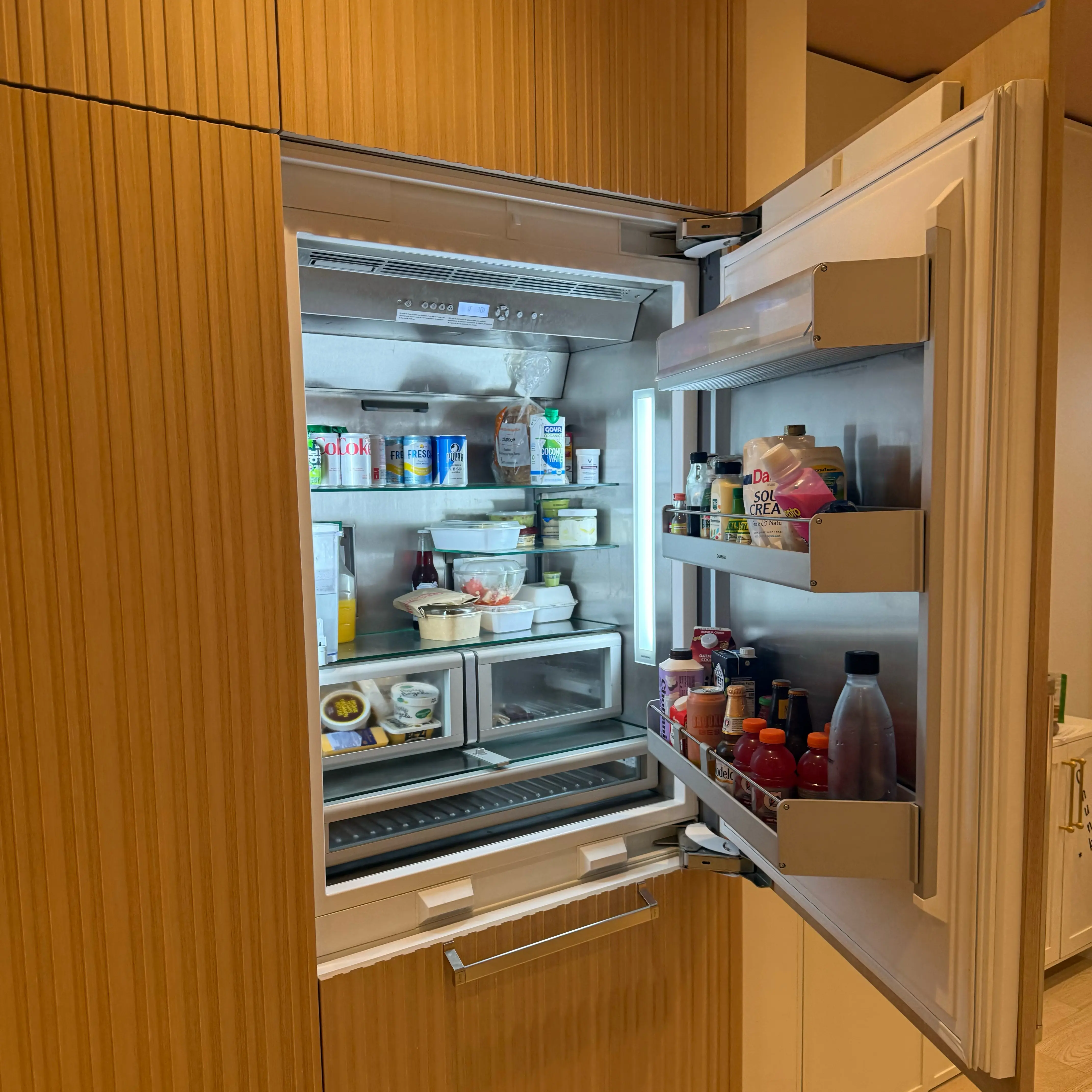
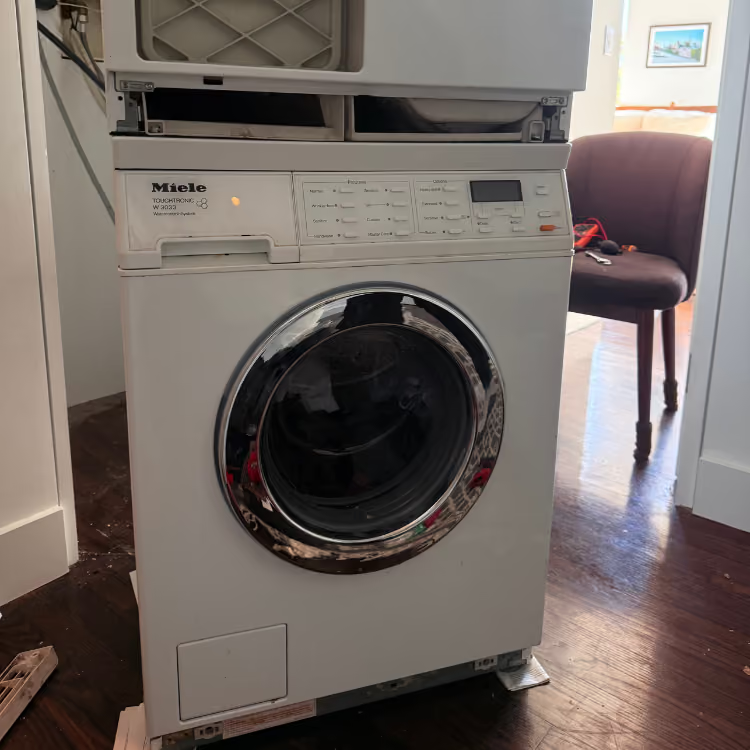
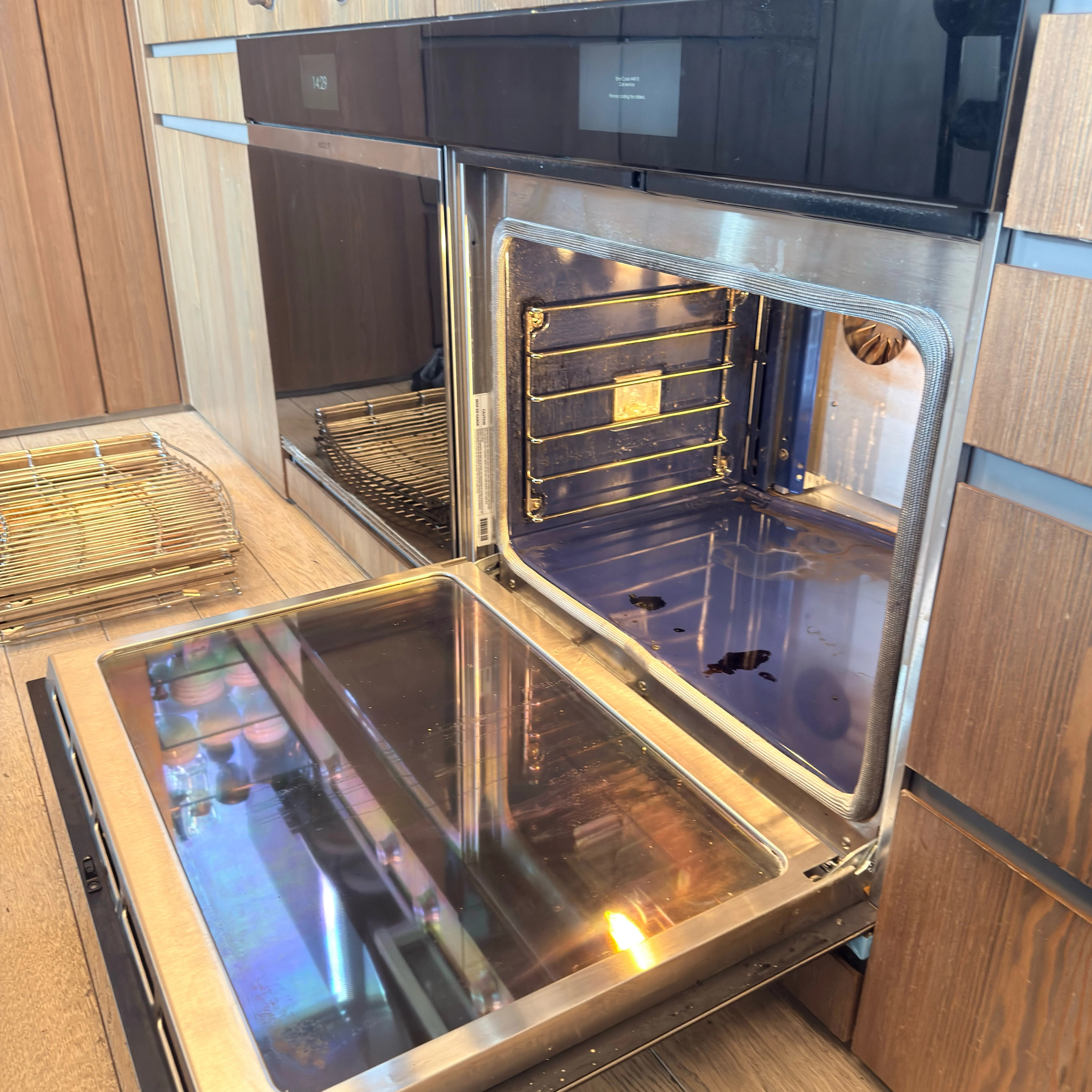
Freestanding, built-in, under-counter, panel-ready, stacked and closet installations have different access constraints. Gas, electric, water-connected, vented and ventless configurations also affect the repair path; uncertain installation details require on-site assessment rather than a guessed category.
Do not pull the appliance out, tip or lift it, remove trim, reach behind it, unstack laundry, or disconnect gas, water, wiring or venting to identify the setup. A model label may be visible through a normal door or drawer opening.
Building access varies by property
Managed or elevator entry
Concierge access, management approval, service entrances, contractor windows, COI requirements and elevator reservations may have property-specific conditions and deadlines. The service manager checks which requirements can be met before an appointment is finalized. These conditions do not apply to every North Brooklyn building.
Loft-style or mixed-use entry
A residential unit in a mixed-use property may have an entrance, floor or access contact separate from the street-level use. Freight or loading requirements apply only when the property actually has them. The labels “loft” and “mixed-use” do not establish the route to the appliance.
Walk-up or rental entry
Floor level, buzzer or key access, and any required owner or superintendent approval can affect entry. Tight stair turns and a stacked laundry setup can limit access to the appliance. Leave the appliance in place. Pending property approval can delay scheduling.
Visible appliance symptoms
The affected function, the point where a cycle stops and the last normally completed operation help distinguish different appliance problems. A symptom alone does not confirm the failed component.
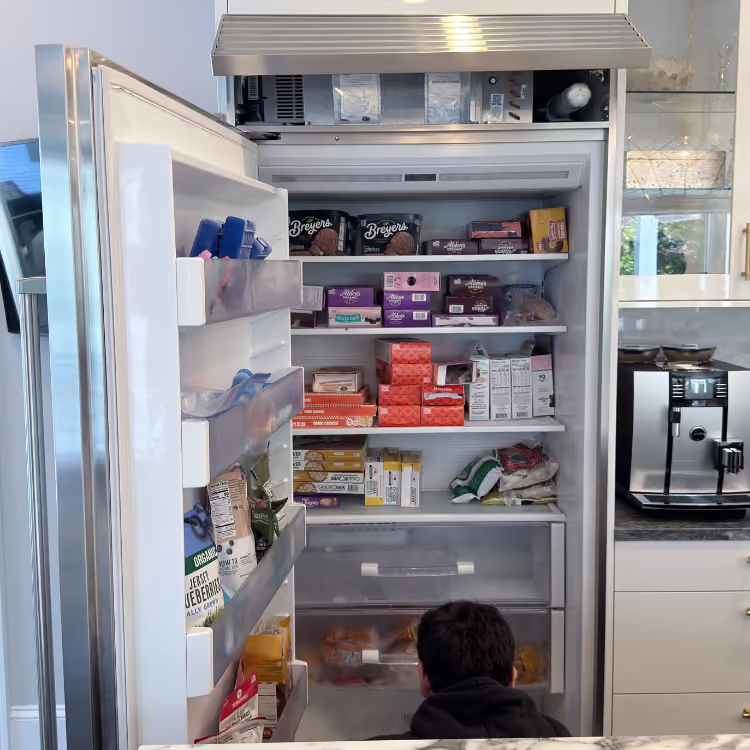
- Refrigerator: changes in the fresh-food section, freezer or both; frost, water, noise or an exact displayed message.
- Dishwasher: failure to start, interrupted cycles, standing water, leaks, poor cleaning or poor drying.
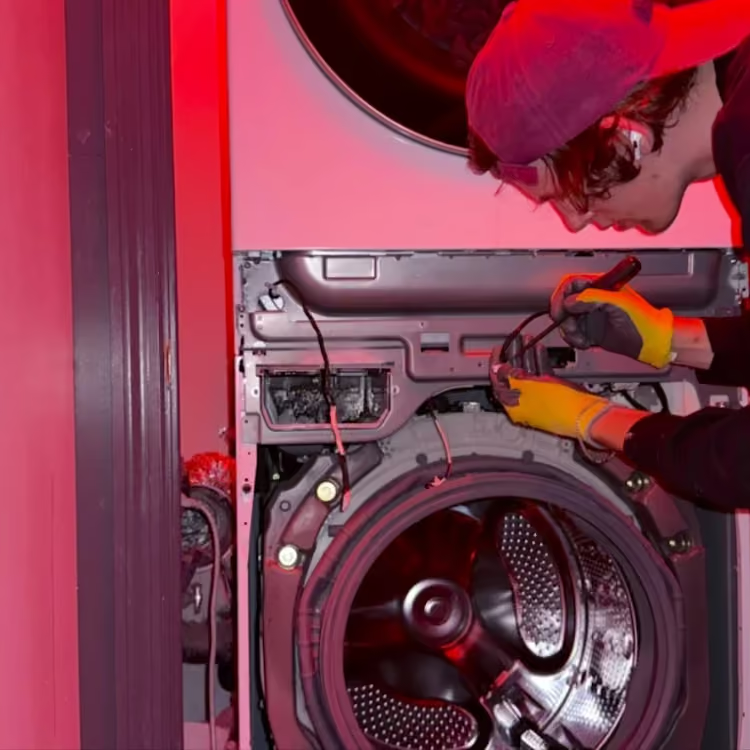
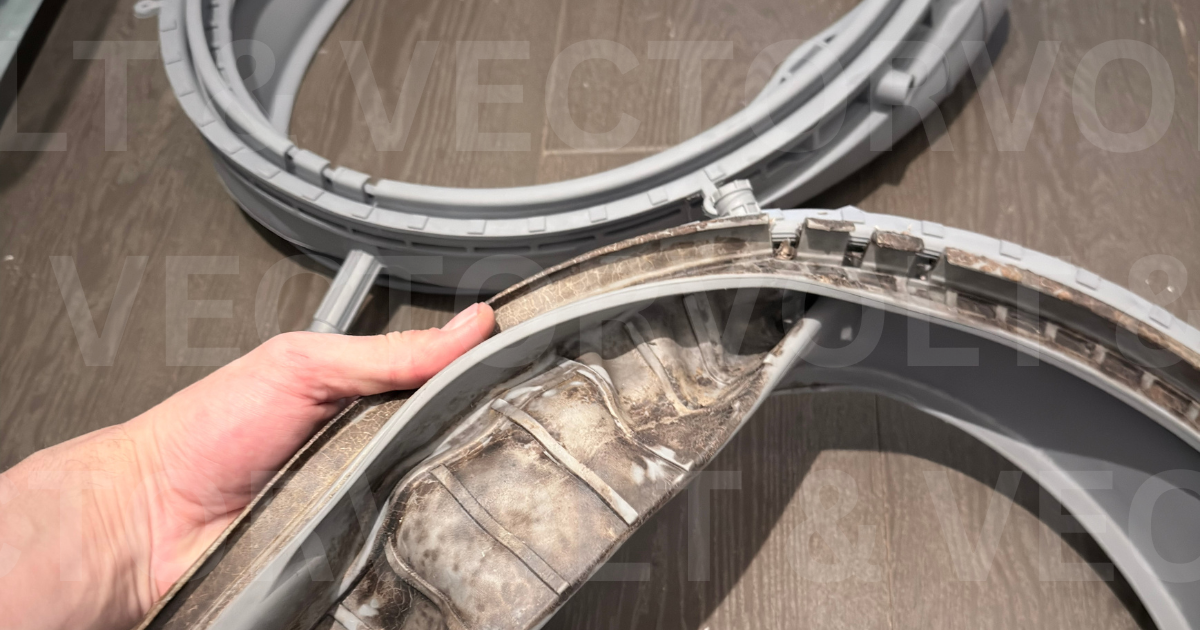
- Washing machine: the cycle phase where operation stops, failure to drain or spin, and where visible water first appears.
- Dryer: drum movement, whether heating starts, changes in drying time and early cycle stops.
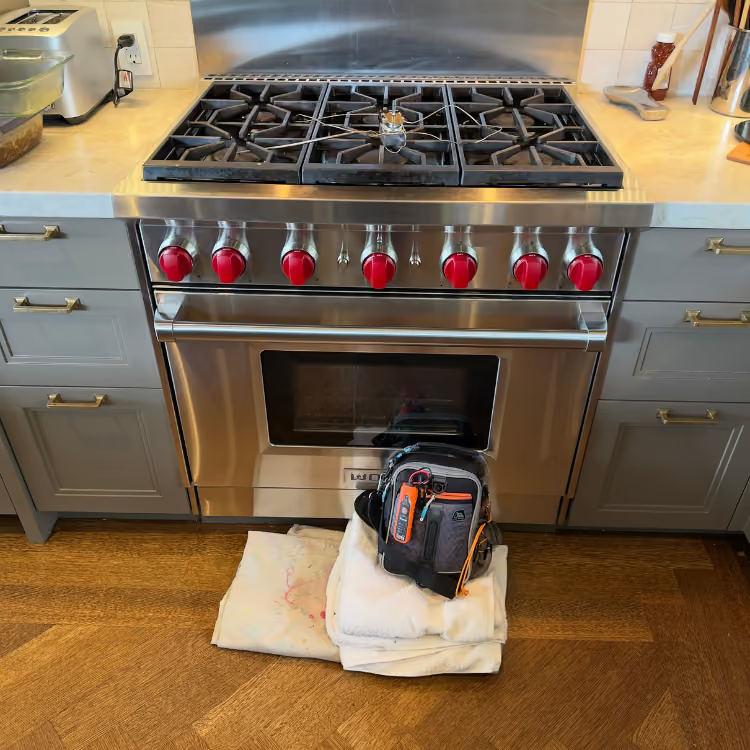
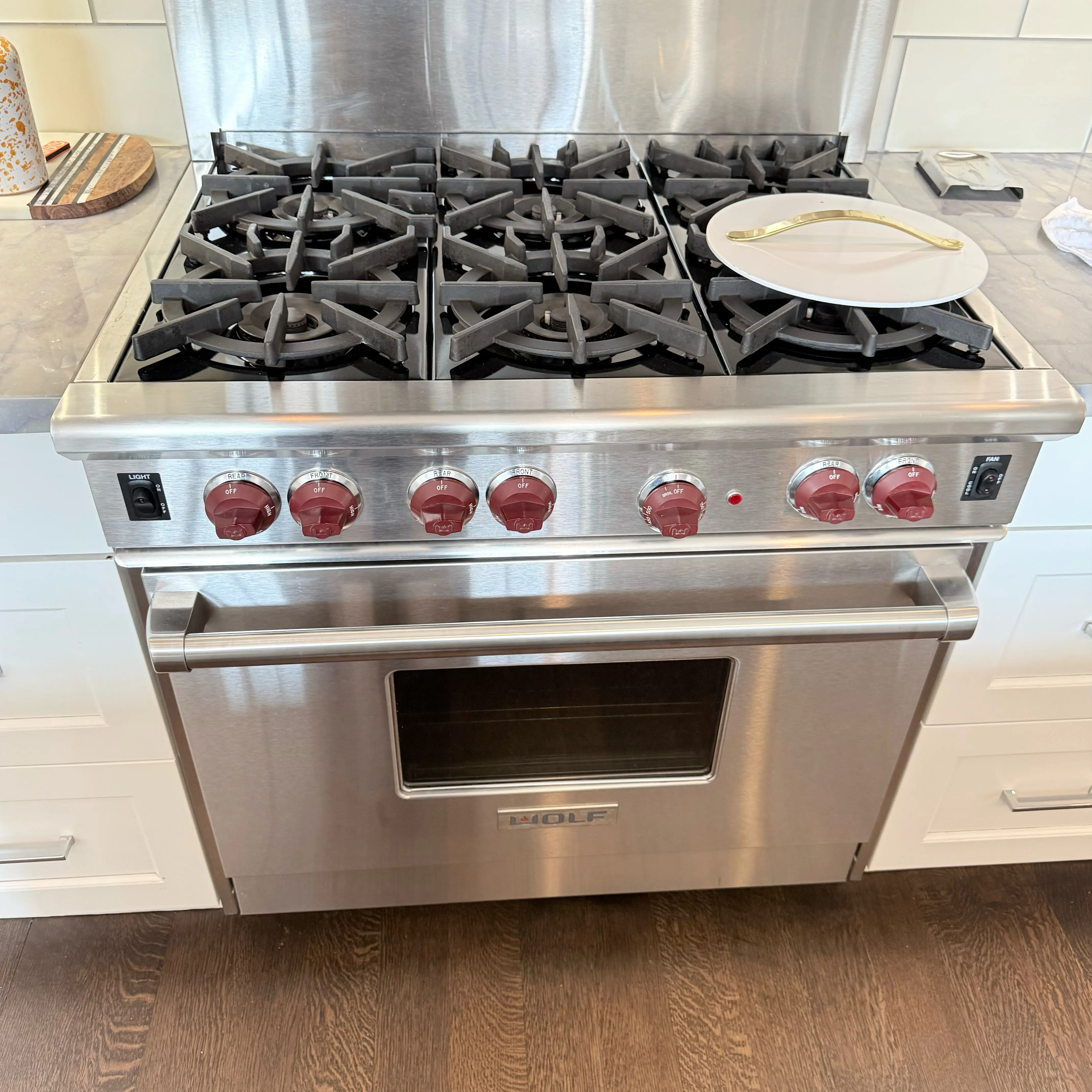
- Range or oven: gas or electric configurations; an affected burner or oven function, an exact displayed message or ignition behavior.
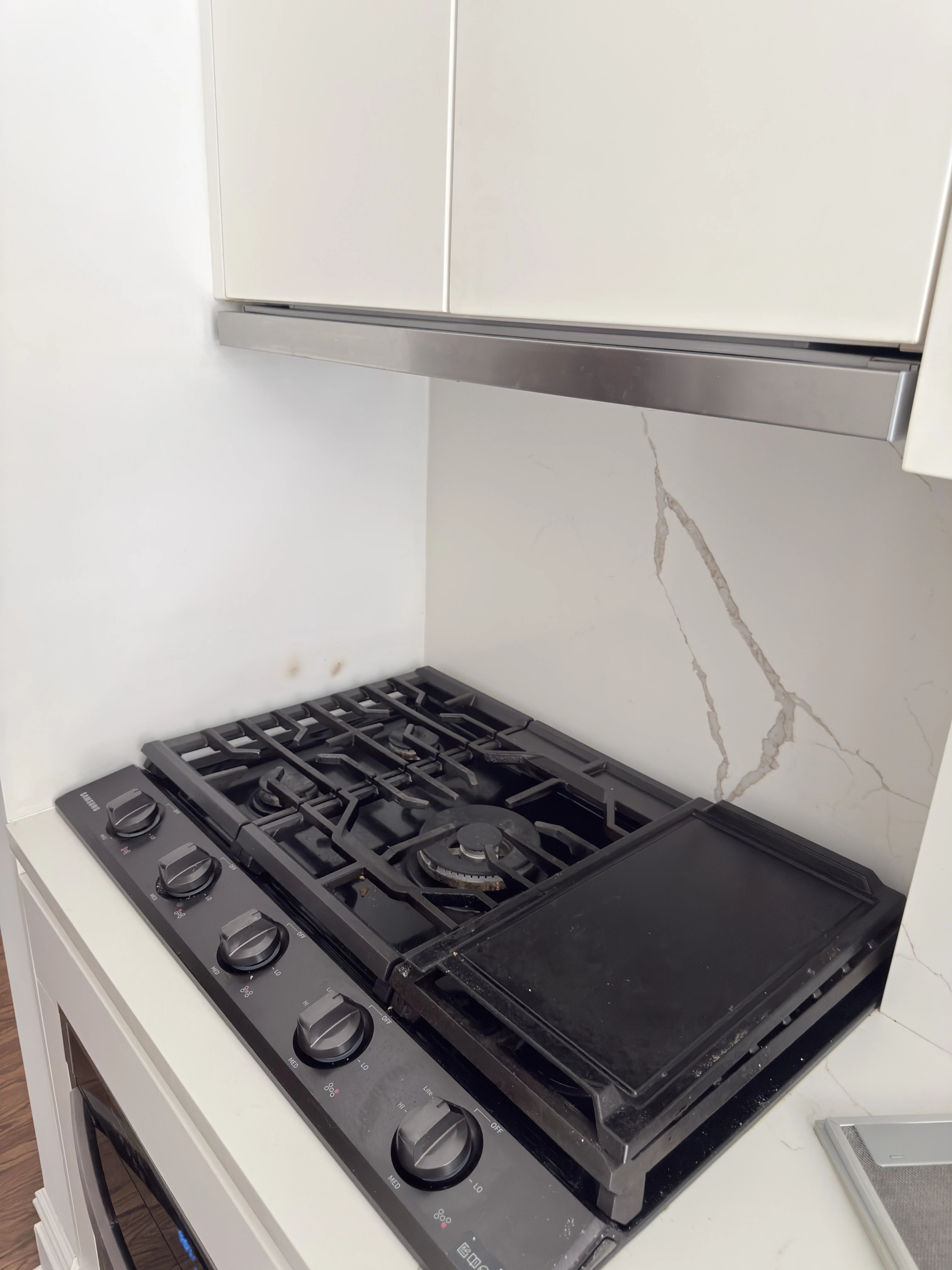
- Cooktop: clicking, no ignition, no heat or an unresponsive control in the affected zone.
Do not bypass a switch or lock, open a panel, test live voltage, or repeatedly reset a tripping breaker.
What Happens After You Submit
- The address, unit, appliance, symptom, and known access details reach the service team.
- A live manager checks the request; the form does not automatically confirm an appointment.
- If the address, contact, installation, building rule, or symptom is unclear, the manager calls or sends an SMS with the specific question.
- If the address is eligible and a suitable time is available, you and the manager agree on the appointment details.
Stop-Use and Emergency Boundary
Stop using the appliance for smoke, sparking, a burning electrical smell, unusual heat at a cord or outlet, violent movement, or water reaching electrical parts. Do not run it again while those conditions remain.
If you smell gas, leave the building immediately. Do not try to locate the leak, operate switches or appliances, use a phone inside, smoke, or light a flame. From a safe location, call 911 and follow the NYC suspected gas-leak instructions. A repair request is not an emergency-response channel.
Find the Right Brooklyn Service-Area Page
North Brooklyn Appliance Repair FAQ
Which neighborhoods does this page cover?
Greenpoint, Williamsburg, and Bushwick. When a label or boundary is unclear, the exact address determines routing.
Do I need a COI or service-elevator reservation?
Only when the property requires one. COI, service-elevator and other building-access requirements vary by property; the manager confirms which requirements can be met.
Should I move the appliance to find its label?
No. Leave the appliance in place. Do not pull out a built-in, stacked, gas-connected, water-connected or tightly fitted appliance to find its label.
Can a tenant submit the request?
Yes. If an owner, landlord or manager must approve access or the repair decision, that approval remains part of the scheduling requirements.
Is a diagnosis made by text?
No. An error code or the point where a cycle stops can guide diagnosis, but a failed component requires diagnostic confirmation at the appliance.


.avif)