

.avif)



Downtown Brooklyn Appliance Repair
This page covers appliance repair requests for Downtown Brooklyn, DUMBO, Brooklyn Heights, Boerum Hill, Fort Greene, and Clinton Hill. New York City lists these six communities within Brooklyn Community Board 2, but Community Board 2 includes additional communities as well. This page is a service-navigation group, not a replacement for an official boundary. Coverage is confirmed from the exact address.
- Downtown Brooklyn
- DUMBO
- Brooklyn Heights
- Boerum Hill
- Fort Greene
- Clinton Hill
For borough-wide information, use Brooklyn appliance repair. The Brooklyn service-area hub shows all four regional pages.
Follow the Building Clearance Sequence
The booking record needs two things at the same time: a clear appliance symptom and a workable path into the unit. The following sequence keeps building questions from appearing only after a time is discussed.
1) Confirm the exact address and unit
Provide the full street address, apartment or unit, floor, ZIP code, buzzer or front-desk name, and a working contact number. If a tenant, owner, manager, superintendent, or other person must approve entry, state the role and who will be present.
2) Check the property's current requirements
Some co-op, condo, rental, and other managed properties may require advance vendor approval, insurance documentation, contractor registration, front-desk authorization, or an appointment window. These rules are property-specific. If they apply, upload or forward the current instruction, certificate-holder wording, deadline, and management contact. Do not assume that a neighboring building uses the same process, and do not treat a requested COI as automatically accepted until the service manager confirms it can be met.
3) Describe the arrival route
Note the lobby or concierge desk, service entrance, loading area, elevator, stairs, or another route that actually reaches the unit. If a service elevator must be reserved or contractor hours are restricted, include the permitted window. Street loading remains subject to posted signs; a building instruction does not authorize curb use.
4) Show the installation context
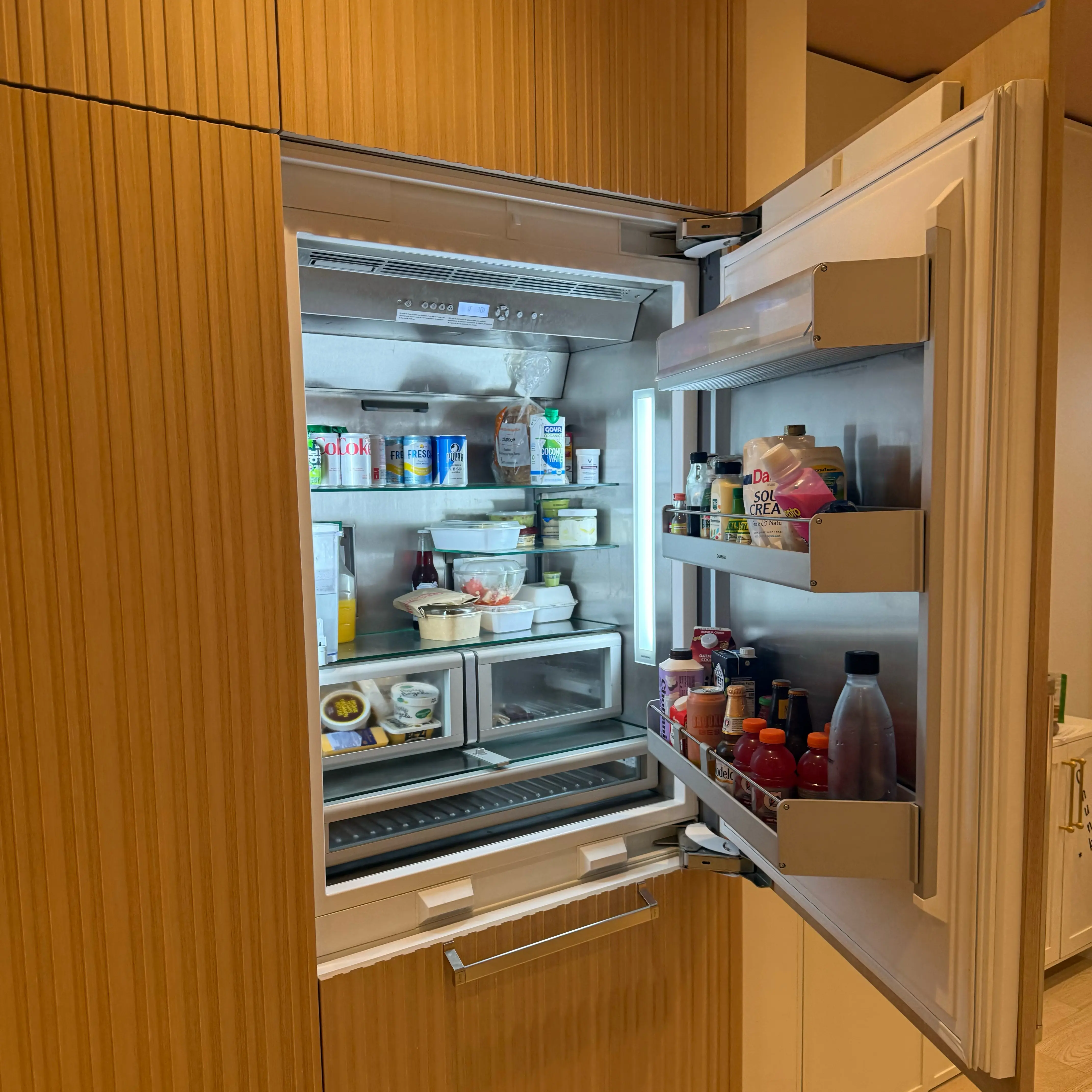
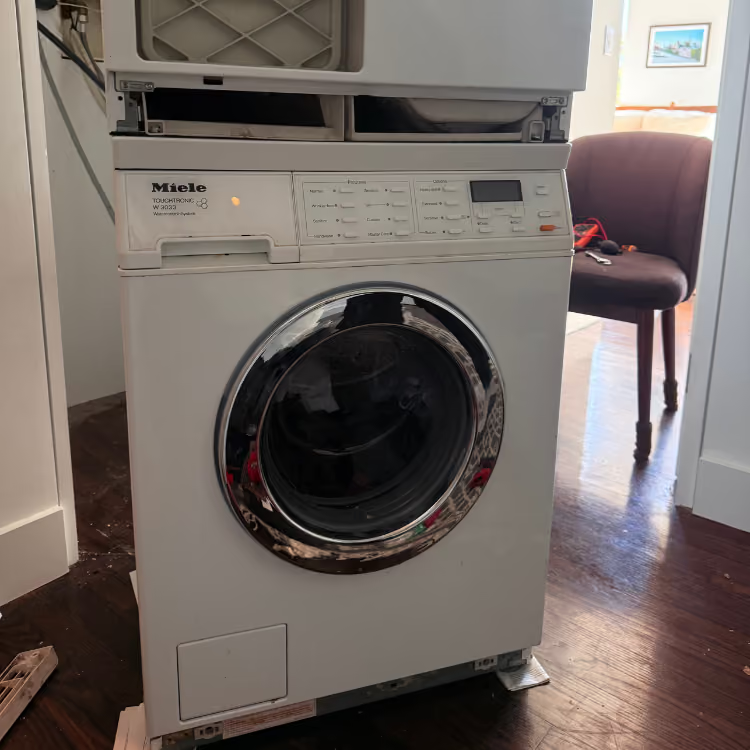
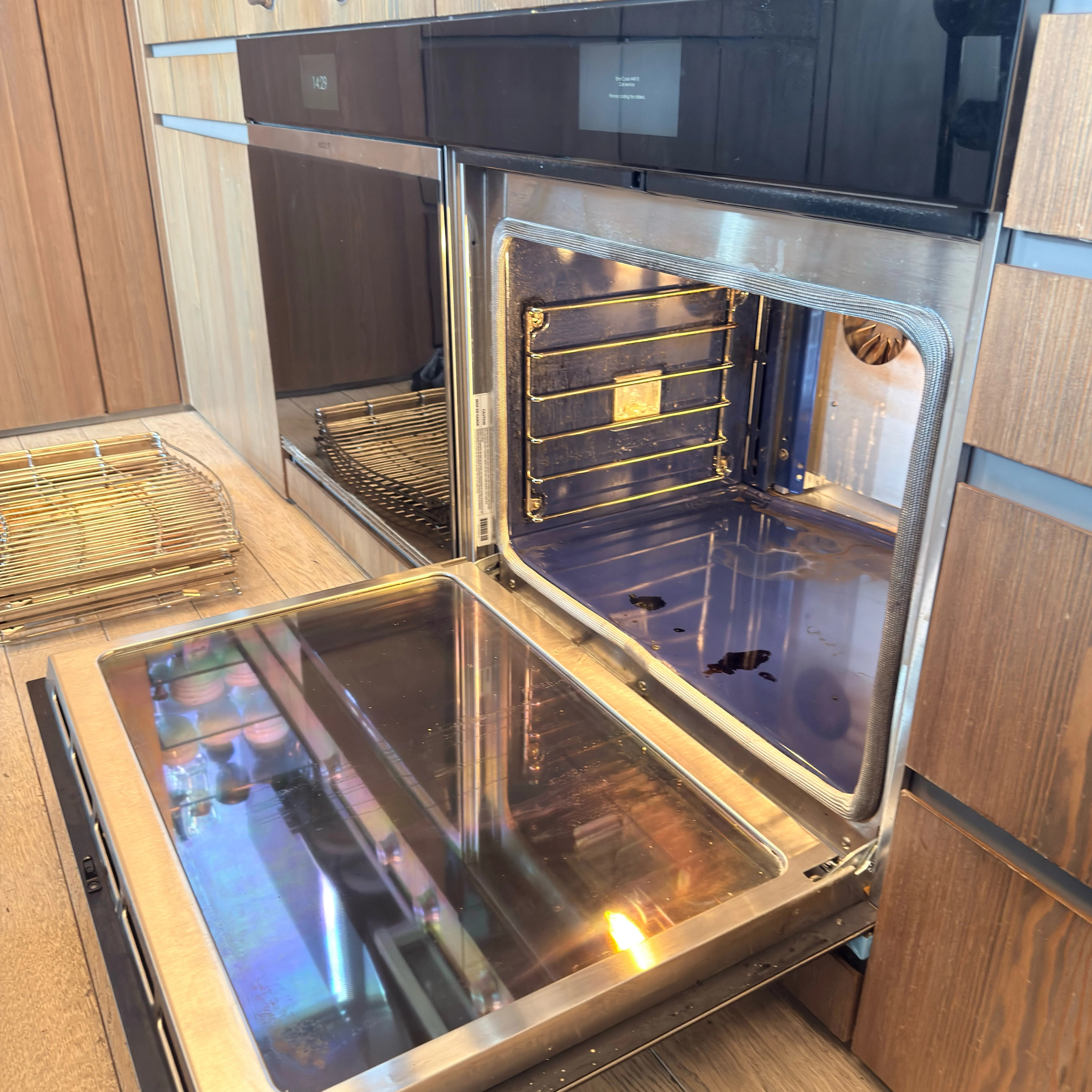
State whether the appliance is freestanding, built-in, under-counter, panel-ready, stacked, or inside a closet when known. Add a full front photo and a wider photo of the surrounding cabinet, counter, floor, or laundry enclosure. Do not remove a decorative panel, pull out a connected appliance, unstack laundry, or disconnect gas, water, electricity, or venting to prepare the request.
5) Let a live manager resolve the open questions
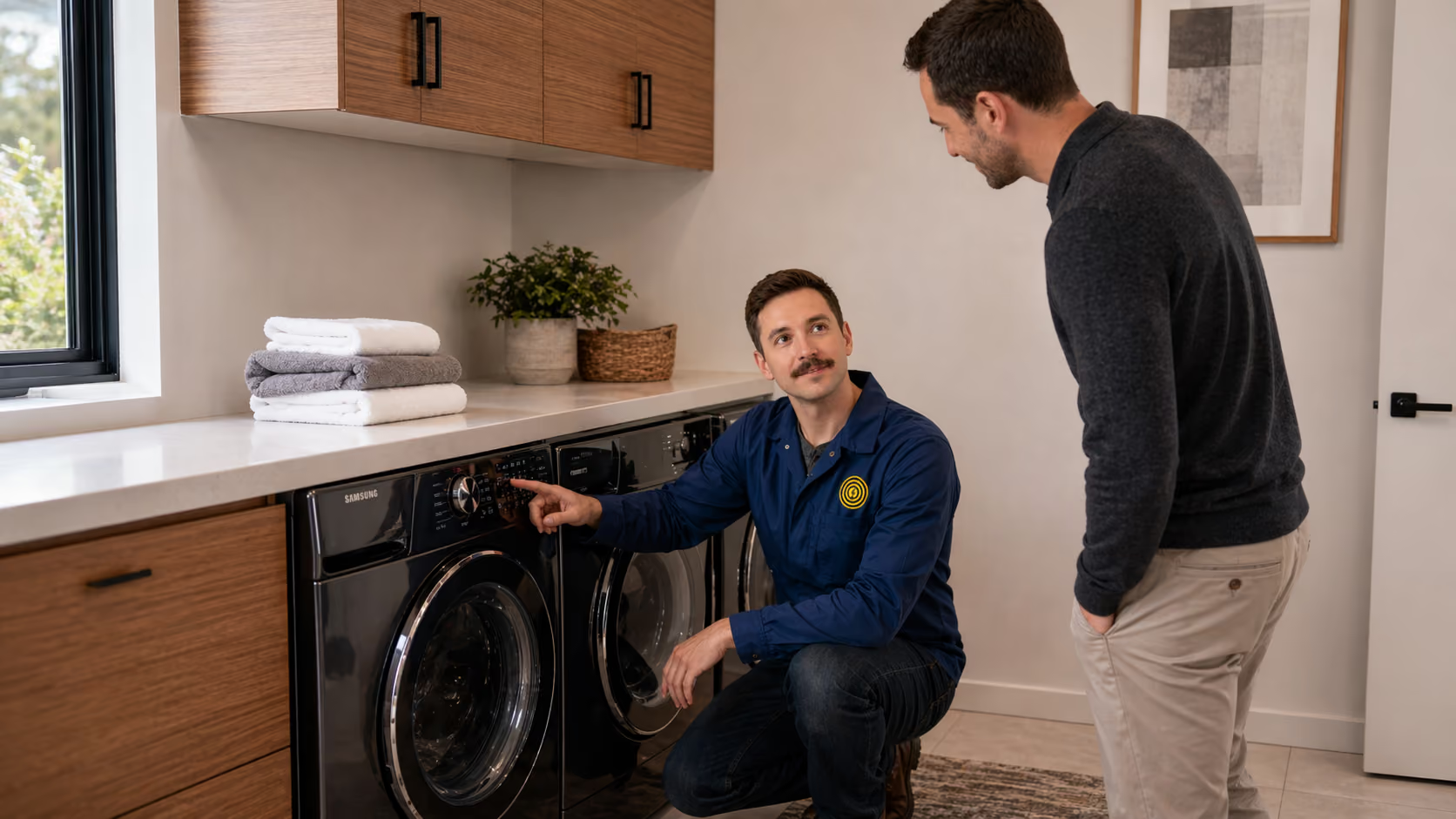
Submitting the form starts human review; it does not create an automatically confirmed appointment. A live manager checks the address, appliance, access notes, contact information, and requested timing. If something is missing, the manager calls or sends an SMS so you can resolve the exact question before confirmation.
Describe the Appliance Without Guessing a Part
Record the visible behavior, when it began, and what happened immediately before it. An exact symptom is more useful than the name of a part found in a search result.
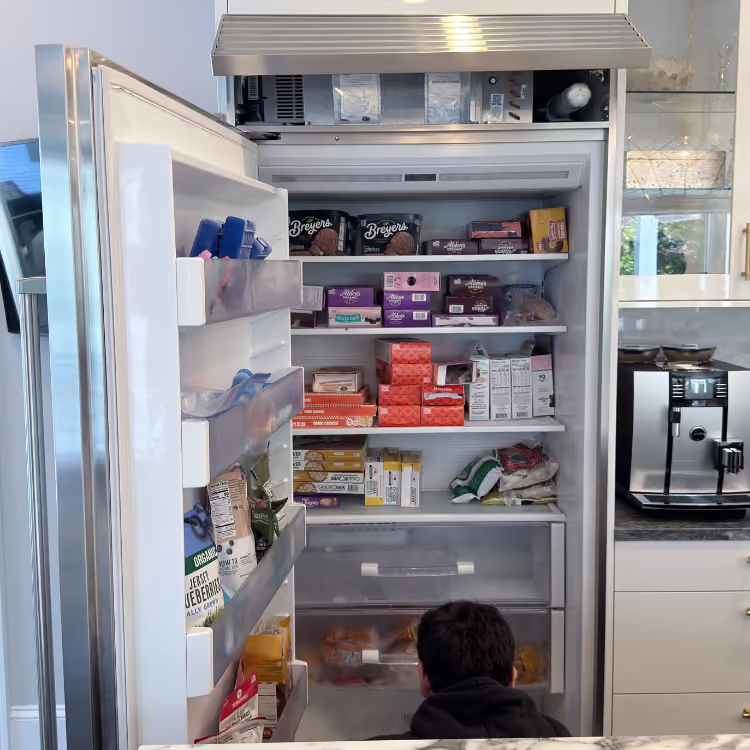
- Refrigerator: say which compartment changed, whether it runs, leaks, frosts, or displays a message, and whether ice or water changed at the same time.
- Dishwasher: record whether it will not start, stops, leaves water, leaks, or finishes without cleaning or drying normally.
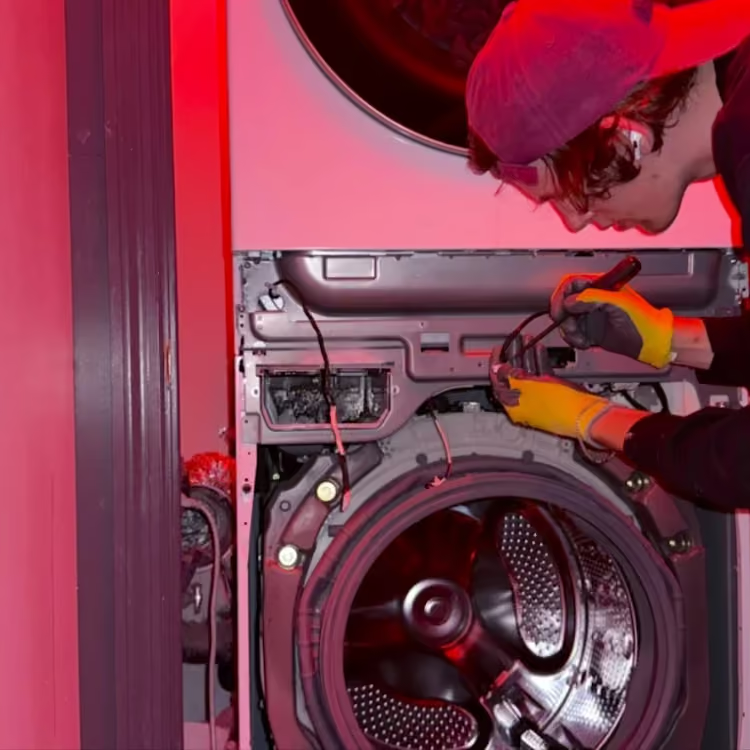
- Washing machine: identify whether it fails to fill, drain, spin, unlock, or complete a cycle and where any visible water appears.
- Dryer: note whether the drum turns, heat starts, clothes remain wet, the cycle stops, or a new odor or sound appears.
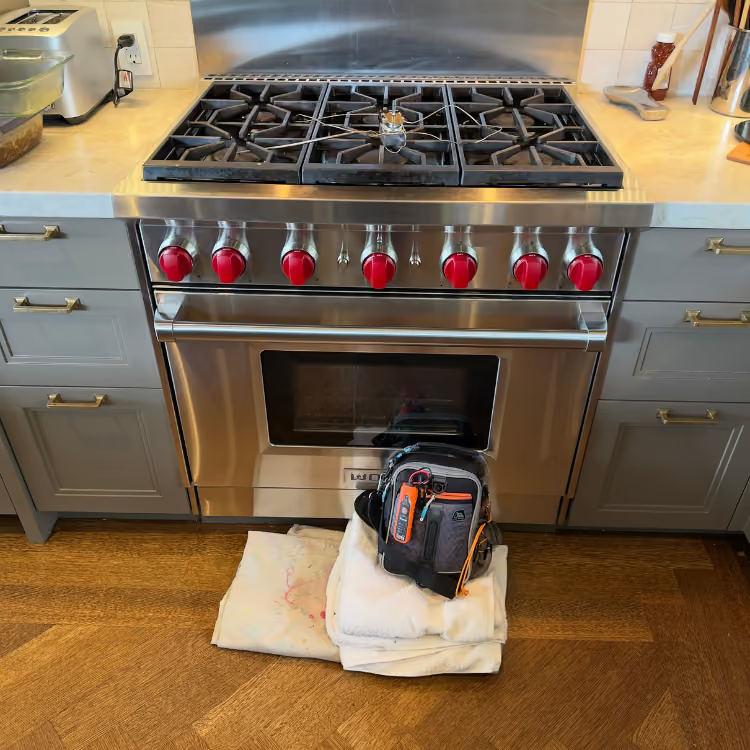
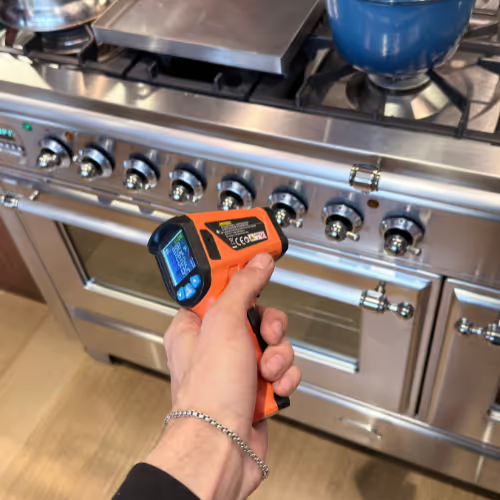
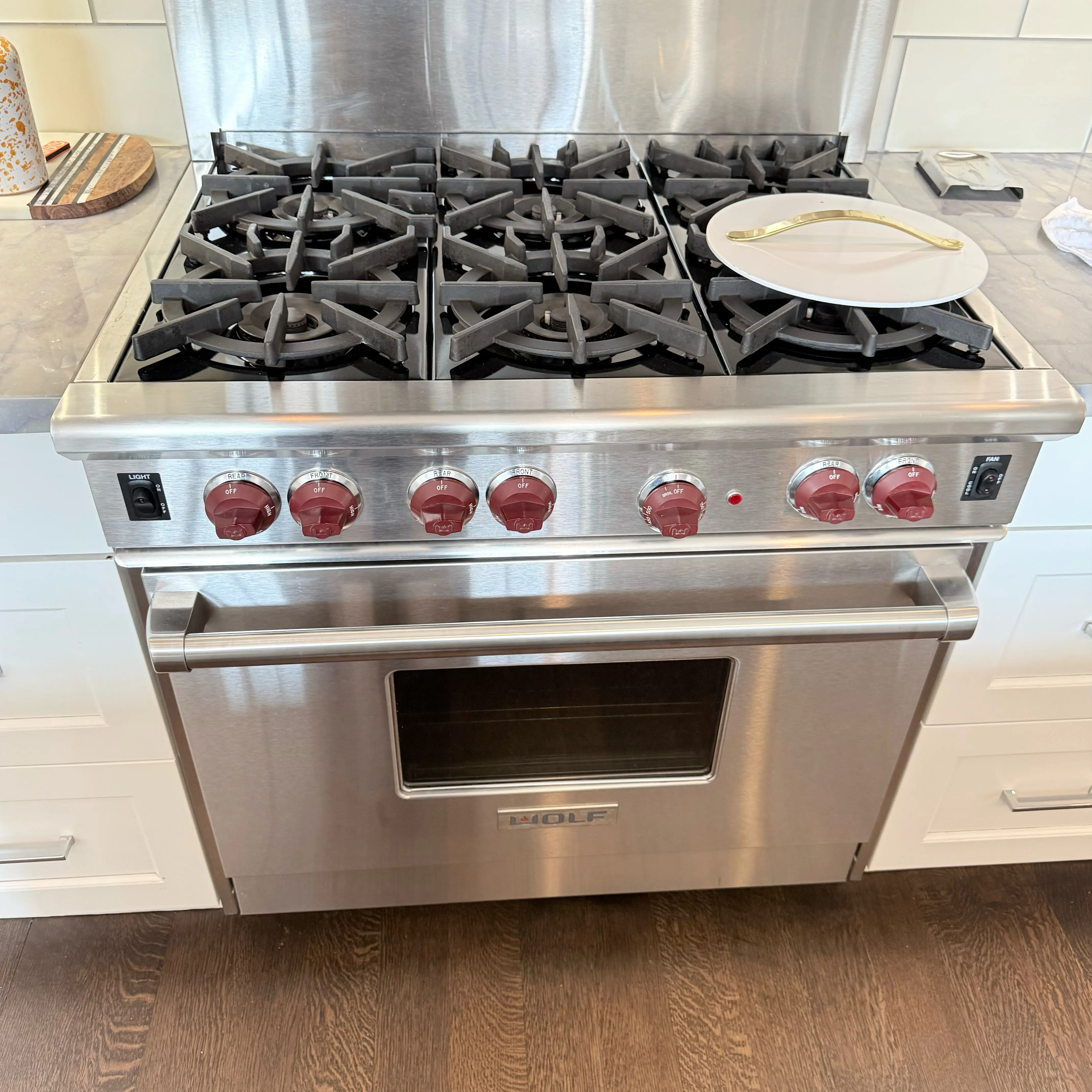
- Range or oven: identify gas or electric if known, the affected burner or oven mode, ignition or heating behavior, and the exact displayed message.
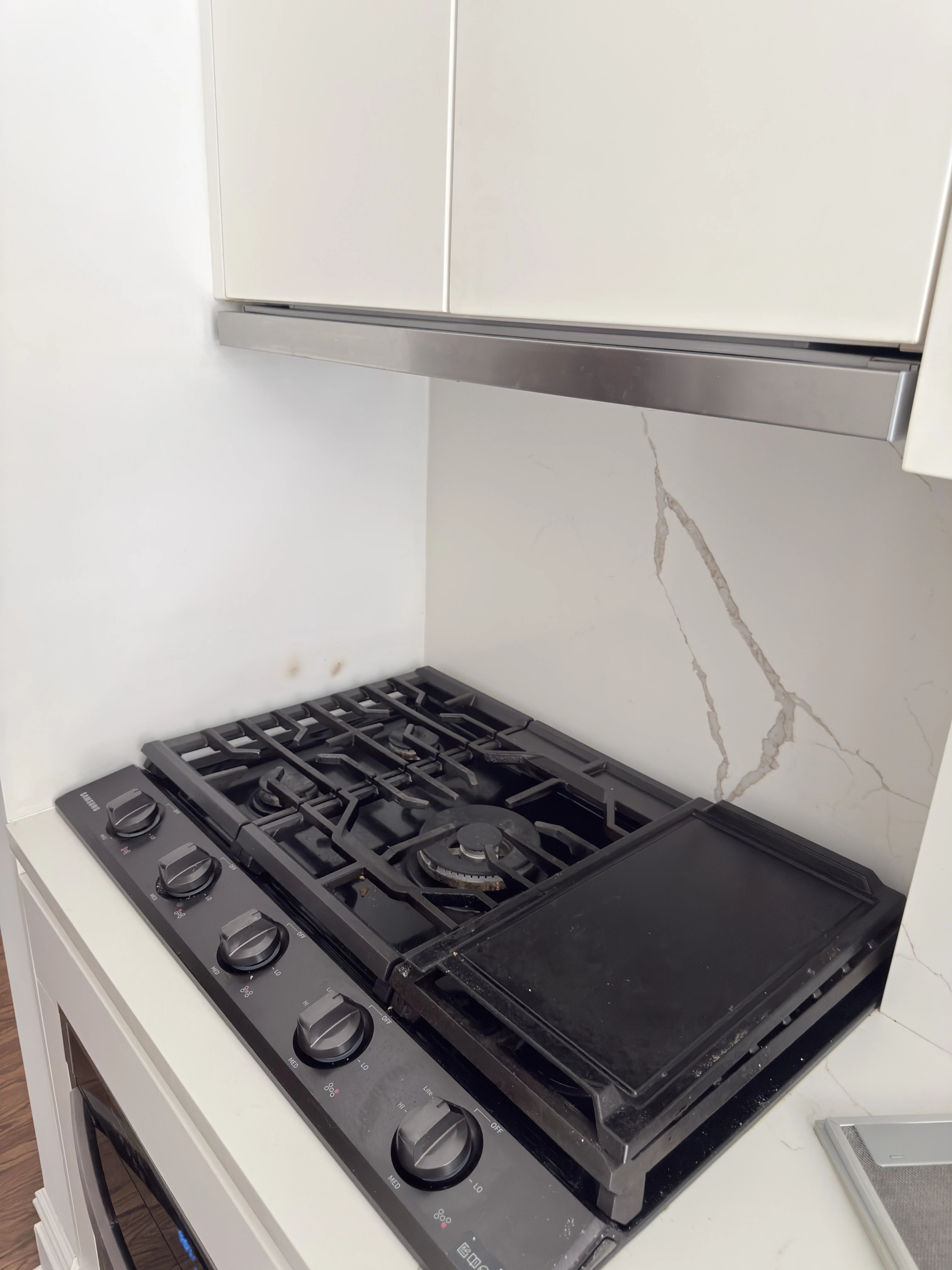
- Cooktop: identify the affected element or burner and whether the visible issue is clicking, no ignition, no heat, or an unresponsive control.
Photograph the full error message and the model label when safely visible. A short sound or cycle video can help only when operating the appliance is safe. Do not remove a kick plate, open a panel, test live voltage, force a locked door, bypass a safety device, or repeatedly reset a breaker.
Separate the Three Contacts When Necessary
The person reporting the symptom, the person authorizing the work, and the person admitting the technician may be different. If so, provide each role and contact. A resident should not be asked to invent management approval, and a front desk should not be treated as the person making the repair decision.
If the appliance is in a shared or separately locked area, identify who holds the key and the permitted access time. If the person submitting the request will not be on site, provide the on-site contact separately.
Stop-Use and Emergency Boundary
Stop using the appliance for smoke, sparking, a strong burning smell, visible heat damage, water reaching an electrical connection, violent movement, or a cord or outlet becoming unusually hot. Do not restart it only to reproduce the problem.
If you smell gas, leave the building immediately. Do not locate the leak, operate switches or appliances, use a phone inside, smoke, or light a flame. Call 911 from a safe location and follow the NYC suspected gas-leak procedure. A routine booking form is not an emergency channel.
What Happens After the Request
- Enter the exact address, unit, appliance, and visible symptom.
- Add the contact roles and only the building requirements that apply.
- Send installation photos and model information when safely available.
- A live manager reviews the request and calls or texts if an appliance, access, paperwork, or scheduling detail is unclear.
- If the address is eligible and a suitable time is available, you and the manager agree on the appointment details.
Other Brooklyn Service-Area Pages
Downtown Brooklyn Appliance Repair FAQ
Does every building require a COI?
No. Insurance documents and vendor approval matter only when the property requests them. Send the current instruction and management contact for review.
Should I reserve a service elevator before booking?
First identify whether a reservation is required and what hours apply. Finalize the reservation after the appointment window and access plan are confirmed.
What should I send for a panel-ready appliance?
Send a front photo, a wider cabinet photo, the symptom, and the model label if safely visible. Do not remove the custom panel or pull out the appliance.
What if I cannot find the model number?
Submit the symptom and photos without moving or dismantling the unit. State that the label is not safely accessible.
Is submission the same as confirmation?
No. Submission starts live-manager review. The manager checks the address, access, appliance, and available scheduling; appointment details are agreed only when the request is eligible and a suitable time is available.


.png)